FOR USE BY QUALIFIED PERSONNEL ONLY
Operation Timer/Temperature
Control
Solid State Controller
This controller has three (3) control features:
1. Temperature - Temperature may be set
from 225 - 450°F (107-232°C).
2. Time - Time may be set from 1 second to
99.59 minutes.
3. Counter – Cycle counter counts the number
of applications from 1 to 9999 (see
additional Notes – Counter).
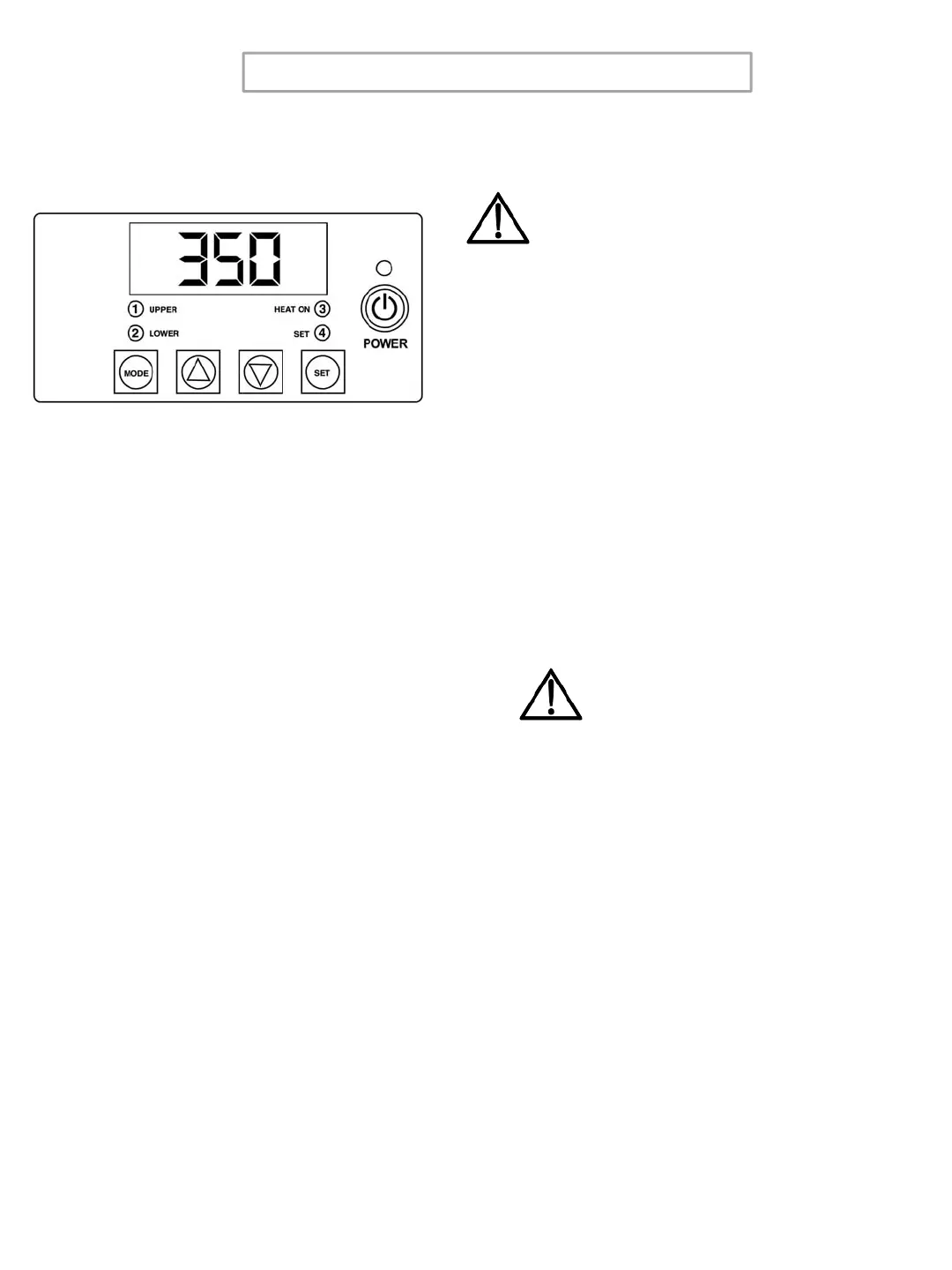
Controller Operation
1. If the temperature is not being displayed,
press the MODE button until temperature is
displayed.
2. Push and hold SET button and
simultaneously push UP (↑) or DOWN (↓)
arrow buttons to the desired temperature
setting.
3. Press the MODE button until time is
displayed.
4. Push and hold SET button and
simultaneously push UP (↑) or DOWN (↓)
arrow buttons to the desired timer setting.
Timer
• The controller has a count down timer that
automatically activates a buzzer at the
completion of the application.
• Timer display is minutes:seconds. Range is
00:00 to 99:59, Colons (:) flash while timer is
running.
Counter
The controller has a built in cycle counter.
• Press MODE button until the counter is
displayed.
• Counter display range is 0000 to 9999.
• To reset the cycle counter, display the
counter reading, then push and hold UP (↑)
and DOWN (↓) arrow buttons for 3 seconds
until the counter resets to zero (0000) on the
display.
NOTE
The timer or buzzer may be stopped
while the handle is in the down
position by pressing the MODE button.
The timer will automatically reset after
the handle is raised.
5
Temperature
NOTE
Fahrenheit/Centigrade (Celcius)
Conversion
Press MODE button until counter is
displayed, then push and hold the SET
and MODE button until level 1 Sleep Mode set back
time appears (1.OFF), then choose Level 1
Menu 4 to change from
°
F to
°
C.



 To Next Page