FOR USE BY QUALIFIED PERSONNEL ONLY
Automatic Shut Off
5. Press MODE.
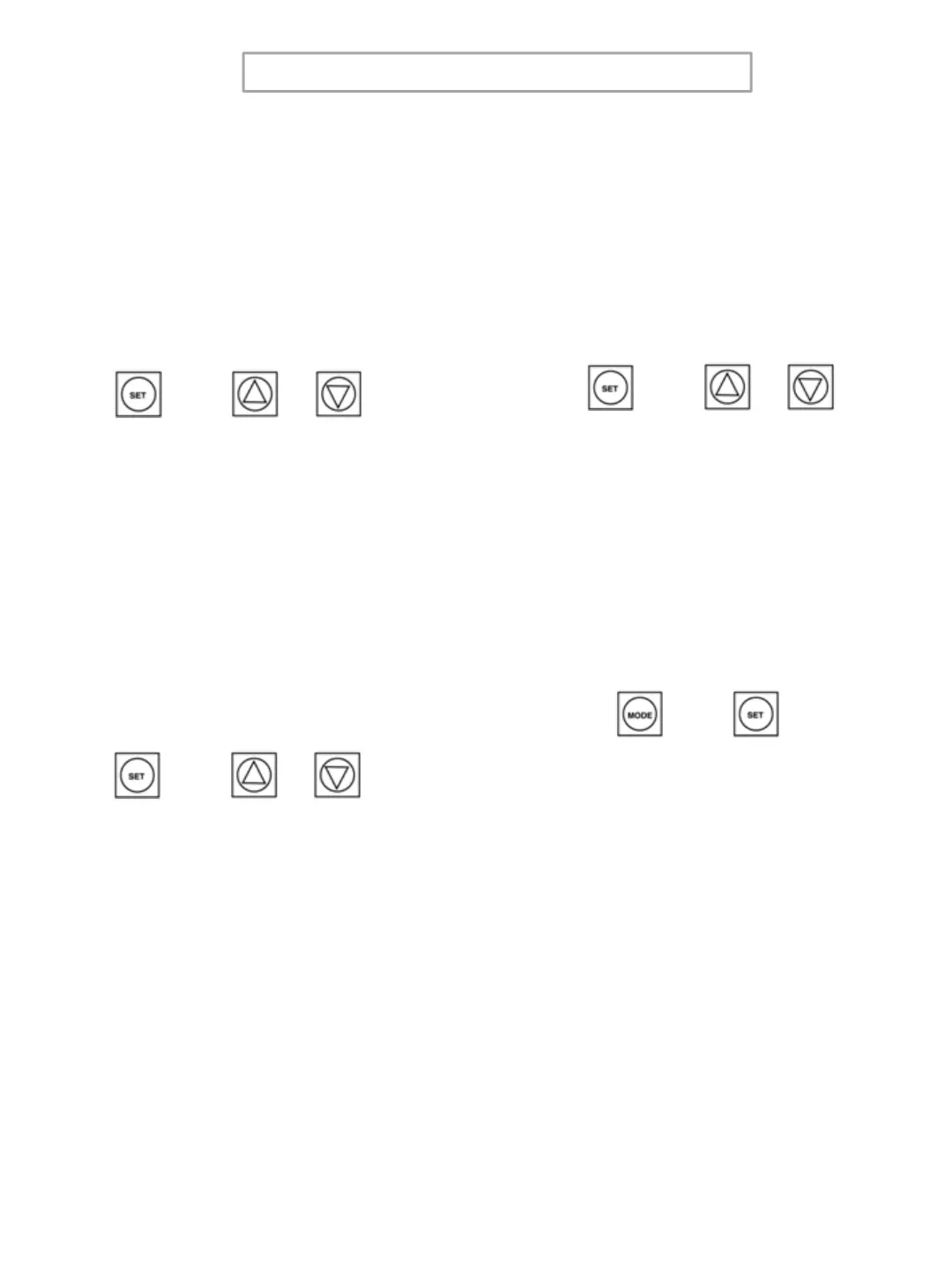
6. Press SET + UP or DOWN Arrow to
set Auto Shut Off Time.
3._XX ; XX = Minutes from OFF to 99
Fahrenheit / Celsius
7. Press MODE.
8. Press SET + UP or DOWN Arrow to
set Fahrenheit or Celsius.
4._X ; X = F or C
+
or
+
or
User Offset
9. Press MODE.
10. Press SET + UP or DOWN Arrow to
set the Offset.
5._XX ; XX = Offset Number
Exit
11. Press MODE + SET for 3 to 5
seconds to Exit.
+
or
+
7



 To Next Page