FOR USE BY QUALIFIED PERSONNEL ONLY
Model 204
(Controller P/N MPC90270 ; Rev. 6.27)
The Sleep Mode / Automatic Shut Off is
designed to save electrical consumption when
the user is not engaged in the usage of the
Insta heat seal machines.
During activation, any disturbances such as the
key press or heat press cycle will reset the
timers for both Sleep Mode and Automatic Shut
Off.
When the Automatic Shut Off is set to OFF, the
Sleep Mode will hold forever until it is
interrupted by any disturbances.
When the Sleep Mode is set to OFF, the timer
for Automatic Shut Off will begin after every key
press or heat press cycle.
• Sleep Time
(Level 1 – Menu 1)
• Set Back Temperature
(Level 1 – Menu 2)
• Automatic Shut Off Time
(Level 1 – Menu 3)
• Fahrenheit / Celsius
(Level 1 – Menu 4)
• User Offset
(Level 1 – Menu 5)
Sleep Time
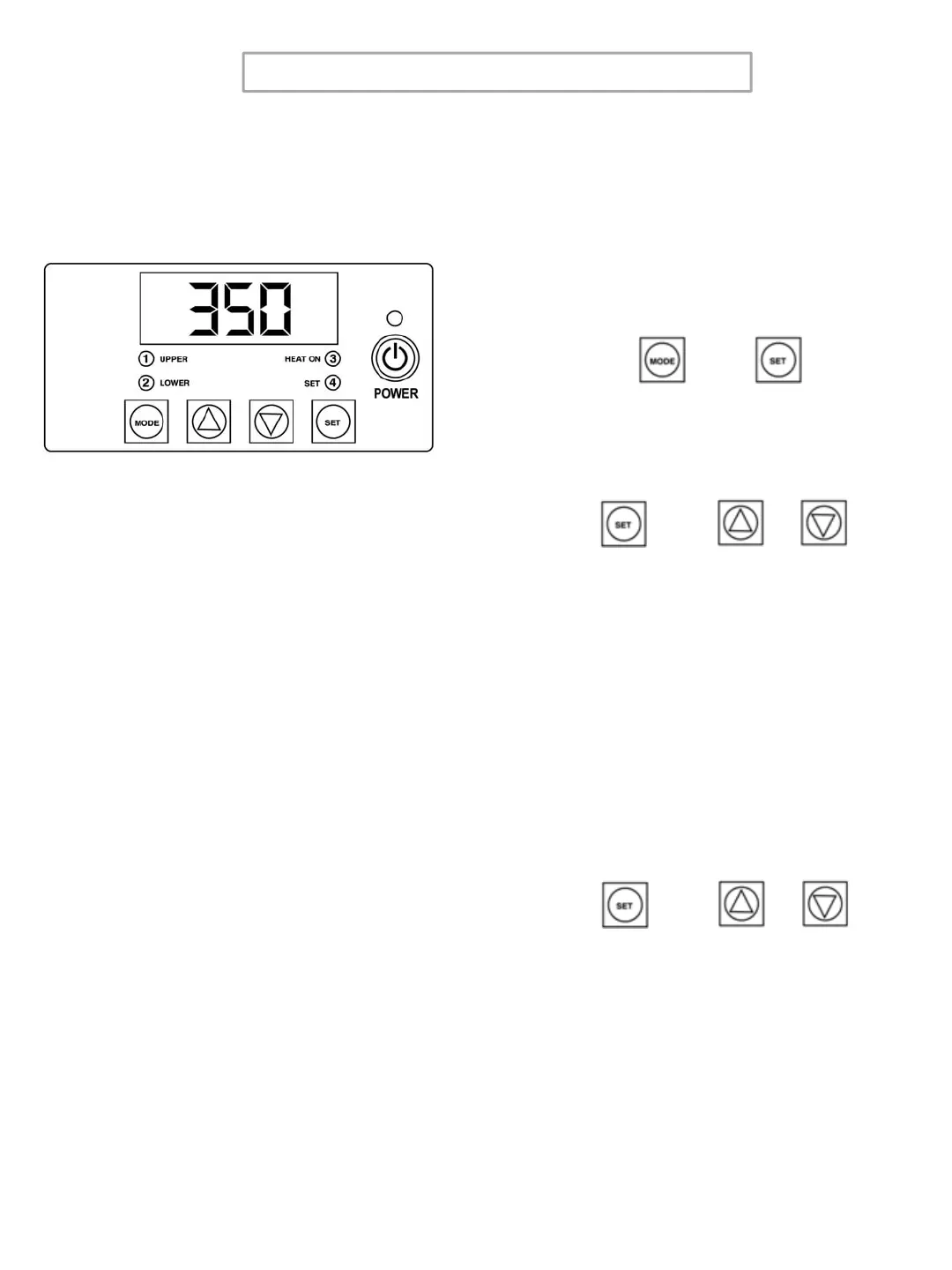
1. Display the COUNTER . Enter the
Factory Mode by pressing MODE +
SET for 3 to 5 seconds.
2. Press SET + UP or DOWN Arrow to
set Sleep Mode Time.
1._XX ; XX = Minutes from OFF to 99
Set Back Temperature
3. Press MODE.
4. Press SET + UP or DOWN Arrow to
set Set Back Temperature.
2._XXX ; XXX = Temp. from 225F to
300F
+
+
or
+
or
Sleep Time, Set Back Temperature,
Automatic Shut Off, Temperature
Conversion, and Offset
6



 To Next Page