12
User Manual
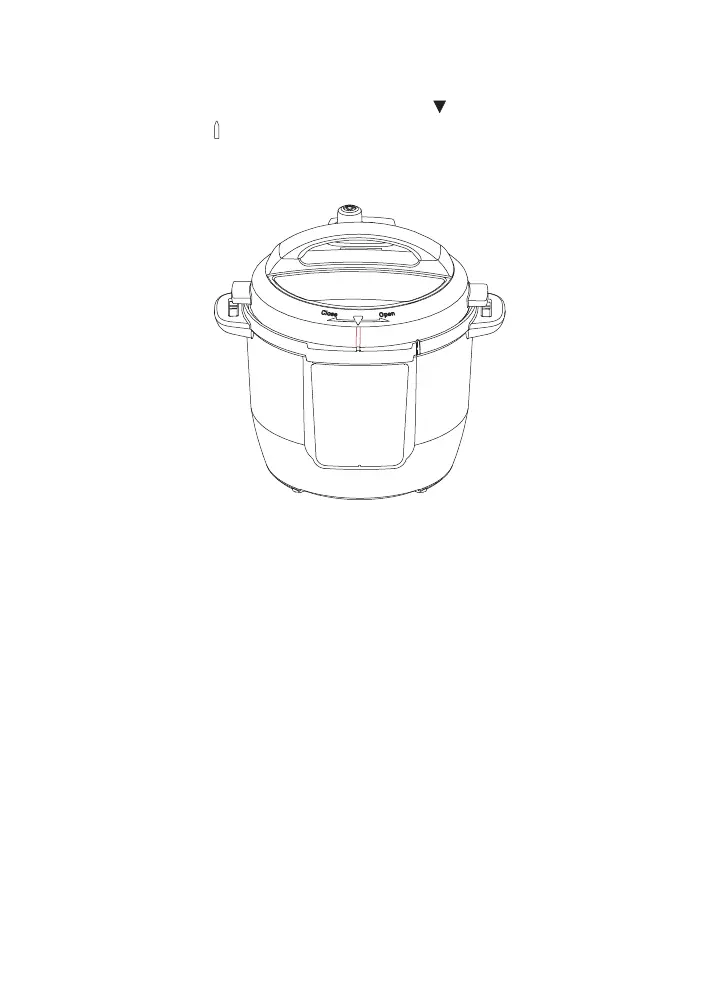
Close the Lid
1. Align the arrow on the lid with the arrow at the side of the
control panel
.
2. Turn the lid clockwise until the line on the lid lines up with the line
on the control panel.
Turning the sound On/Off
Turn sound on
When in Standby mode, press and hold Delay Start and Keep Warm
keys together until display shows S On.
Turn sound off
When in Standby mode, press and hold Delay Start and Keep Warm
keys together until display shows SOFF.
Audible safety alerts (beeps) cannot be turned off.













 To Next Page