EasyManua.ls Logo

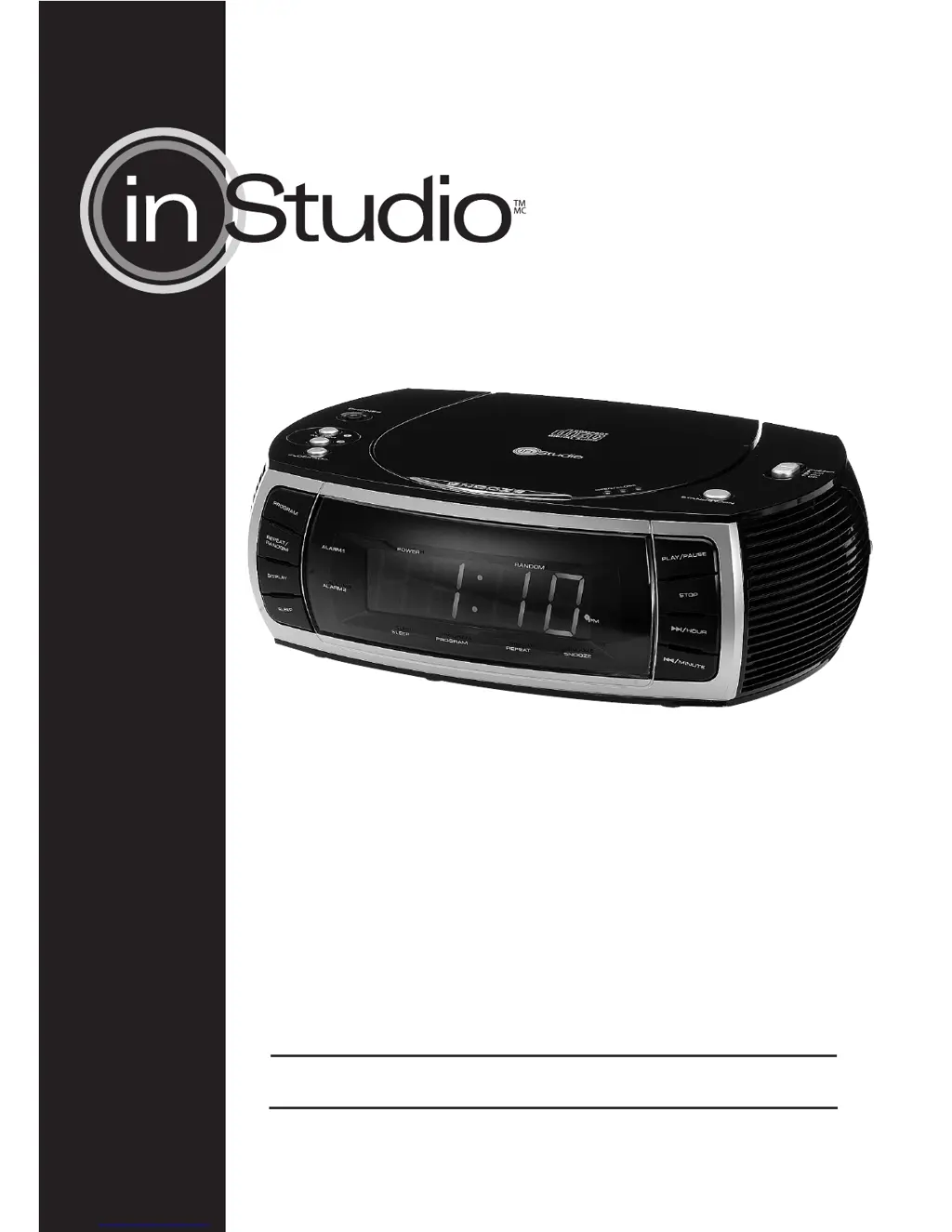
inStudio Prescott - User Manual

inStudio Prescott
11 pages
Print Icon
To Next Page IconTo Next Page
Loading...
INSTRUCTION MANUAL
1215205
Prescott
CD Alarm
Clock Radio

Questions and Answers

  • L
    Lisa SwansonAug 1, 2025
    How to fix no sound on inStudio Prescott Clock Radio?
    • F
      Felicia AndersenAug 1, 2025
      If there is no sound coming from your inStudio Clock Radio, there are a couple of things to check: * First, make sure the volume isn't set too low. Try adjusting the volume to a higher level. * Second, verify that the power cable is correctly and securely connected.
  • Q
    qgrayAug 8, 2025
    Why is the reception so poor on my inStudio Prescott Clock Radio?
    • J
      Jason SosaAug 8, 2025
      Poor radio reception on your inStudio Clock Radio can be caused by several factors: * The radio station might not be tuned in properly; try tuning to the station again. * For FM, the wire antenna may need adjustment. * For AM, try adjusting the position of the unit itself. * Interference from other appliances like TVs or computers can also cause poor reception. Try increasing the distance between the clock radio and other electronic devices.
  • M
    Mrs. Heather MillerAug 15, 2025
    What to do if my inStudio Prescott Clock Radio CD player has no playback or faulty playback?
    • K
      Kim ReedAug 15, 2025
      If your inStudio Clock Radio's CD player isn't playing or is experiencing playback issues, consider the following: * Ensure the CD is inserted correctly with the label side facing up. * The CD might be dirty or damaged; try cleaning or replacing it. * If the CD is steamy, wipe it with a soft cloth.
  • V
    Victor RiosAug 23, 2025
    What to do if no key function on inStudio Prescott Clock Radio?
    • R
      ryanlangAug 25, 2025
      If the keys on your inStudio Clock Radio aren't working, it might be due to an electrostatic charge. Try disconnecting the power plug for a few seconds, then reconnect it and turn the device on again.

Summary

Important Safety Instructions

General Safety Precautions

Key safety and operating instructions for the appliance, including usage and environment guidelines.

Electrical Shock and Laser Warnings

Alerts regarding risk of electric shock, laser radiation, and not opening the enclosure.

Device Setup and Indicators

Power Supply and Back-up Batteries

Details on power requirements, connection, and using backup batteries for memory.

Time Setting

Step-by-step guide for setting the device's clock time and format.

General Operating Instructions

Alarm Functions

Adjusting the Alarm Time

Procedure for setting the wake-up time for Alarm 1 and Alarm 2.

Wake to Buzzer, Radio, or CD Music

How to select the desired alarm sound source (buzzer, radio, or CD).

Stopping the Alarm

Instructions for temporarily snoozing or permanently stopping an active alarm.

Troubleshooting

General Problems

Solutions for common issues like no sound or unresponsive keys.

Radio Reception Issues

Troubleshooting poor radio reception, including antenna and interference advice.

Technical Specifications

FCC Information and Warranty

inStudio Prescott Specifications

General IconGeneral
BrandinStudio
ModelPrescott
CategoryClock Radio
Tuner BandsAM/FM
Display TypeLED
Snooze FunctionYes
Wakeup OptionsRadio, Buzzer
Radio TypeDigital
Power SourceAC Power
Battery BackupYes