5
Repeat Mode
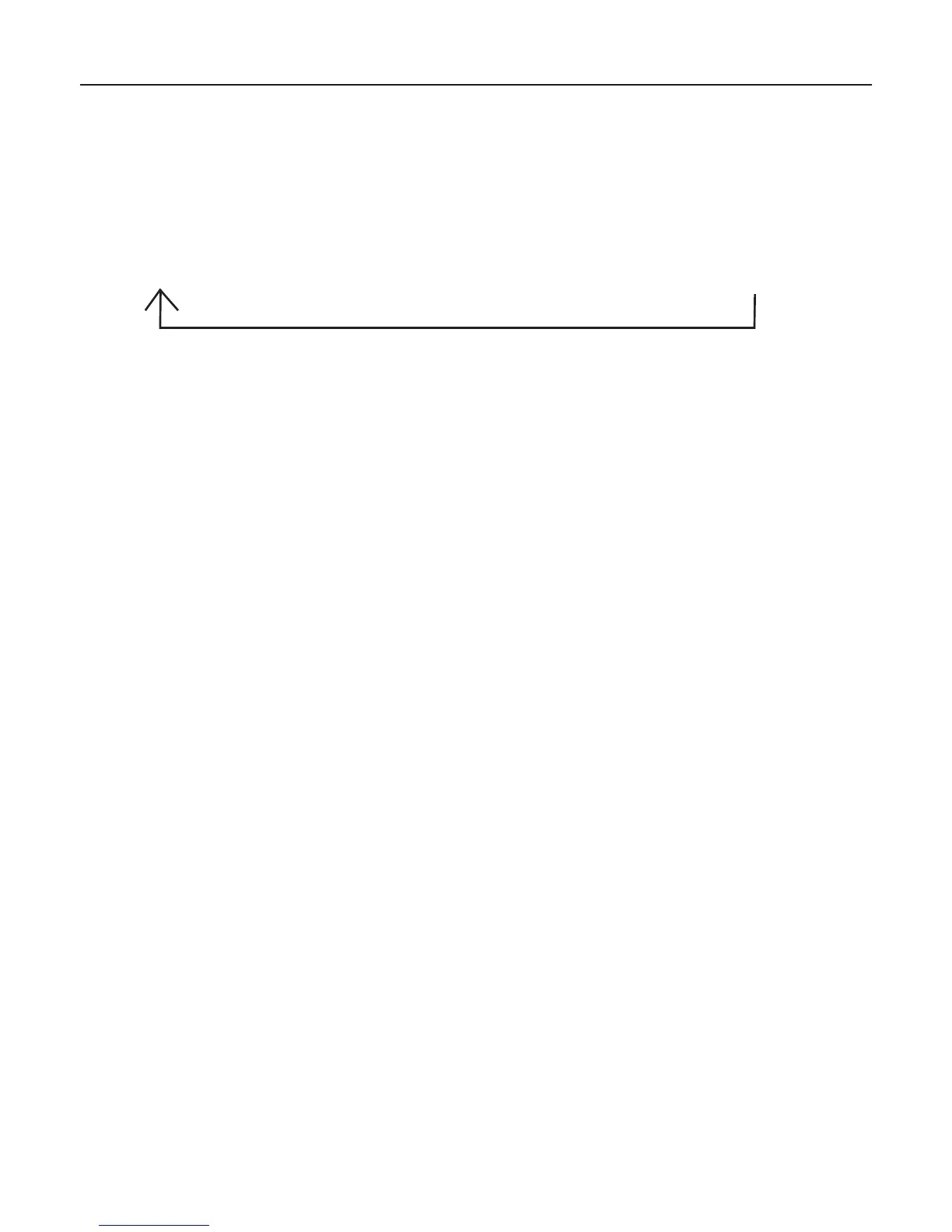
Press the REPEAT/RANDOM button during playback and the current played track or the whole CD can be
repeated. Each press switches the repeat mode:
Programming CD Play
Upto20trackscanbeprogrammedinaspecificsequence.
1. Press the STANDBY/ON button to turn on the device. The indication POWER turns on.
2. Slide the function selector to the CD position.
3. During the stop mode press the PROGRAM button.
OnthedisplayPROGP01isshownbrieflyandthen.00flashes.
4. Select the desired track number with the I<< / MINUTE or >>I / HOUR search buttons.
5. Save the selected track by pressing PROGRAM in the memory.
6. Now on the display PROG P02 is indicated.
7.Repeatsteps4and5,untilall20tracksareprogrammed.Afterinserting20tracksinthememorypress
thePLAY/PAUSEbuttontostarttheplaybackofthefirsttitle.
Reviewing Programmed Tracks
In the stop mode press the PROGRAM button. The programmed track numbers will be shown in the
programmed order each time you press the PROGRAM button.
Deleting Programmed Tracks
Press STOP twice or open the CD door to cancel the programmed playback.
General Operating Instructions
1. Repeat current
track
The REPEAT indicator
flashes.
2. Repeat all tracks
The REPEAT indicator
is steadily on.
3. Random play-back
The RANDOM indicator
is steadily on.
4. Turn off repeat mode/
random playback
The indicators for REPEAT
and RANDOM are turned off.


 To Next Page