5
Basic Operation
Using Document Camera as a PC cam
Starting the application
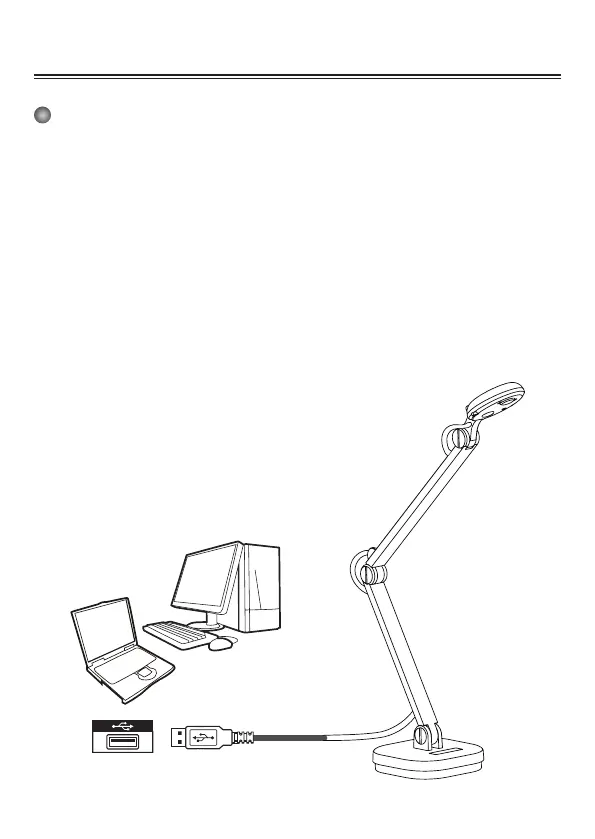
1. Connect the document camera to your computer
Turn on your computer then connect the accessory USB cable to the USB port of your
computer.
Make sure the connector and the port are aligned correctly.
2. Launch PC Camera
After the document camera is correctly connected to and detected by your PC, you are
ready to use PC Camera function
Working with Documate
1. Install Documate software.
2. Connect device and PC with accessory USB cable.
3. Start Documate on your PC.



 To Next Page