www.urcsupport.com
10
NOTES: For control of a Combo device (for example, a
TV/VCR combo), skip this section and per-
form the instructions on “Setting Up a Combo
Unit” on page 11. Also refer to “Device Table”
on page 8 to find out which devices can be
programmed onto each device key.
If you have another brand of set-top box you
would like to control, you’ll need to unlock the
STB ID Lock before changing the set-top box
code (see “Programming ID Lock” on
page 19).
1. Turn on a device and, if applicable, insert
video media, (e.g., cassette or disc).
NOTE: Please read steps 2 through 5 completely
before proceeding. Highlight or write down
the codes and device you wish to program
before moving on to step 2.
4. Use the “Manufacturer’s Codes” starting on
page 27) to locate the type of device and
brand name and then enter the first four-digit
code for your device. If performed correctly,
the selected mode key will blink twice.
NOTE: If the selected mode key emits a long blink,
the entry is invalid. Repeat steps 2 through 4
and try entering the same code again.
NOTE: If the device does not have a POWER key (e.g.,
DVD and VCR), press the(Play) key.
6. Repeat steps 1 through 5 for each device you
want the remote control to operate. For future
reference, write down each working device
code in the boxes on the following page.
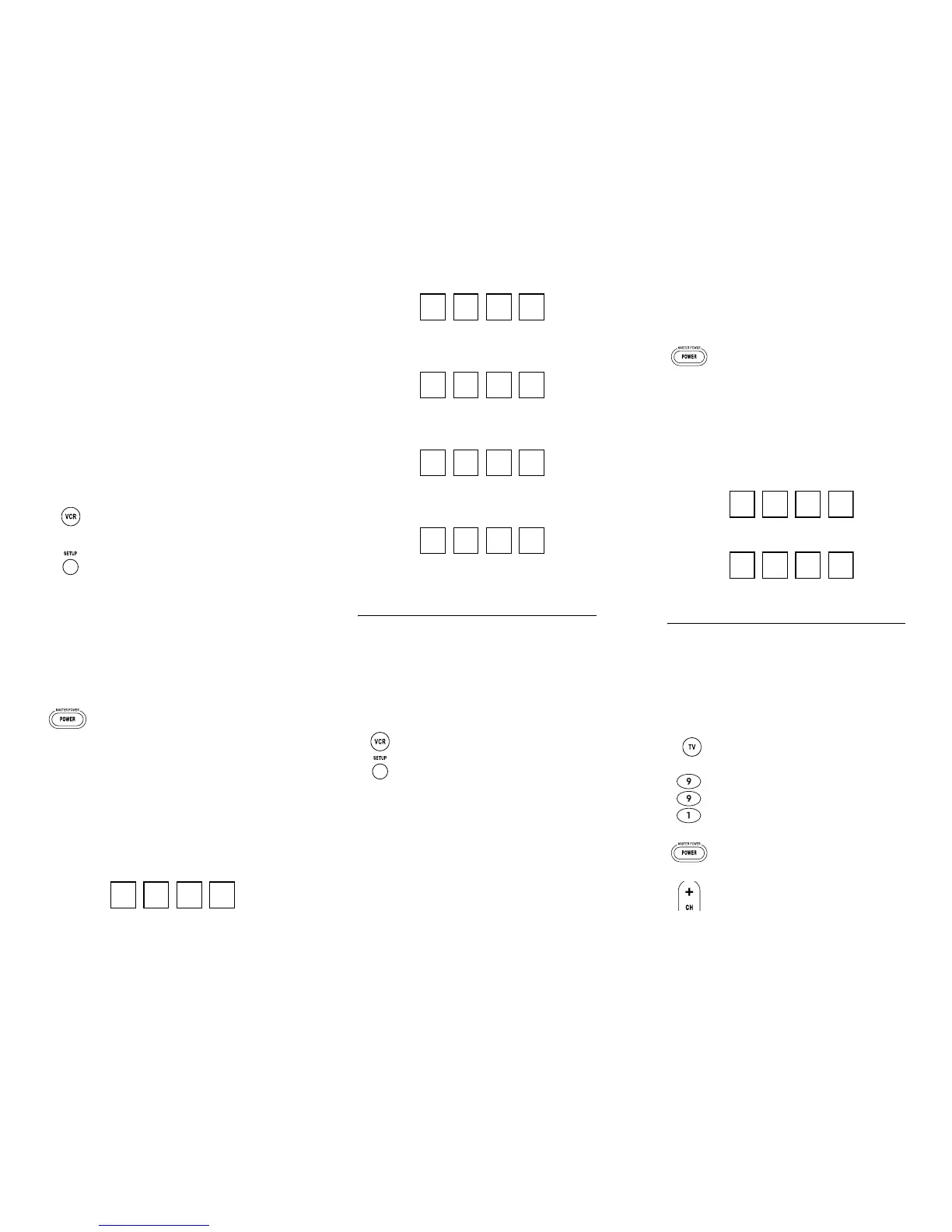
VCR Code
2. On the remote control, press a device key once
(i.e., VCR, DVD, AUD, TV, or STB); it will blink
once.
3. Press and hold SETUP until the selected mode
key blinks twice, then release SETUP.
5. Aim the remote control at the device and
press POWER once. The device should turn
off. If it does not, repeat steps 2 through 4,
trying each code for your brand until you find
one that works. If it still does not respond, try
searching for the code (see “Searching for
Your Code” on page 12).
Nebula Potenza ST.fm Page 10 Monday, October 15, 2007 4:55 PM
www.urcsupport.com
11
Device Type:___________________
DVD Code
Device Type:___________________
AUD Code
Device Type:___________________
STB Code
Device Type:___________________
TV Code
Device Type:___________________
SETTING UP A COMBO UNIT
If you own a combo unit such as a TV/VCR Combo or a
TV/DVD Combo, you need to follow special steps to set
it up. Perform the following instructions to control
combo device:
1. For a TV/VCR Combo, turn on your TV/VCR
Combo and insert a video cassette. (For a TV/
DVD Combo, insert a DVD).
3. Use the “Manufacturer’s Codes” starting on
page 27 to locate the brand name and enter
the first four-digit code for your combo device
(for example, TV/VCR). If you perform this
procedure correctly, the VCR key will blink
twice.
NOTE: If the VCR key did not blink twice after enter-
ing the codes last digit, repeat steps 2 through
3 and try entering the same code again.
If you’ve located a setup code that works for
your combo device (for example, a TV/VCR
2. On the remote control, press VCR once; it will
blink once. Then press and hold SETUP until
the VCR key blinks twice.
Nebula Potenza ST.fm Page 11 Monday, October 15, 2007 4:55 PM
www.urcsupport.com
12
Combo) and a separate TV code is also listed,
you’ll need to program this code into the
remote control to access volume control (see
“Programming Device Control” starting on
page 9).
5. For future reference, write down each working
device code in the boxes below:
TV/VCR or TV/DVD Code
TV Code (if used)
SEARCHING FOR YOUR CODE
If your home entertainment device does not respond to
the Potenza ST Universal Remote Control after trying all
of the codes listed for your brand, or if your brand is not
listed at all, try searching for your code.
For example, to search for a code for your TV:
1. Turn on your TV.
4. Aim the remote control at your combo device
(for example, TV/VCR Combo) and press
POWER once. The device should turn off. If it
does not respond, repeat steps 2 through 3,
trying each code listed for your brand until
you find one that works. If it still does not
respond, try searching for the code
(“Searching for Your Code” starting on
page 12).
2. On the remote control, press TV once; it will
blink once. Then press and hold SETUP until
the TV key blinks twice.
3. Typ e 9 9 1. The TV key will blink twice.
4. Aim the remote control at the TV and press
POWER once.
5. Press and release the CH+ key continuously,
then stop when the TV turns off.
Nebula Potenza ST.fm Page 12 Monday, October 15, 2007 4:55 PM


 To Next Page