32
Basic Playback—Continued
The section explains how to fast forward and reverse.
Notes:
• No sound is output during fast forward or fast reverse
of a DVD-Video or MP3 disc.
•Fast forward and fast reverse cannot be used with
WMA files.
With the Frame-by-Frame Playback function, you can
forward playback one frame at a time.
Notes:
• No sound is output during frame-by-frame playback.
• Prolonged display of the same picture or menu may
cause irreparable damage to your TV screen, known as
screen burn-in. To prevent this, don’t display the same
frame for too long. Your DPC-7.7 features a screen
saver to protect your TV from the effects of burn-in
(page 48).
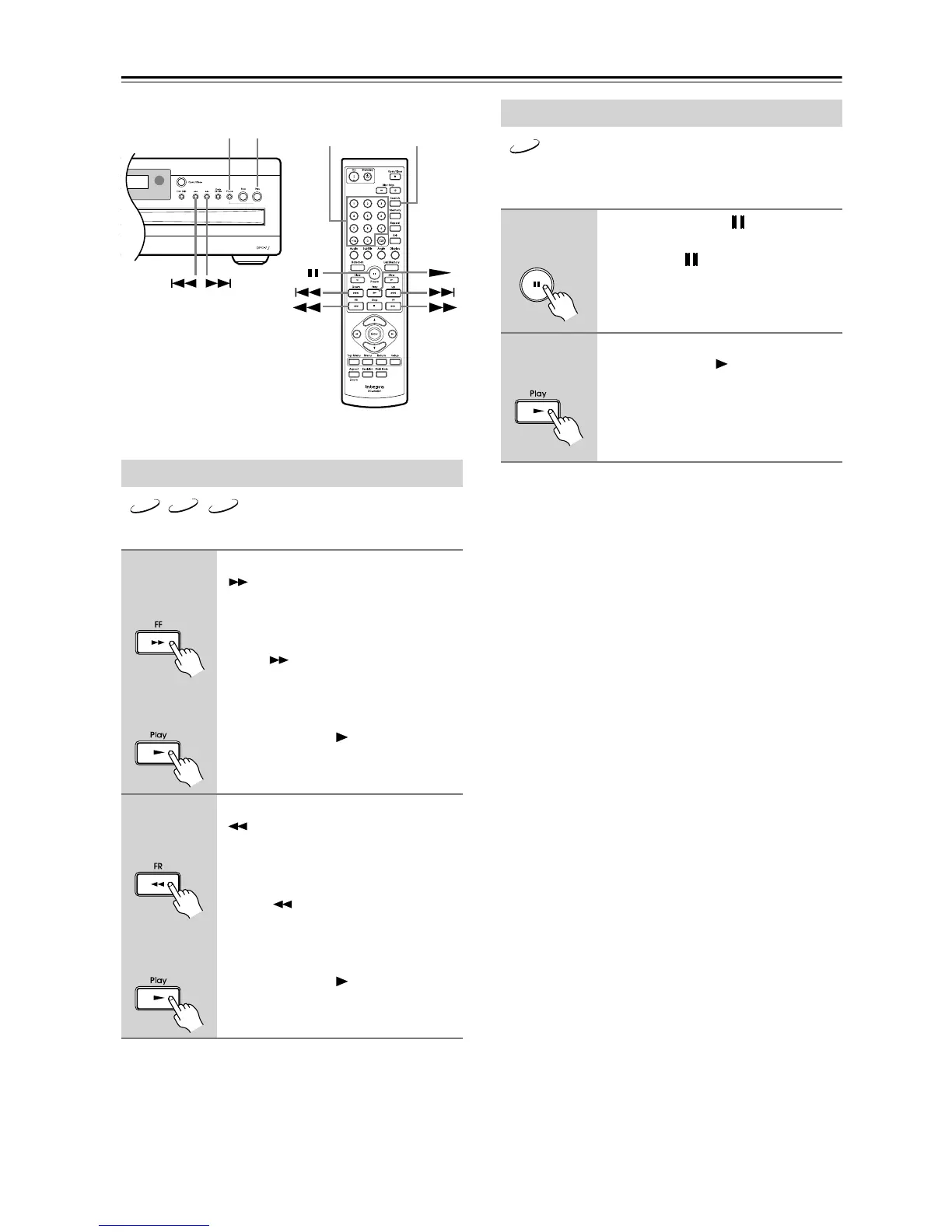
Fast Forward & Reverse
■ Fast
forward
During playback, press the FF
[] button to start fast forward.
Playback fast forwards and “x 2”
appears onscreen.
To change the fast-forward speed, press
the FF [ ] button repeatedly to select:
x 2, x 4, x 8, or x 16.
To resume normal playback,
press the Play [ ] button.
■ Fast
reverse
During playback, press the FR
[] button to start fast reverse.
Playback reverses and “x 2” appears
onscreen.
To change the fast-reverse speed, press
the FR [ ] button repeatedly to
select: x 2, x 4, x 8, or x 16.
To resume normal playback,
press the Play [ ] button.
Enter
PlayPause
Search
Number
buttons
DVD
CD
MP3
Remote controller
Remote controller
Remote controller
Remote controller
Frame-by-Frame Playback
1
Press the Pause [ ] button to
pause playback, and then press
the Pause [ ] button repeatedly
to forward playback one frame at
a time.
2
To resume normal playback,
press the Play [ ] button.
DVD
Remote controller
Remote controller



 To Next Page