7
Part Names and Functions
A
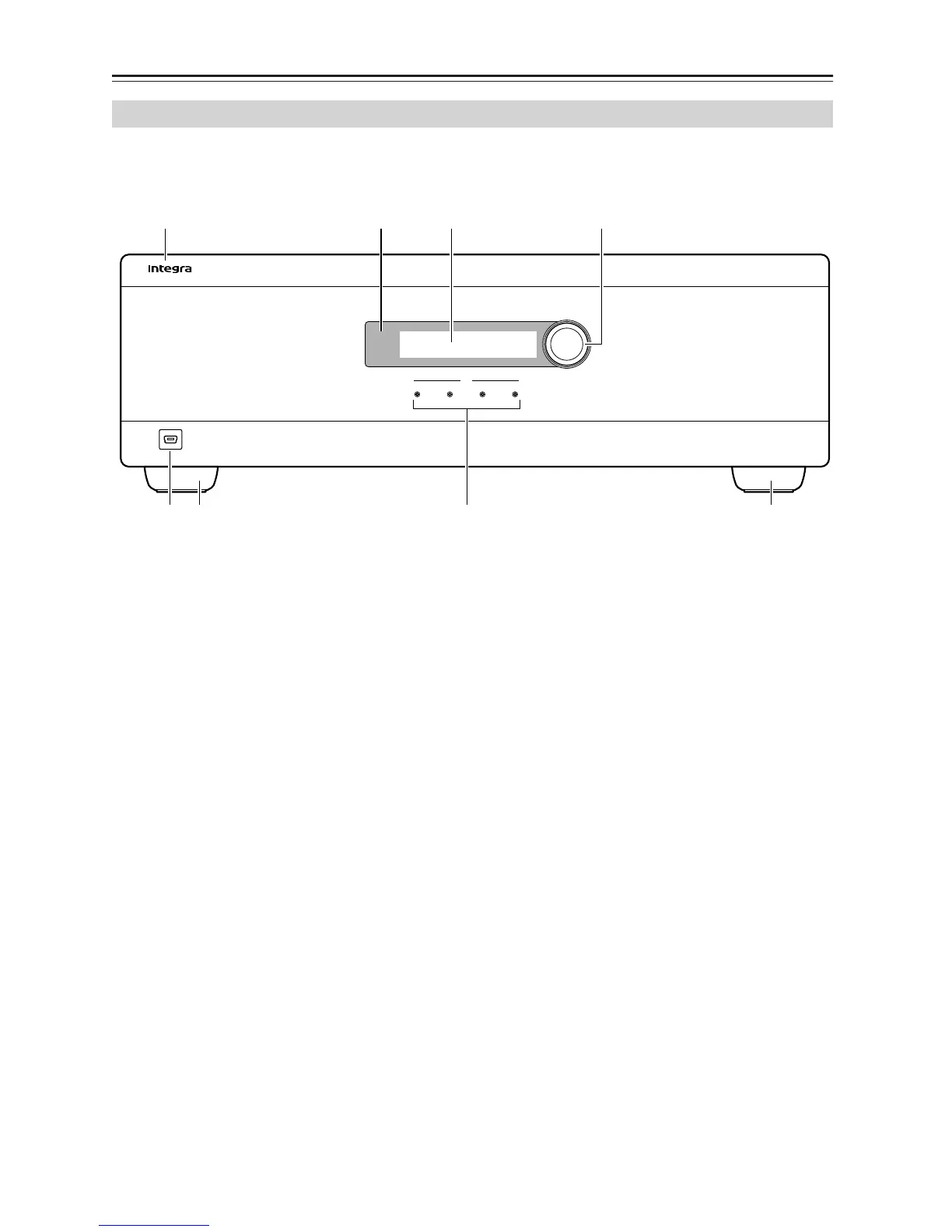
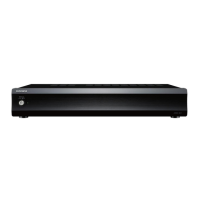
Front Panel
Solid Aluminum front Panel.
B
Infra-Red Receiver
Receiver for the MZA
-
4.7 IR control – Not IR pass
through!
C
LCD display
Back lit LCD display for menu guided control and
programming. The display is dimmed when all
zones are OFF.
D
Multi Jog
The display menus are navigated and selections
made using left and right rotation and pushes on the
knob.
E
Zone Indicators
From left to right zone 1 - 4. The indicators are blue
when ON, and flash red when the amplifiers are
overdriven into clipping.
F
USB Mini B port
The port is used to setup, control or monitor the
MZA-4.7. An USB mini cable must be used when
connecting to a PC or building management system.
G
Chassis Feet
Set high enough to provide unrestricted airflow
through the chassis for convection cooling.
Front Panel
MZA
-
4.7
4321
MZA
-
4.7
Multi Jog
Push to Enter
Zone
USB
142
56 7 7
3



 To Next Page