The unit has a Low Battery Level icon in the LCD display which will appear when it detects a low battery level. You
should recharge the battery at that time. The Low Battery Level icon will not appear on the display unless the unit
detects that the battery is low.
When the battery capacity is low, the Battery Level Indicator on the LCD will blink and (in PMR Band only) the
transmitter will be automatically switched in Low Power Mode. Transmitter will work until battery is empty.
Battery Charging
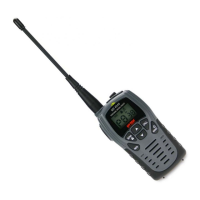
Your MT-4040 radio is supplied with a 230VAC Wall Adaptor Charger (ENTRY models), which must be used to
recharge the batteries or the battery pack. Battery must be charged when the low battery icon lights on the display.
The charging time will be approximately 10-14 hours. To extend the duration of battery it is suggested to recharge it
when the empty battery icon appears on the display. Disconnect the unit from the A/C Adaptor Charger when the
charging time is expired.
To charge the battery :
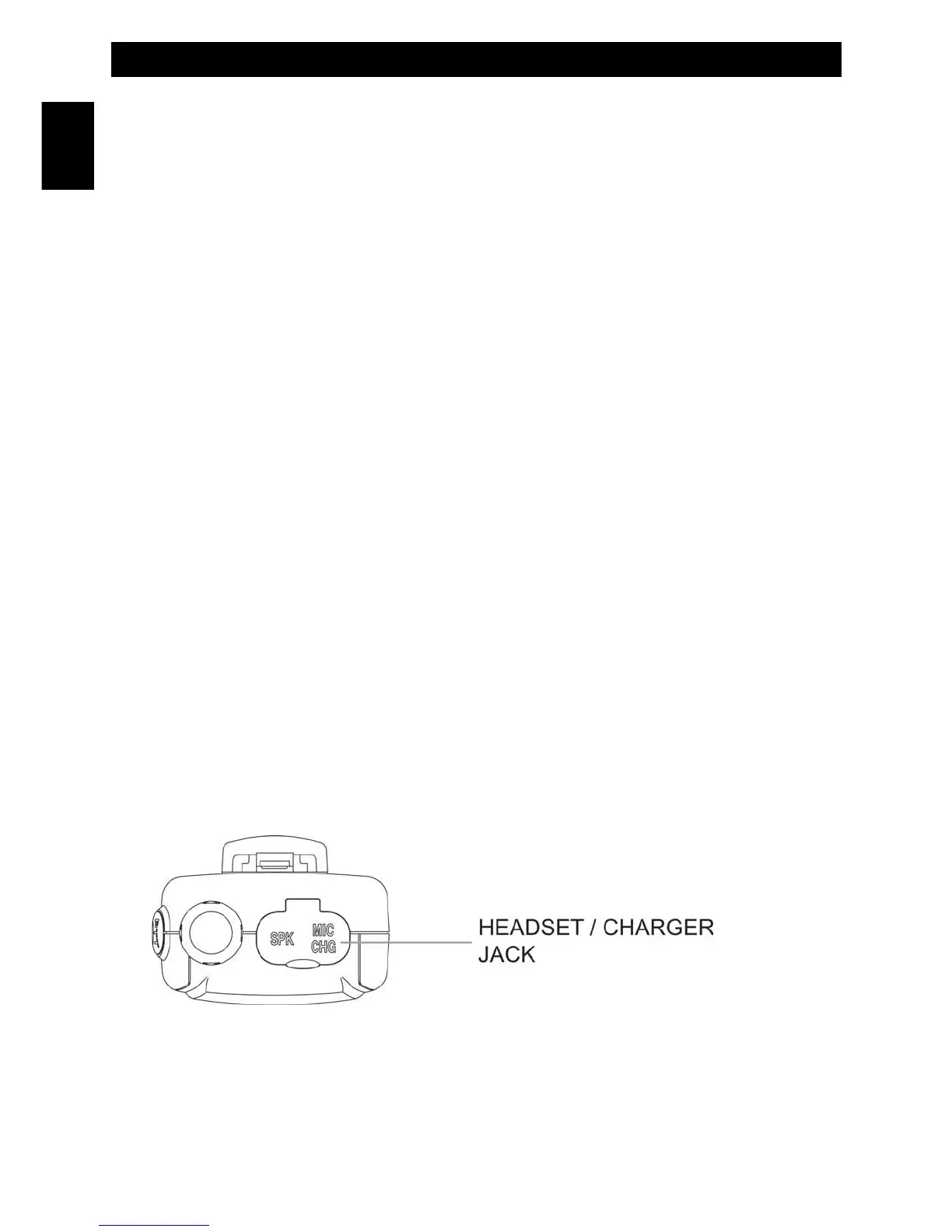
1. Connect the wall A/C Adaptor Charger to the MIC/CHG jack of the unit.
2. Connect the A/C Adaptor Charger to an A/C outlet.
NOTE:
1. Connect the Wall A/C Adaptor Charger to the MIC/CHG jack of the unit.
2. Do never try to charge alkaline batteries, batteries or battery packs other than those indicated in this manual, as
liquid dispersion or damage to the unit may occurr.
DDC-800 230VAC DESK TYPE QUICK CHARGER
If the package (only for the PRO models) contains the Desk Type Quick Charger (mod. DDC-800), refer to
the included instruction sheet.
- 7 -
Battery Operation - Battery Charging
English


 To Next Page