- 7 -
Getting Acquainted with the Product
GETTING ACQUAINTED WITH THE PRODUCT
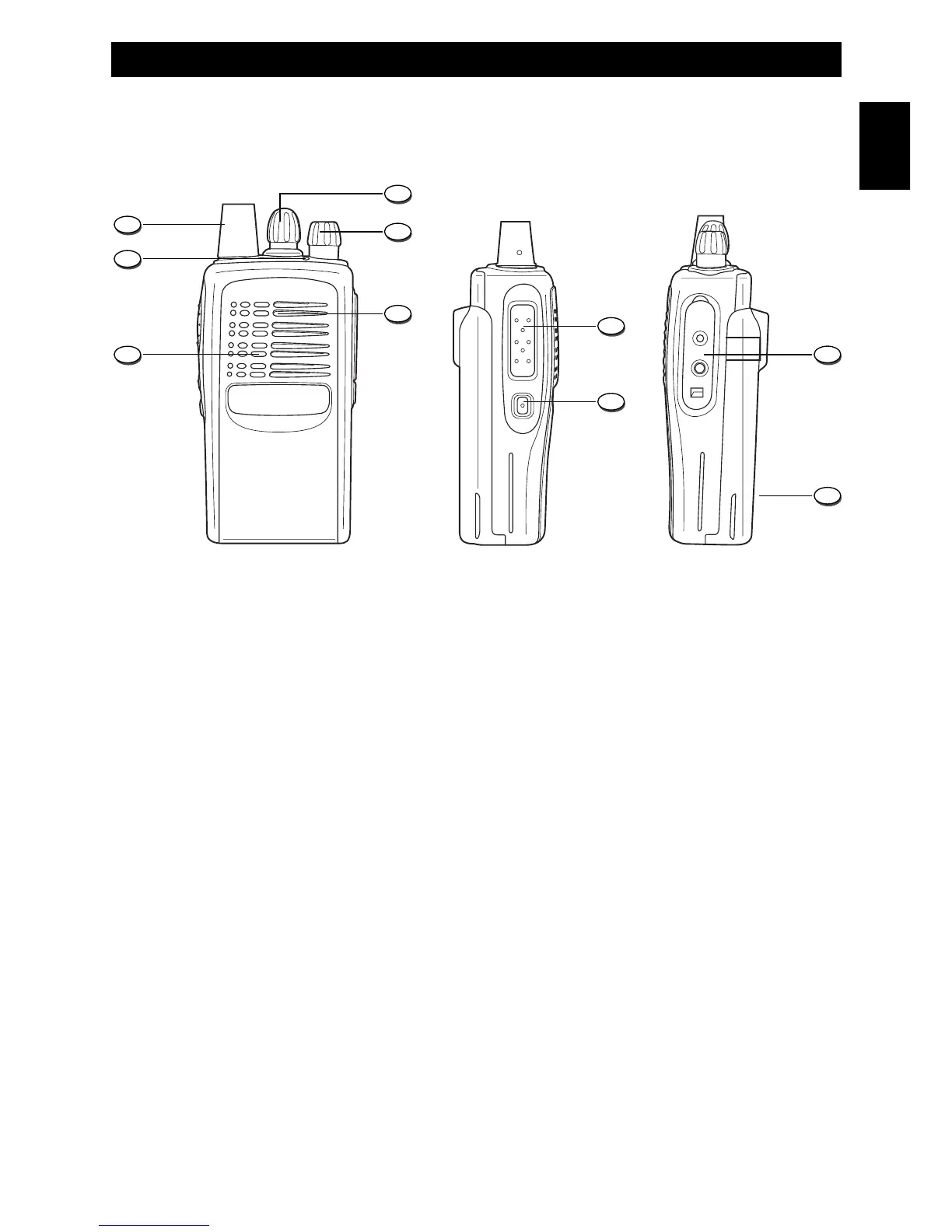
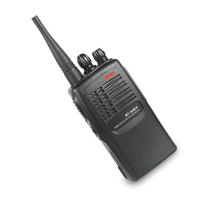
1. Antenna
Fixed non removable rubber flexible antenna.
2. Channel Selector
Turn the selector to select the desired channel from 1 to 16.
3. Power ON switch and volume control
Switch on the transceiver turning the knob clockwise or counterclockwise to switch it off.
To increase the volume, turn the knob clockwise or counterclockwise to decrease it.
4. Speaker
Built-in speaker.
5. Microphone
Built-in speaker.
6. LED Indicator
The LED indicator will light in green colour when the radio is receiving a signal, in red colour
during transmission and it will flash in red colour when, during transmission, the battery level is
low or empty.
7. PTT key (Push-To-Talk)
To transmit, press and keep pressed the PTT key (7), then speak into the microphone with your
normal voice. To receive release the PTT key (7).


 To Next Page