Intel DZ77GA-70K / DZ77RE-75K Desktop Board Performance Tuning Guide
15
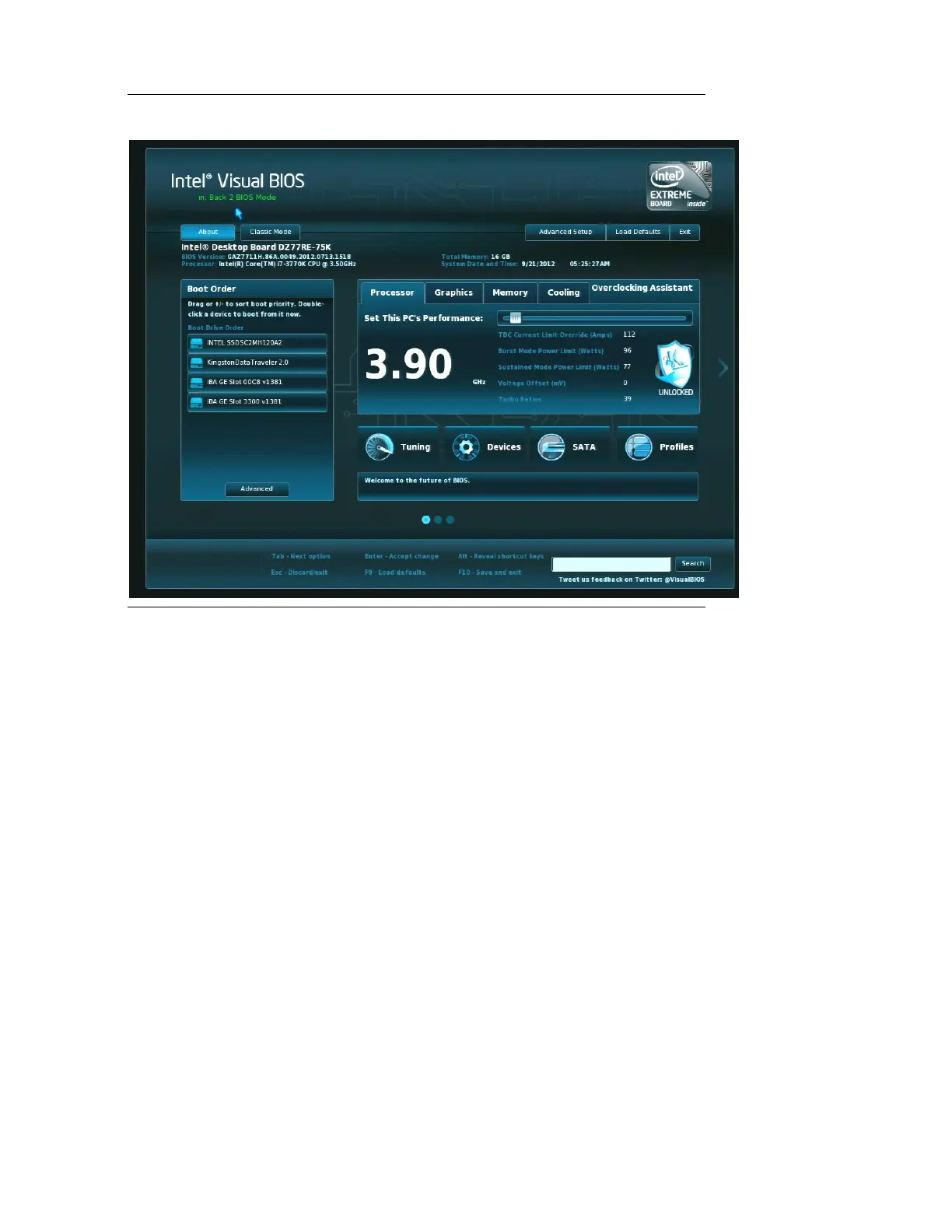
Figure 3.2. Screen Displayed When System is Started With
the Back to BIOS Button Depressed
3.4.3 BIOS Configuration Jumper
A third recovery option is to use the BIOS configuration jumper that is provided on the
board to allow the user to force the board to boot to BIOS Setup in a safe mode. The
user will need to open their system chassis to access this jumper. Refer to the Intel
Desktop Board DZ77GA-70K Product Guide for additional information on using the
BIOS jumper for resetting purposes.
3.4.4 Remove Power and Reboot
For a system hang, resetting your system or removing, reapplying power and
rebooting will allow the system to initiate a reboot. The watchdog timer, the Back to
BIOS button, the BIOS configuration jumper, or pressing the F2 key at the setup


 To Next Page
 Loading...