Hardware VII Changing the DMX chipset
VII Changing the DMX chipset
If
your interface is recognized by the software but you have no DMX signal
on the output, may be the DMX chip need to be replaced and you can do
this easely by yourself.
We advise you to have an available
spare DMX chip (RS485 driver). This is an 8 pin electronic IC component
that has been set inside the interface box for the purpose of "driving"
the DMX512 line. It is available under several references, see below:
(3,3V DIP)SP3483EP-L
SP3483CP-L
MAX3483CPA+
ADM.....ISL83483IP
(3,3V CMS)
SP3483EN-L
SP3483CN-L
MAX3483CSA+
ADM.....ISL .....
(5V DIP)SP485ECP-L
MAX485CPA+ADM485J
NZISL ....
SP = made by Sipex www.sipex.com
MAX = made by Maxim www.maxim-ic.com
AD = made by Analog Device www.analog.com
LTC = made by Linear www.linear.com
ISL = made by Intersil www.intersil.com
You can purchase those components on several websites like www.farnell.com or
www.radiospares.com.
Notes:
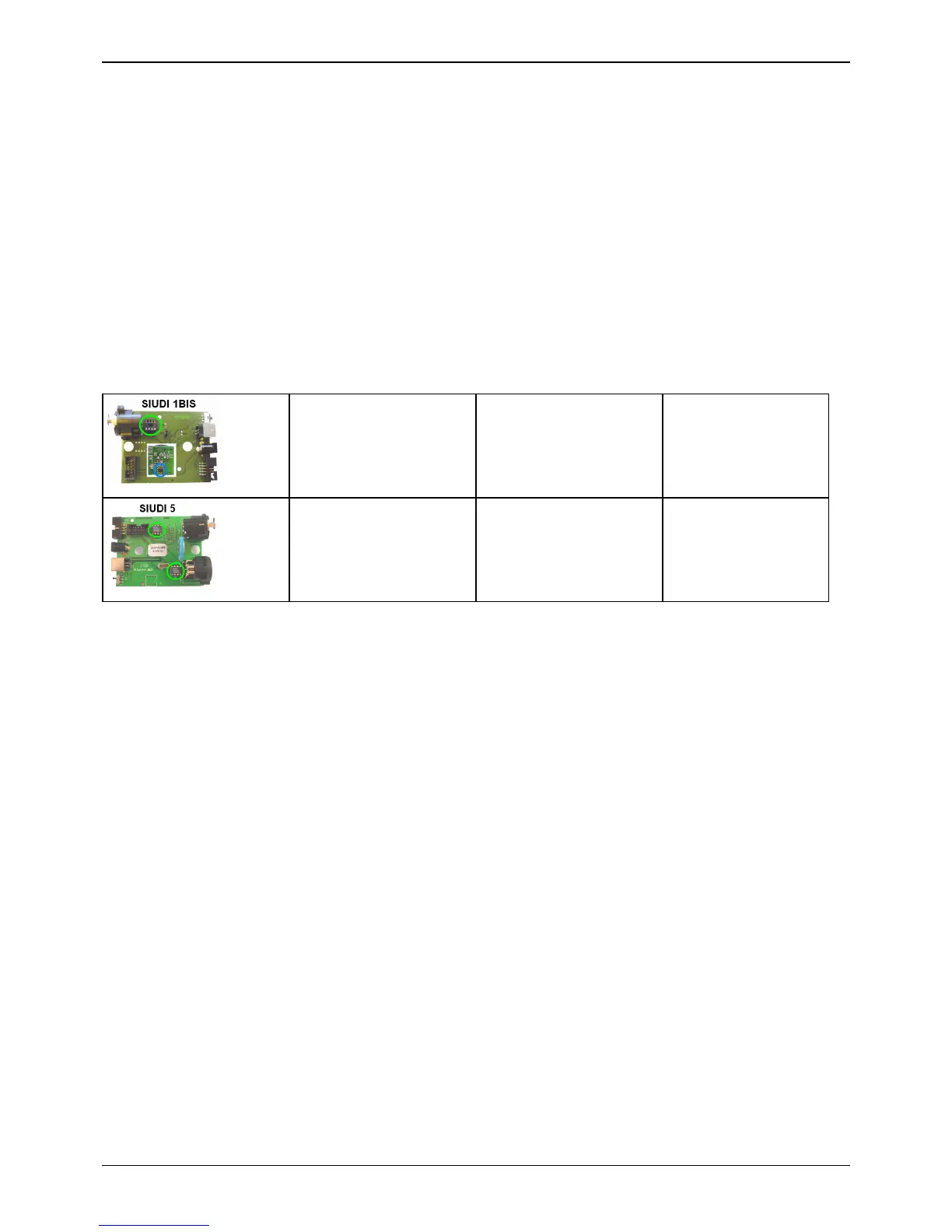
- for SIUDI 1bis and SIUDI 2, don't forget to remove the CMS chip if you want to plug a DIP chip
- The
SIUDI 5 has DMX IN and DMX OUT, so the card uses 2 identical DIP
chips. If you need urgently to repair the DMX OUT, a quick
solution is to use the DMX IN chip (exchange the 2 chips) and buy
a new chip later.
Test of electronic signals (for electronic technicians only)
The DMX DRIVER chip component has 8 pins. Here are the main pins :
Pin 4 DATA INPUT
Pin 5 GROUND
Pin 6 DMX + OUTPUT
Page 9



 To Next Page