10
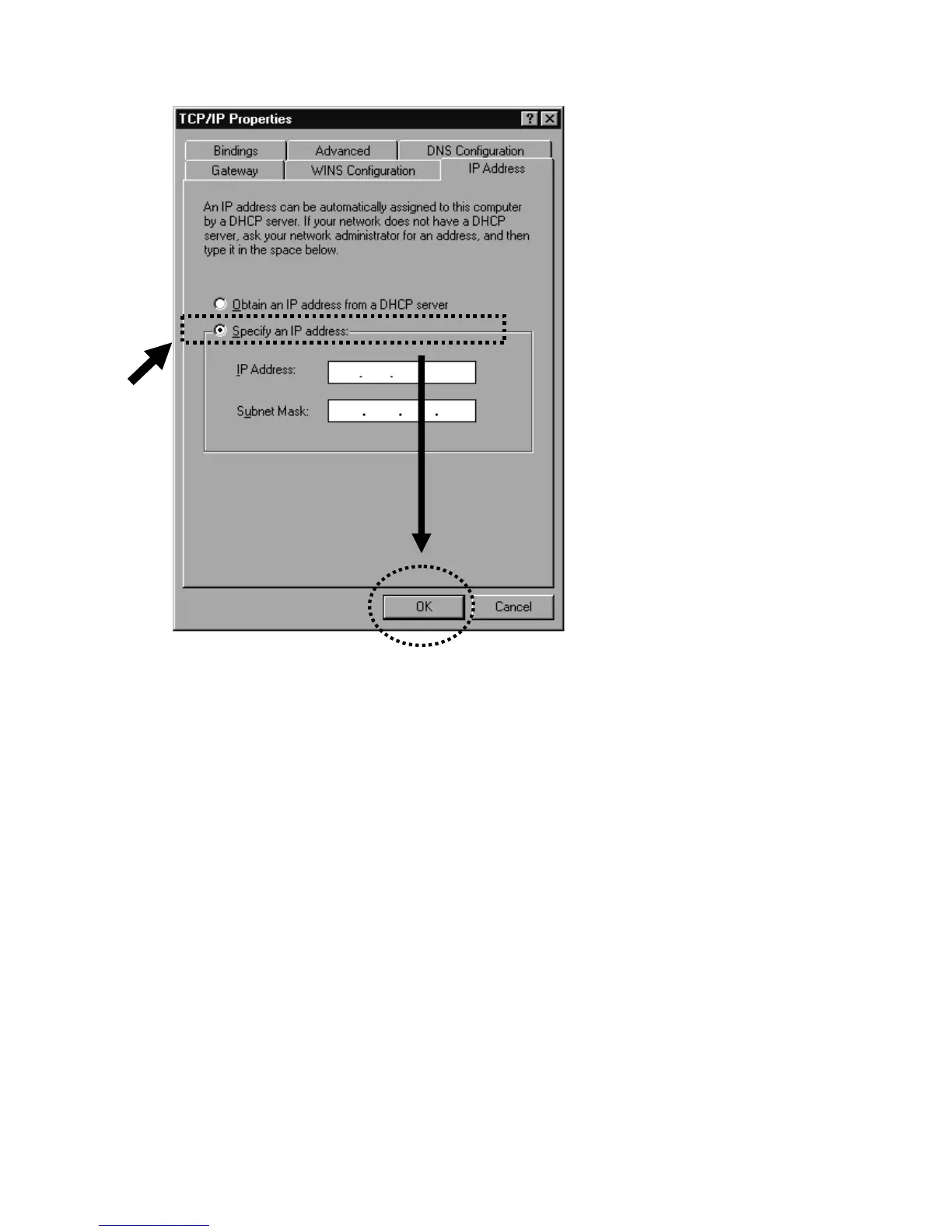
2-2-2 Windows 2000 IP address setup
1. Click the Start button (it should be located at lower-left corner of
your computer), then click Control Panel. Double-click the
Network and Dial-up Connections icon, then double-click
Local Area Connection. The Local Area Connection
Properties window will appear. Select “Internet Protocol
(TCP/IP),” then click “Properties.”


 To Next Page