EasyManua.ls Logo

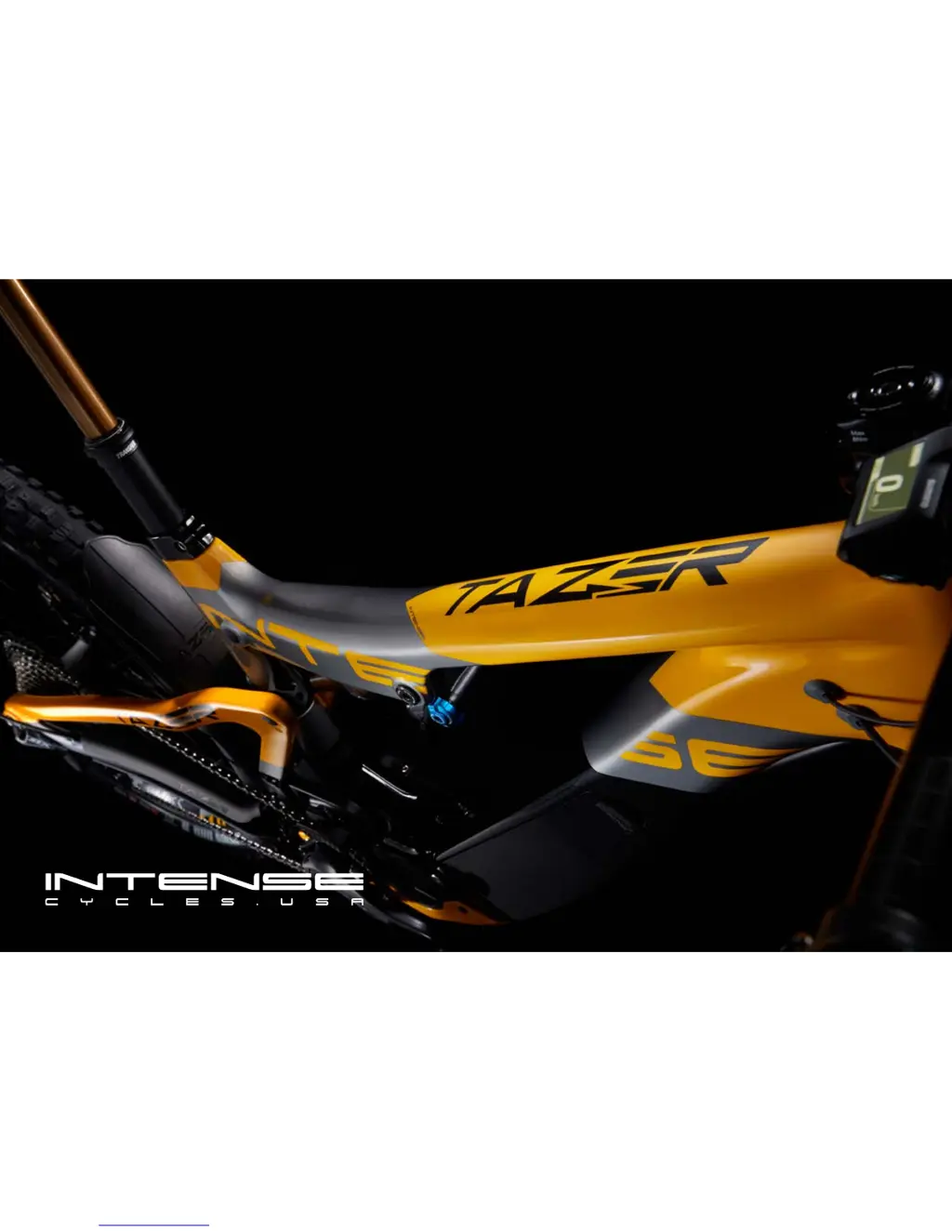
Intense Cycles TAZER - User Manual

Intense Cycles TAZER
17 pages
Print Icon
To Next Page IconTo Next Page
Loading...
USER MANUAL // TAZER

Questions and Answers

  • M
    Michelle LeeAug 3, 2025
    What to do if I get a security authentication error on my Intense Cycles Bicycle?
    • L
      Lisa CampbellAug 3, 2025
      If you're getting a security authentication error on your Intense Cycles Bicycle, it means either a genuine drive unit isn't connected or some cables are disconnected. Make sure a genuine battery and drive unit are properly connected and check the condition of all cables. If the problem continues, contact the place of purchase.
  • A
    Angelica WhiteAug 9, 2025
    How to fix a system error on my Intense Cycles TAZER?
    • J
      johnsonwalterAug 9, 2025
      If you're experiencing a system error with your Intense Cycles Bicycle, it's likely due to a communication error with the bicycle system. Check that the cable is securely connected and not loose or improperly attached. If the error persists, contact the place of purchase.
  • J
    johnsonjonathanAug 15, 2025
    What to do if my Intense Cycles TAZER Bicycle shows a charging error?
    • A
      Adam CooperAug 15, 2025
      If your Intense Cycles Bicycle displays a charging error, it indicates an issue occurred during charging. Disconnect the charger from the battery, then press the power button. If the error continues, contact an agency.
  • M
    Mrs. Karen DavisAug 21, 2025
    What to do if I suspect a battery malfunction in my Intense Cycles Bicycle?
    • C
      Christine RojasAug 21, 2025
      If you suspect a battery malfunction with your Intense Cycles Bicycle, it could be due to an electrical failure inside the battery. Try connecting the charger to the battery and then disconnecting it. Next, press the power button with only the battery connected. If the error persists, contact the place of purchase.
  • J
    Juan LunaAug 27, 2025
    Why is my Intense Cycles TAZER showing a temperature protection warning?
    • R
      robertbutlerAug 27, 2025
      If your Intense Cycles Bicycle is experiencing temperature protection issues, place the battery in a cool area away from direct sunlight, allowing its internal temperature to decrease. If the problem persists, contact the place of purchase.

Summary

BIKE SETUP AND ASSEMBLY

BUILDING YOUR TAZER - HANDLEBAR INSTALLATION

Step-by-step guide for mounting the handlebar and stem.

BUILDING YOUR TAZER - MOUNTING THE DERAILLEUR

Procedure for installing the rear derailleur correctly.

ASSEMBLY AND FINAL CHECKS

SUSPENSION SETUP

SETTING THE SAG

Adjusting air pressure for optimal suspension sag.

SHOCK SETUP

Information on tuning fork and shock settings.

TORQUE SPECIFICATIONS

TORQUE SPECIFICATIONS SUMMARY

Visual guide to critical torque values on the frame.

COMPONENT TORQUE DETAILS

Table of specific torque values for various components.

OWNERSHIP AND BATTERY MANAGEMENT

BATTERY HANDLING AND CHARGING

Safe practices for battery maintenance and charging.

BATTERY CHARGING AND INDICATORS

BATTERY REMOVAL AND INSTALLATION

REMOVING THE BATTERY

Step-by-step guide for safely removing the battery from the frame.

INSTALLING THE BATTERY

Step-by-step guide for correctly installing the battery into the frame.

CONTROLS AND CYCLE COMPUTER

ASSIST AND SHIFT SWITCHES

ASSIST MODES

Explanation of BOOST, TRAIL, and ECO assist modes.

MAINTENANCE

MAINTENANCE SCHEDULE

Recommended service intervals for bike components.

TROUBLESHOOTING

BATTERY LED LAMP ERROR INDICATIONS

Interpreting battery LED patterns for error diagnosis.

WARNING MESSAGES ON THE CYCLE COMPUTER

Understanding error codes displayed on the bike's computer.

Intense Cycles TAZER Specifications

General IconGeneral
Frame MaterialCarbon Fiber
SuspensionFull Suspension
BrakesHydraulic Disc
Rear ShockFox Float X2 Factory
TiresMaxxis

Related product manuals