EN- 12
11.3.1. MAC WIFI FINDER
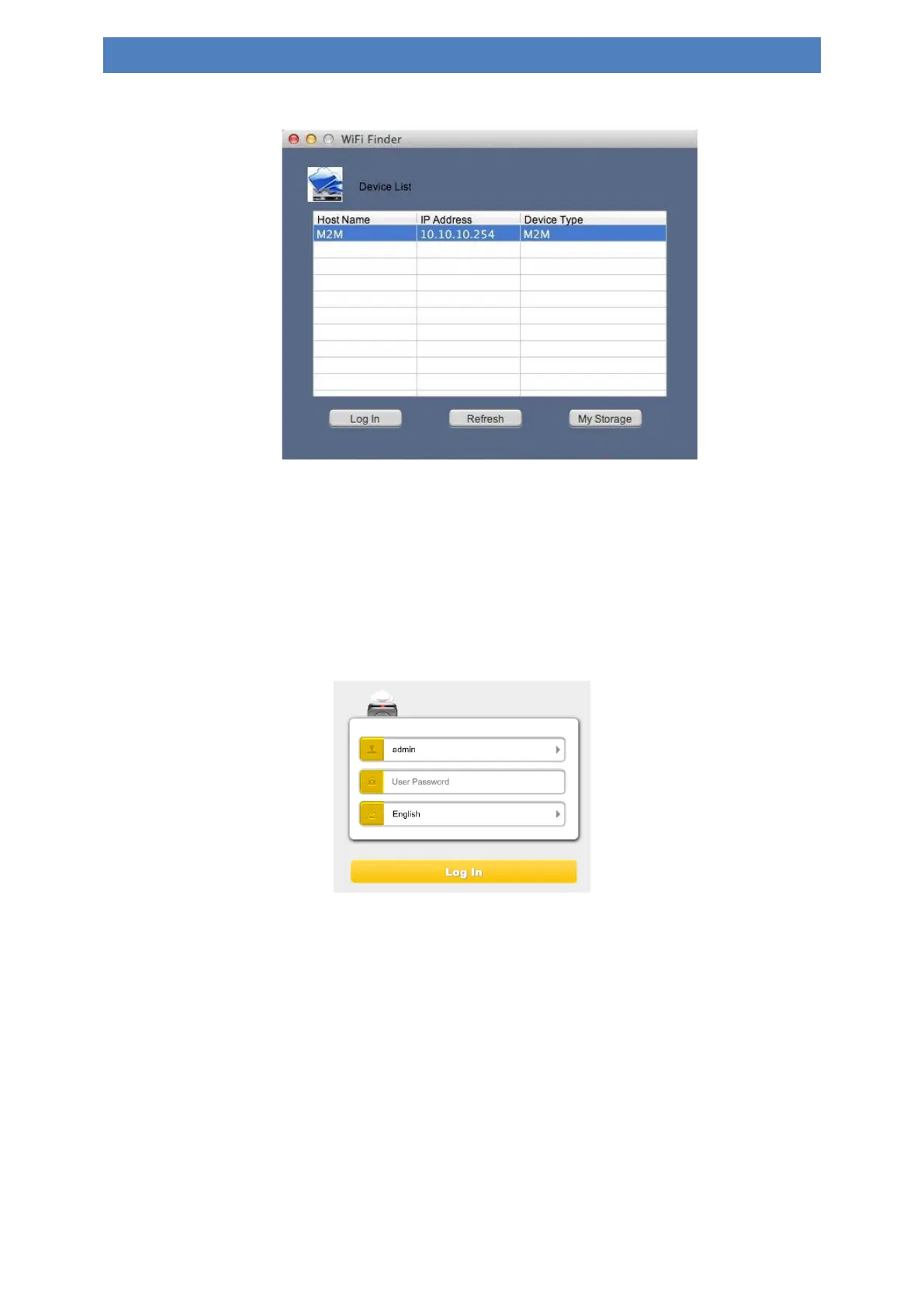
Double-click the “WiFi Finder” icon on your desktop. The software utility will search all the
connected devices in your network. If you do not find the Memory 2 Move Pro on the list of
devices connected in your network, click on the “Refresh” button to refresh the device list.
1.) Select the Memory 2 Move Pro on the list, and then click on the “Log In” button to
enter the web interface.
Default user name: admin
Default password: 00000
Click on the “Log In” button to access the Web Management Interface.
Note: For your own safety, please change the password after successful connection.
2.) You may transfer the data between PC and Memory 2 Move Pro, such as upload the
data from PC into the WiFi Disk, or download the data from the WiFi Disk into PC.


 To Next Page
 Loading...



