EN- 14
11.4 “MEMORY 2 MOVE PRO” CONFIGURATION
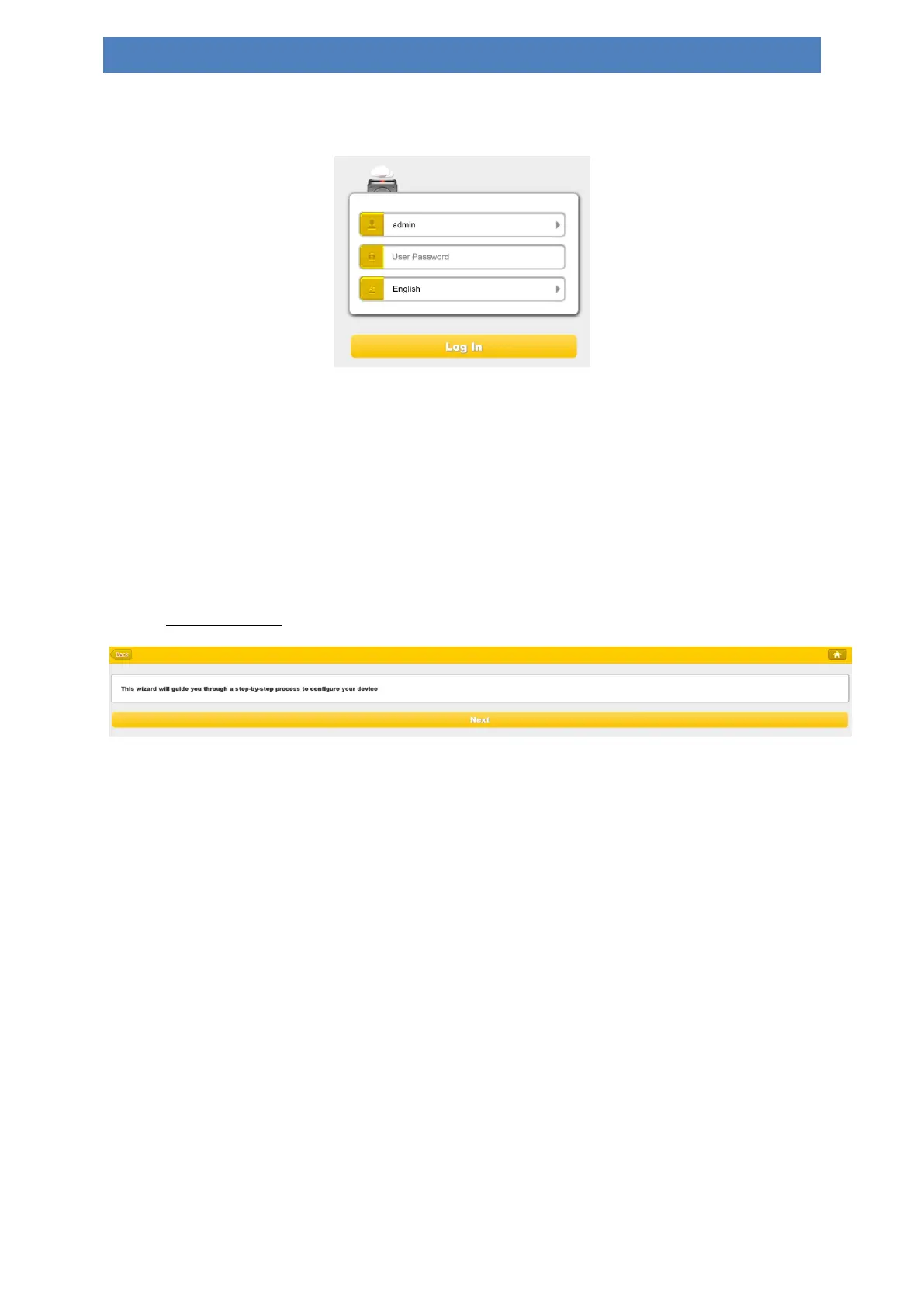
When you are connected successfully to the Memory 2 Move Pro, your Web-Browser
opens. You have to log in to the web interface.
Default user name: admin
Default password: 00000
Click on the “Log In” button to access the Web Management Interface.
Once your Wi-Fi enabled-PC is successfully connected to the “Memory 2 Move Pro”,
using the “WiFi Finder” will allow you to access our built-in Web Management
Interface and configure your device.
Startup Wizard
During the initial setup, our Wizard will automatically run and will guide you through the
step-by-step process on configuring the “Memory 2 Move Pro” as seen on the screenshot
above. You may cancel this process by clicking on the “X” at the top right corner of the
window. If you cancel the Wizard, it will keep the factory default settings of your “Memory 2
Move Pro”. Click on the “Next” button to continue.


 To Next Page
 Loading...



