EN- 15
Internet Setting
… through another connection with an available network
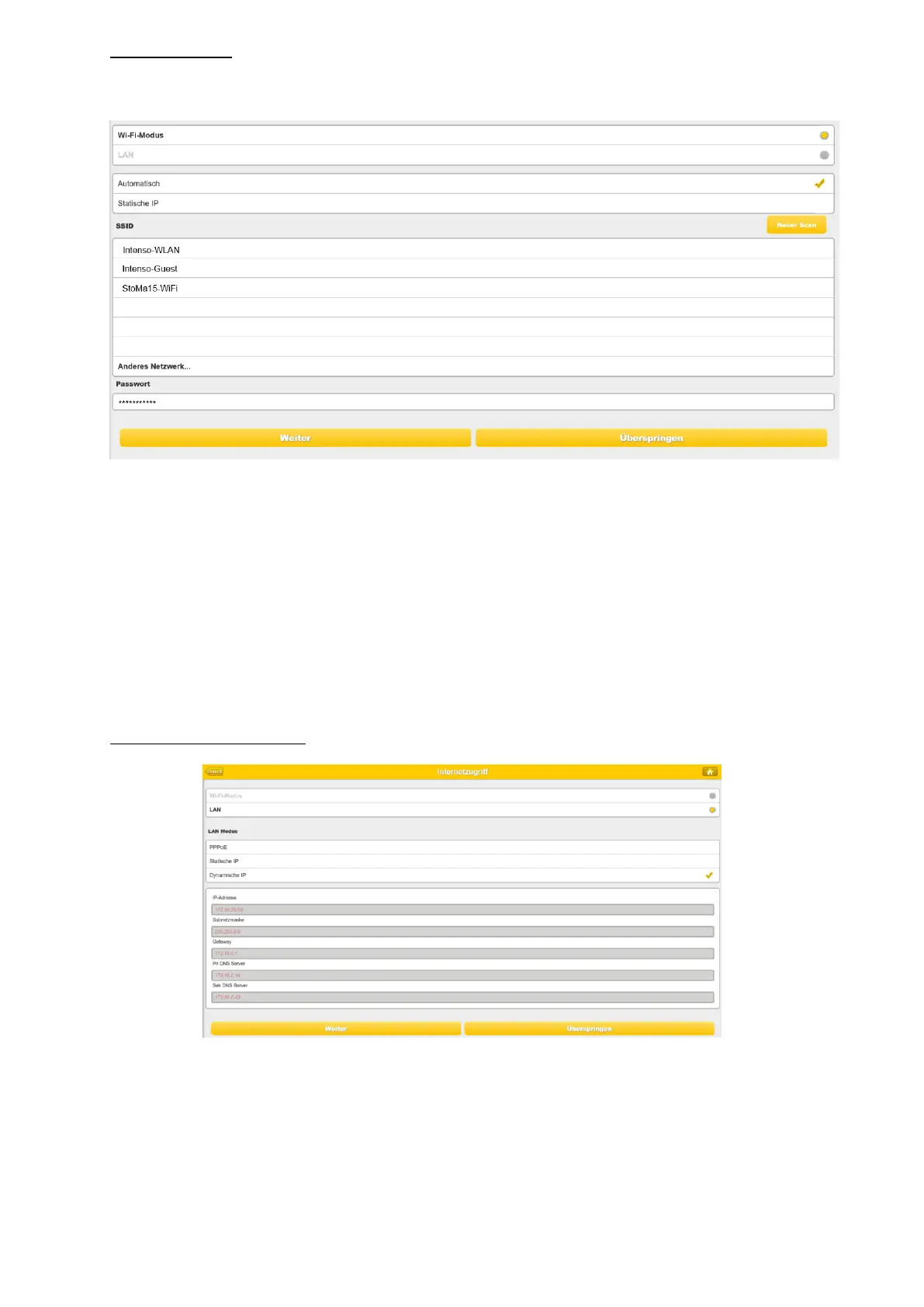
You can choose between two available Internet Access options – By default Wireless Access
is selected (as you can see on the picture).
A. Wireless Access: Connecting the “M2M” device to another wireless network to have
internet access.
B. Wired Access: Directly connecting the “M2M” to the available port on the back of the
router to connect to another network.
Selecting Wireless Access
SSID: Type-in the SSID name or click on the “Rescan” button to automatically search
for the available wireless networks.
Password: Type-in the correct password to join the selected wireless network
connection.



 To Next Page