EN- 16
IP Address: Select either DHCP or manually assign an IP address
o By selecting DHCP, the host will provide an automatic IP address to connect to
the internet.
o By selecting Manual, you have to manually assign an IP address to connect to
the internet.
Selecting Wired Access
By selecting Wired Access, the Dynamic IP is selected as the default setting. You can
manually assign your own IP address by clicking on the green arrow and select the Static IP
option.
Click on the “X” button if you wish to cancel and exit this window.
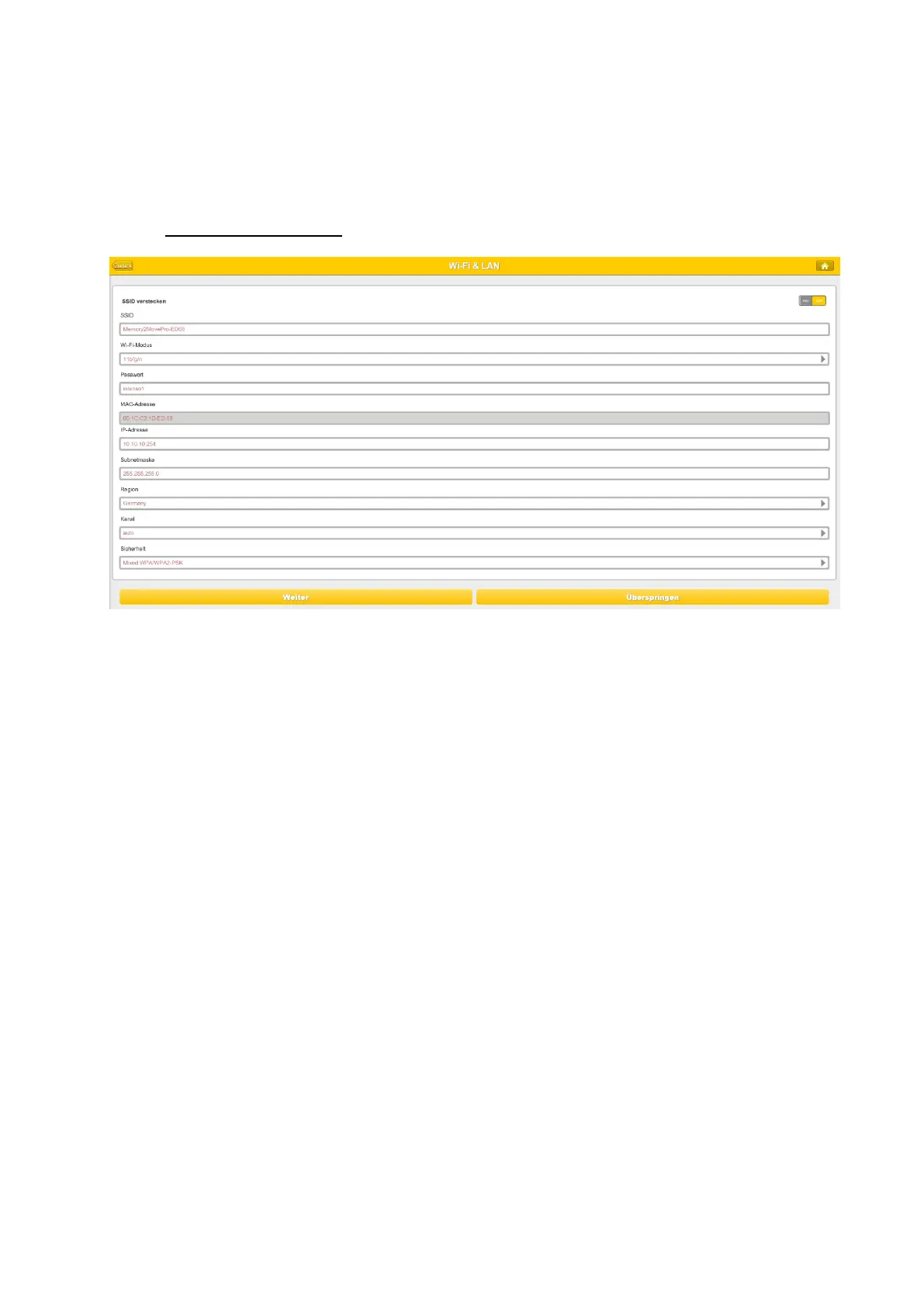
Click on the “Next” button to continue the process. The next step is to configure the WiFi
and LAN settings.



 To Next Page