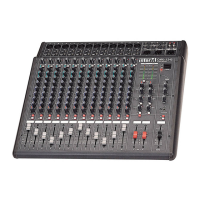
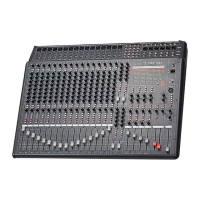
CA-5115D/CA-5130D Powered Mixer
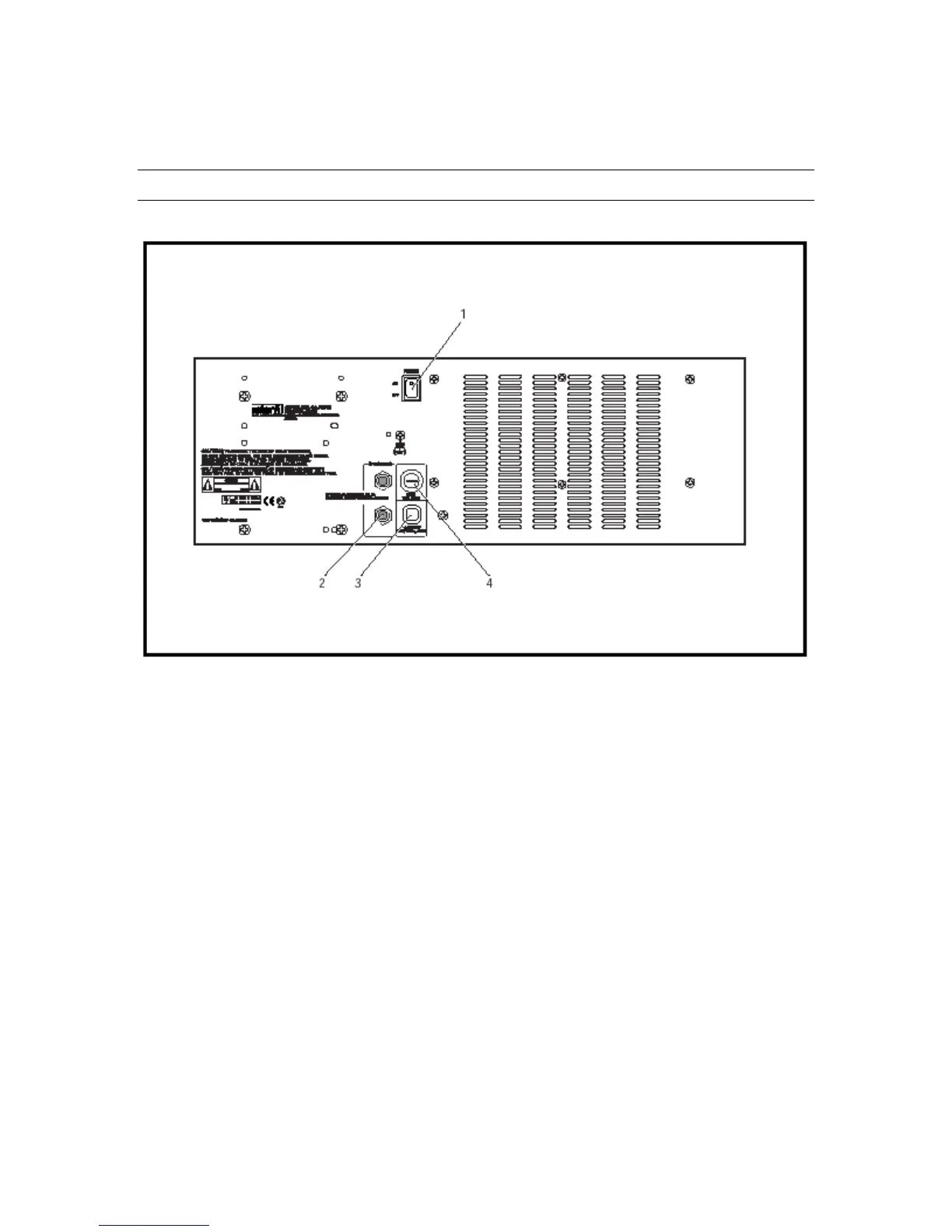
Rear Panel Controls
1. Power Switch
This switch is used to switch the unit on and off. When the unit is on, the front
panel Power Indicator LED (Front Panel Section #24) is lit.
CAUTION: Reduce MASTER and MONITOR levels before switching the CA-
5115D/5130D on or off.
2. Speaker Output Jacks
These power amp outputs are provided for connection of external speakers, and
derive their source from the Master mix buss. The total impedance connected to
the Speaker Outputs must be no less than 4Ω, regardless of whether one or both
outputs is used. Any of the following speaker combinations may be used safely:
One 8Ω speaker
One 4Ω speaker
Two 8Ω speakers
Four 16Ω speakers (in two parallel pairs).
3. AC Connector
Plug this cable into an active AC power supply.
10



 To Next Page