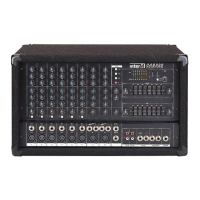
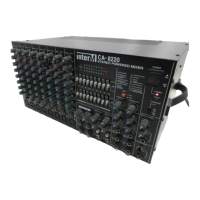
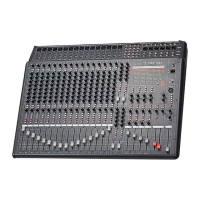
CA-5115D/CA-5130D Powered Mixer
–3dB before clipping. If the Peak Indicator is lighting frequently or glowing
steadily, lower the channel’s input level.
7. EFX Master
This knob controls the signal from the onboard digital signal processor (DSP).
8. Aux In
This knob controls the signal level from the Aux Input, sent to the Master mix buss.
9. Monitor Output Level
This knob controls the combined Monitor Send Level (4) signal sent to an external
amplifier connected to the Mon Out jack.
10. Master Level
This knob controls the combined signal level of the Main mix buss, sent to the
Main Outputs.
11. Mic Inputs
These are mic-level (low-impedance) inputs on balanced three-pin XLR
connectors.
12. Line Inputs
These are line-level (high-impedance) inputs on unbalanced 1/4" phone
connectors, provided for connection of line-level or instrument-level sources, such
as synthesizers, guitar preamps, etc.
13. Master Graphic Equalizer
These sliders control the EQ settings for the overall audio signal to the Master mix
buss. Each slider controls the cut (decreased gain) or boost (increased gain) for
its associated frequency band. Moving the slider upwards increases that
frequency’s gain, while moving it down decreases the level of that frequency.
Five frequency bands of equalization are provided: 100Hz, 340Hz, 1kHz, 3.4kHz
and 10kHz. You can cut or boost each frequency band by ±12dB.
14. Digital Effects Switches
This switch is used to select among the three internal settings of the onboard
digital signal processor (DSP).
15. DSP On/Off Switch
This switch switches on and off the onboard digital signal processor (DSP).
16. Aux Inputs
These are line-level inputs on unbalanced RCA connectors, provided for
connection of external playback sources such as CD or tape deck.
8



 To Next Page