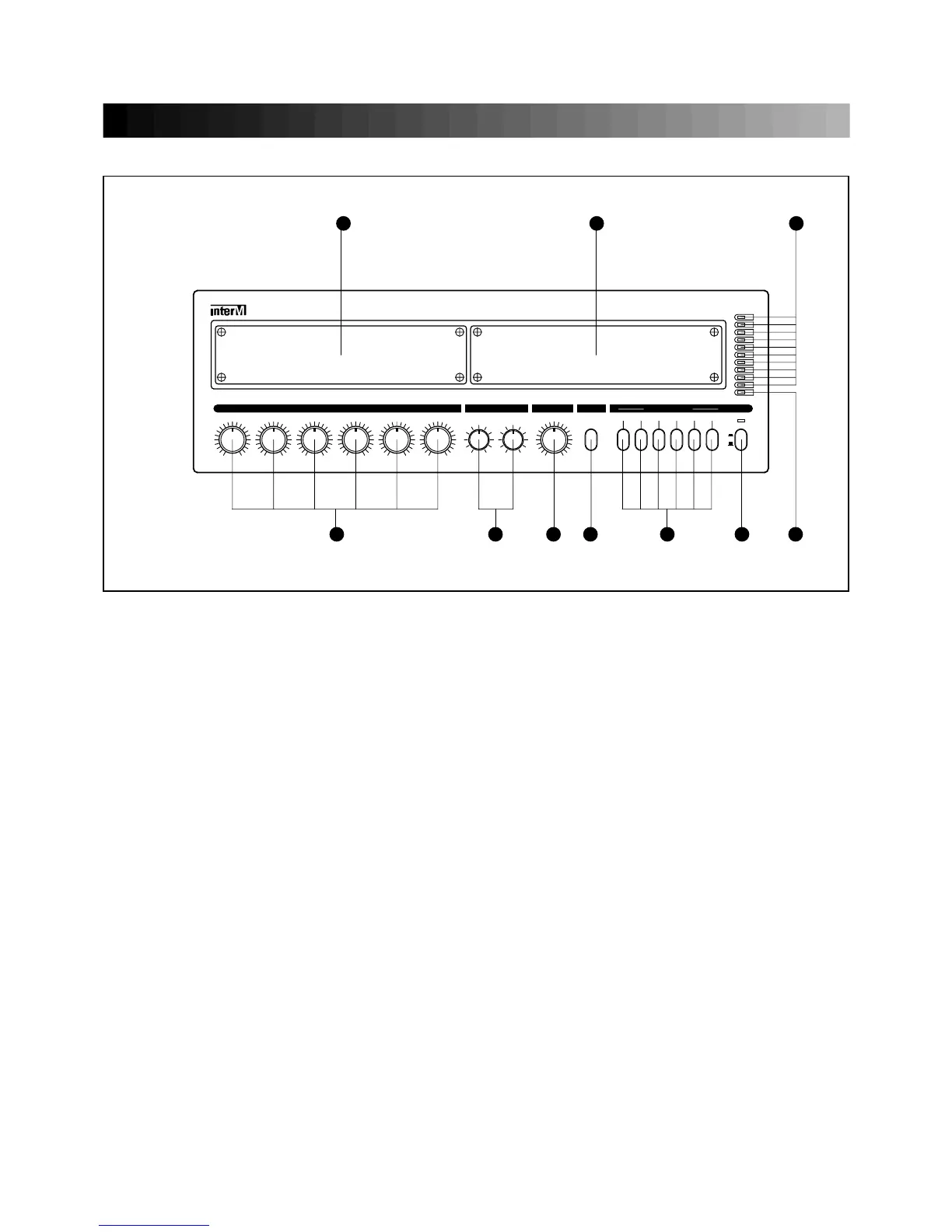
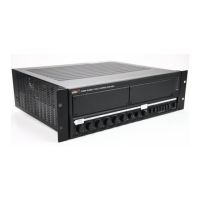
6. CH1~CH6 VOLUME
1. POWER SWTCH
This display indicates the output level (RMS) per 0dB.
These volume adjust the level of CH1~CH6.
3. CHIME BUTTON
Pressing this button will activate 4 tone chime circuitry.
FRONT PANEL CONTROLS
2
6 5 4 3 2 1 7
89
10
Pressing this switch to ON will make the power indicating LED ON and supply the power to this unit.
2. SPEAKER SELECTOR
These switches are used for connecting the output of amplifier to the speakers individually or totally.
4. MASTER VOLUME
This control is used for adjusting the volume of finally mixed sound.
5. TONE CONTROL
Each frequency level is adjusted to +12dB by the 2 controls from 100Hz to10KHz.
7. PROTECTION INDICATOR
This LED indicates the condition of the protection circuit. When the protection LED is “ON” the amplifier
is not operating normally (overheating and limiting), please check the INPUT/OUTPUT condition of the
amplifier.
8. OUTPUT LEVEL DISPLAY
9. DECK AND CD PLAYER OPTION
This Panel is used to connecting the DECK and CD player.
10. TUNER OPTION
This Panel is used to connecting the TUNER.
* Connection of option is provided the connector of internal unit.
-



 To Next Page