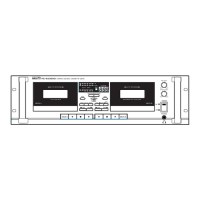
PC-9335 Dual Cassette Deck
Operating the Cassette Deck
Playback
Press the EJECT button on Deck A or Deck B to open the tape loading door.
Insert a tape into the desired deck.
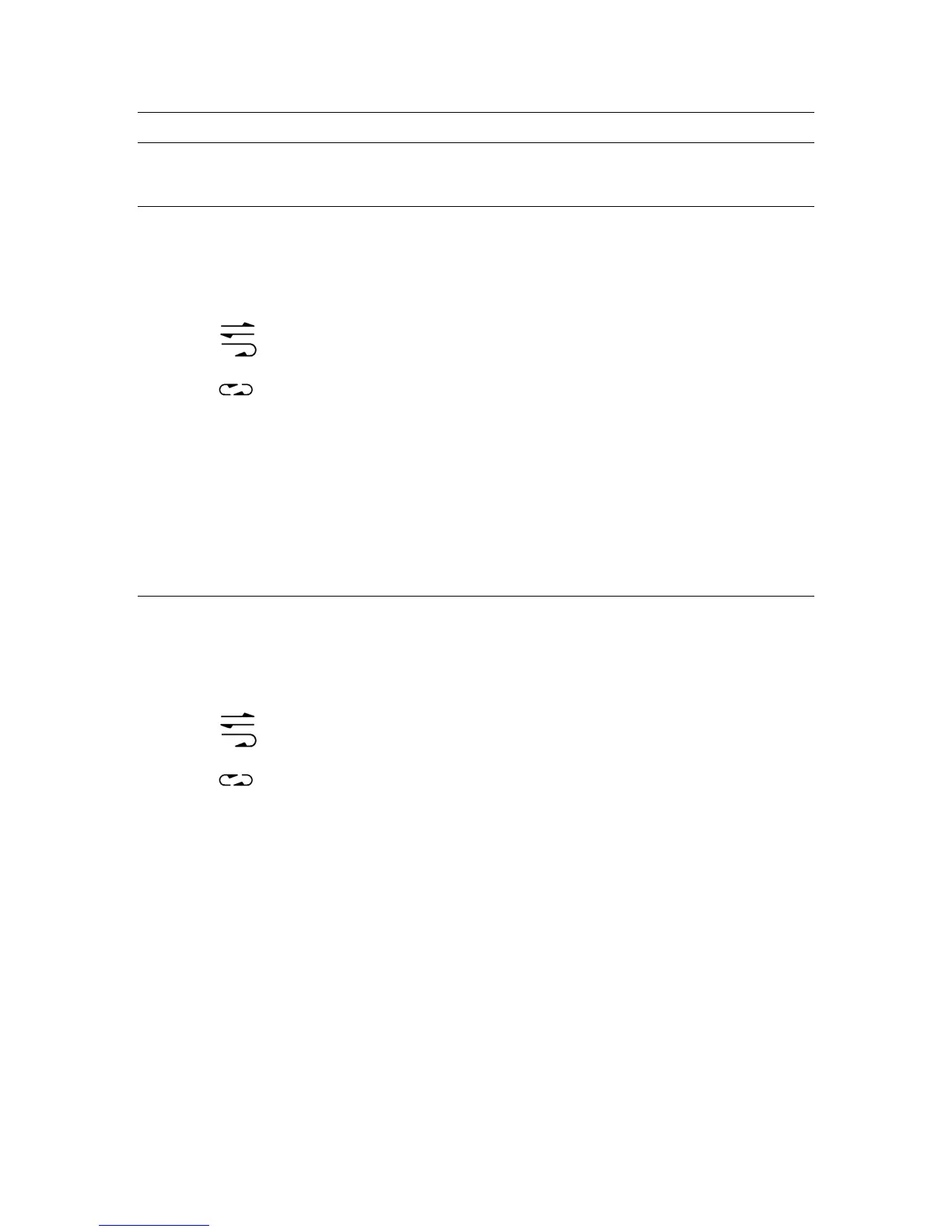
Select the desired Auto Reverse mode using the REVERSE MODE selector:
a.
: Single-side PLAY (Tape stops when reaching the end).
b.
: Side A-to-Side B-to-STOP, Side B-to-STOP (Tape stops when end of side B
is reached).
c.
: Continuous Auto-Reverse (Tape will continuously switch from Side A to
Side B and back during Playback).
To begin playback, press the PLAY FORWARD button.
To play the reverse side of the cassette, press the PLAY REVERSE button.
To stop playback, press the STOP button.
Recording
Insert a blank recordable cassette into Deck A.
Select the desired source (CD, Tuner, etc.) with the Function Selector switch.
Select the desired Auto Reverse mode using the REVERSE MODE selector:
a.
: Single-side REC (Tape stops when reaching the end).
b.
: Side A to Side B to STOP, Side B to STOP (Tape records until end of side B
is reached).
c.
: Continuous Auto-Reverse (Tape will continuously switch from Side A to
Side B and back during recording).
Press the REC button to put the unit in Record Arm mode.
Adjust the level to tape with the associated LEVEL CONTROL knob, so that the meters
display a signal that reaches the red LEDs only on the loudest peaks.
Press the PLAY button to begin recording.
To stop recording, press the STOP button. The tape will stop automatically when it
reaches the end.
12



 To Next Page