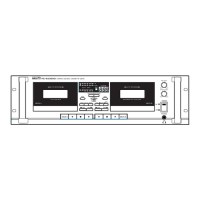
PC-9335 Dual Cassette Deck
18. Reverse Play Button ()
Pressing this button activates Reverse Play mode. The “” indicator lights, and
the tape plays in a reverse direction.
19. Fast Forward Button ()
Pressing this switch activates Fast Forward mode. Use this button during playback
for forward AMS operation (see page 13).
20. Rewind Button ()
Pressing this button activates Fast Rewind mode. Use this button during playback
for reverse AMS operation (see page13).
21. Headphone Jack
Headphone output on stereo 1/4" TRS jack.
9



 To Next Page