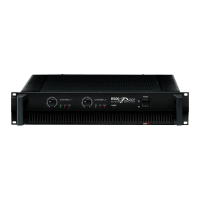
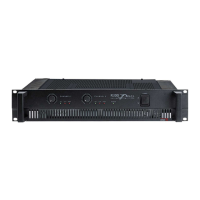
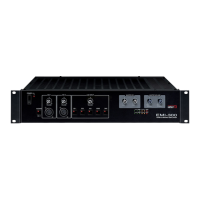
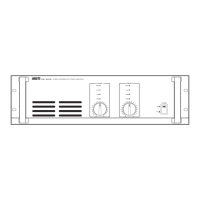
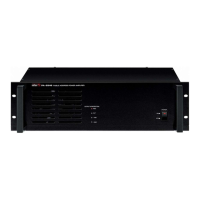
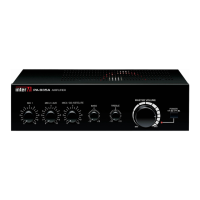
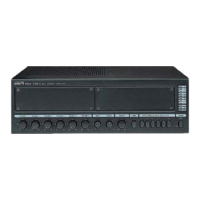
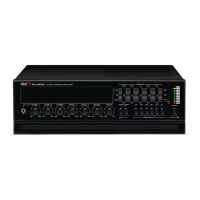
R-150/R-300/R-500 Reference Series Amplifier
Rear Panel Controls
1. Speaker Output Terminals
These five-way binding posts and speaker connect jacks are used to connect
speakers to the unit.
Speakers may be connected in Stereo or Bridged Mono mode. Please refer to the
illustrations below. When connecting speakers in Bridged Mono mode, use the
Channel 1 “+“ output for the positive lead, and the Channel 2 “+“ for the
negative lead.
2. AC Connector
Connect the supplied standard AC input cable here.
3. Mono/Stereo Mode Selector
Use this slide switch to select either Stereo or Bridged Mono operation. When
Bridged Mono mode is selected, only Channel 1 is active. Use the Channel 1
Input Attenuator to set input level, and refer to the corresponding indicator LEDs
for operating status.
9



 To Next Page