D-0123234-D – 2020/05
Affinity Compact - Instructions for Use - EN Page 44
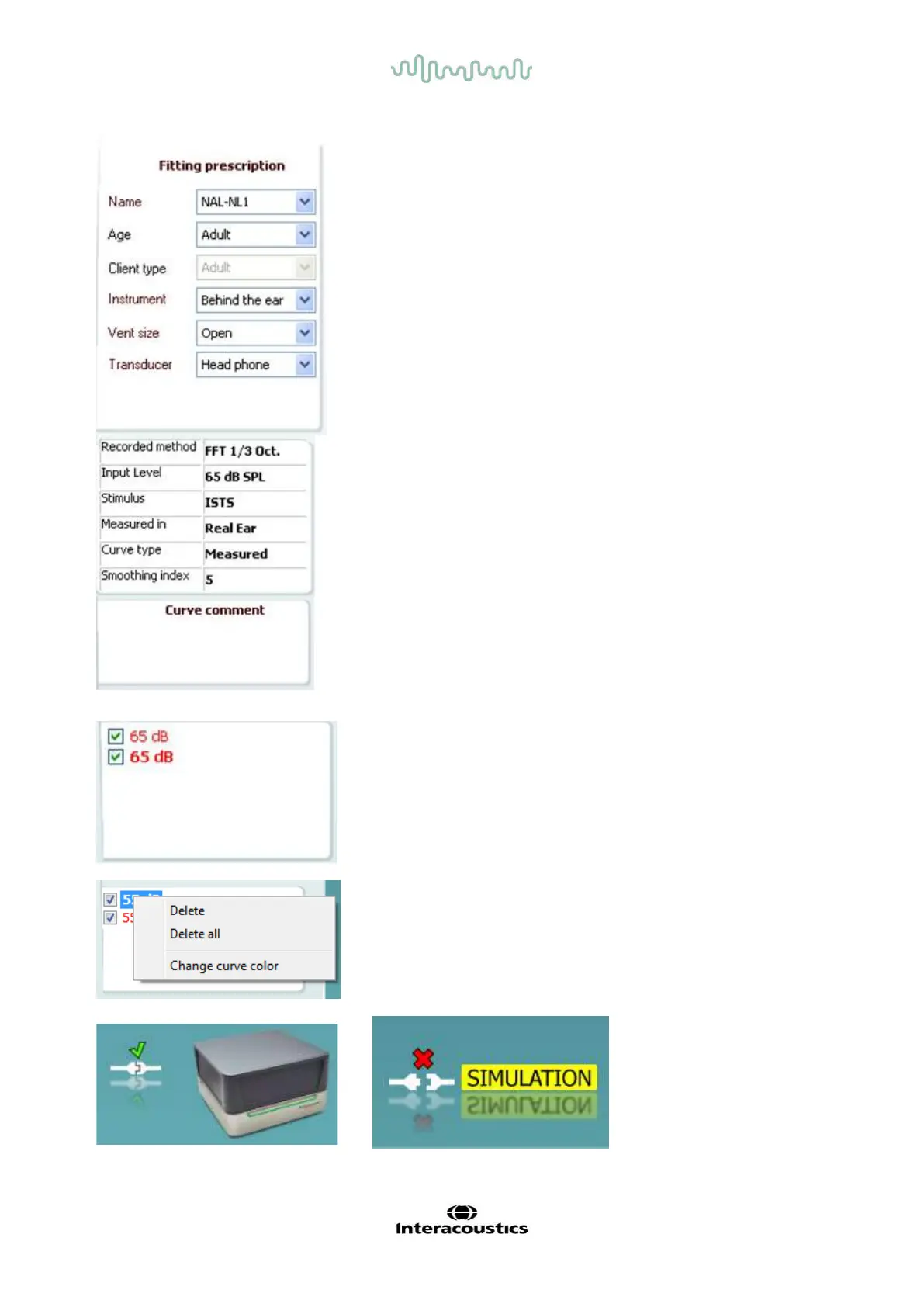
Fitting Prescription and related details can be adjusted on the
right hand side of the screen. Select your preferred fitting
prescrip
tion in the upper dropdown list.
Choose between Berger, DSL
v.5.0,Half Gain, NAL-NL1, NAL-
-R, NAL-RP, POGO1, POGO2, Third Gain, or ’Custom’
if you have edited your target with the Edit feature.
Target shown will be calculated based on the selecte
d fitting
prescription and the audiogram and can be shown as REIG
and/or REAR targets.
If no audiogram has been entered into
the audiogram screen, no targets will be displayed.
Note that fitting prescription settings (such as
Age and Client
) will differ depending on what fitting prescription is selected.
Measurement Details of the selected curve are displayed as a
table on the right hand side of the screen.
A Curve Comment for each curve can be typed into the
comment section on the right hand side.
Select a curve using the curve tag boxes under Curve display
options and write a comment in the comment section.
The comment will then appear in the comment section
whenever the curve is selected.
Curve Display Options are found in the lower right hand
corner.
If you have measured more curves of the same type (e.g. REIG
curves), they will be listed by their input level. Tick the ones that
are to be displayed on the graph.
Right clicking on the input level in the curve display will give the
fitter various options.



 To Next Page