20
Adjusting the Volume
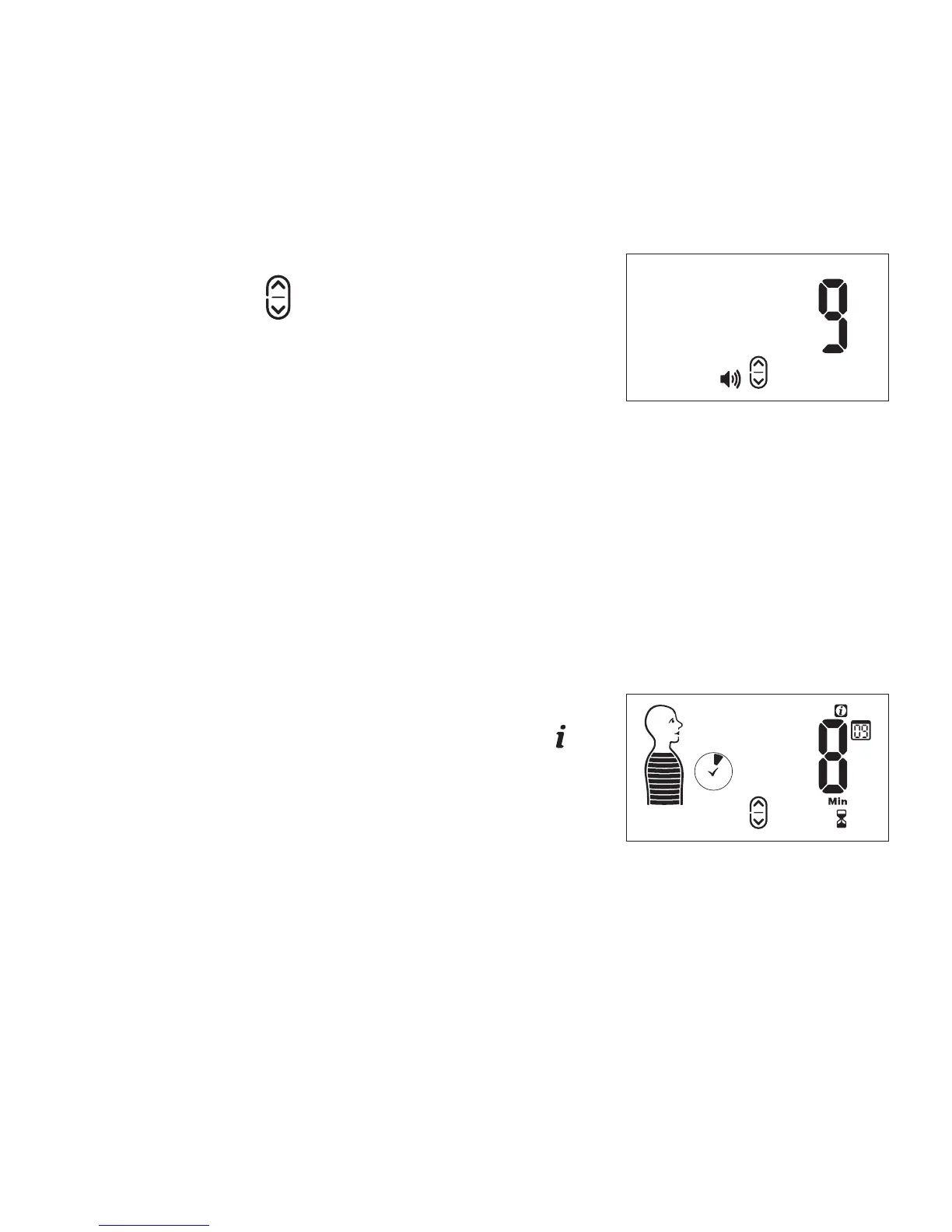
To adjust the volume press the UP/
DOWN button
until you reach your
preferred level (1-15). When you press
the button, the current level will be
displayed on the screen. After you
adjust, the new level will be displayed
for a few seconds and then return to the previous screen.
You can adjust the volume at any time while using RESPeRATE.
It will be stored as the last set volume for the next session.
Viewing/Changing Session Duration
To view how much time you have left
in a session, press the INFO button
and it will be displayed on the right of
the screen.
Volume Display
Session Duration -
Remaining Time


 To Next Page