24
Functions
Your RESPeRATE can be adjusted based on your preferences.
The following section will explain how to set the functions to
your likings. The functions are listed according to the order they
appear when the MENU button
is pressed.
To select a function, press the MENU button
and then
press the UP/DOWN button
to reach your preferred setting.
RESPeRATE will return to the previous screen after the change is
made and it will save the change for the next session.
I. Melody Selection
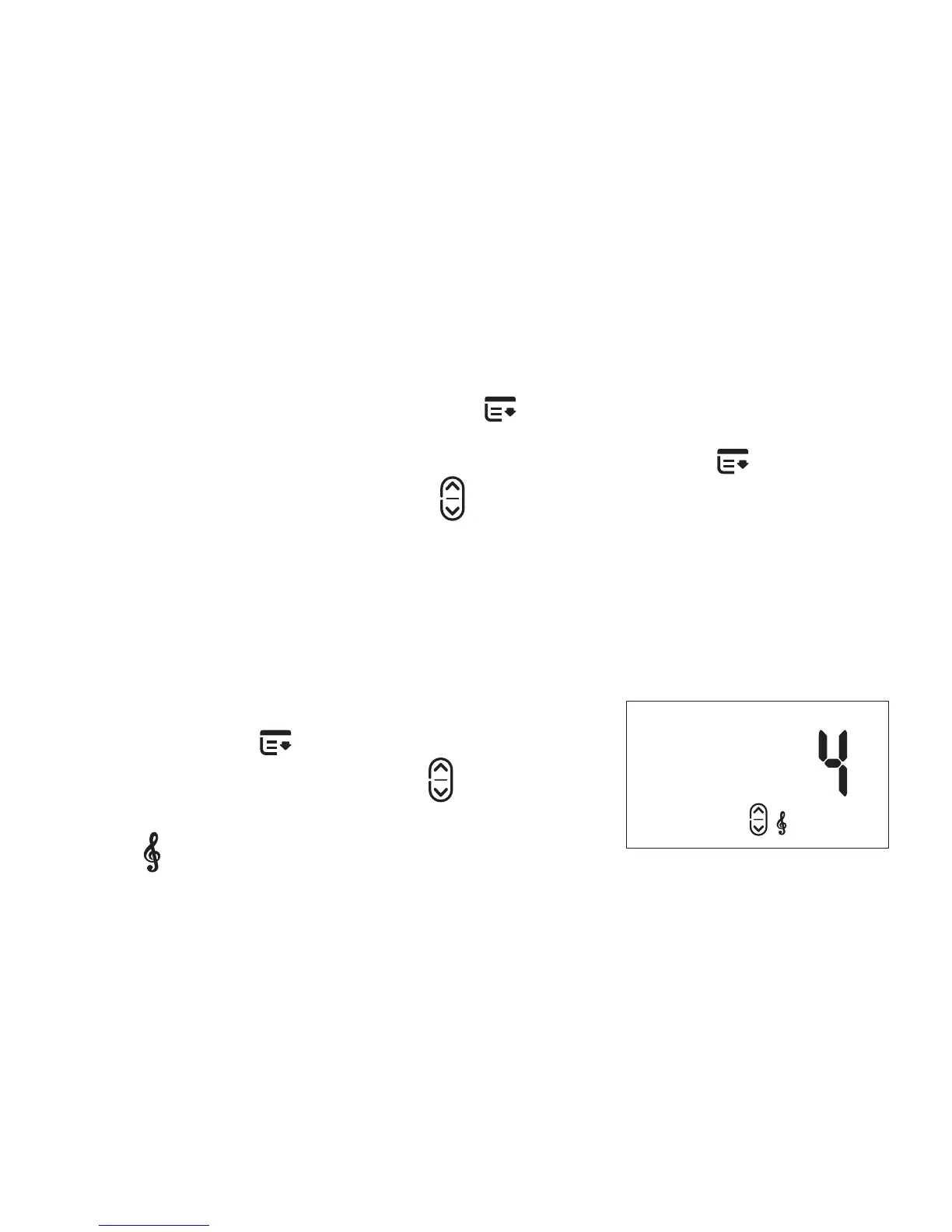
To select a different melody, press the
MENU button
one (1) time. Then
press the UP/DOWN button
to reach
your preferred melody. The melody
icon
and the selected melody
number will appear on the screen.
Melody Display


 To Next Page