25
II. Guiding Arrows
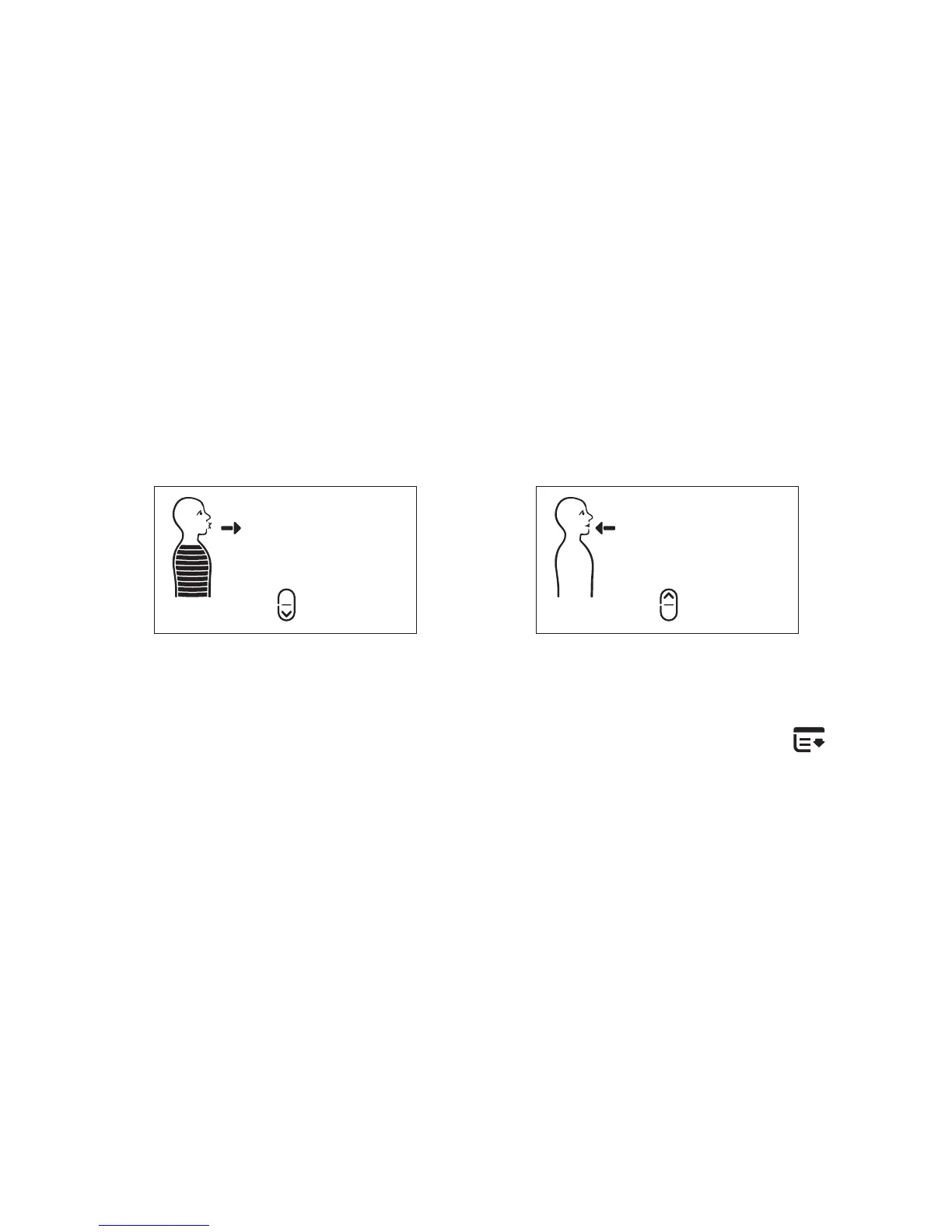
The guiding arrows depict when to breathe in and when to
breathe out. By default they will turn off one minute into a session
as some people tend to constantly focus on them. However, if
you are having problems following the tones or prefer to have
the visual aid, you can activate them.
Guiding Arrows On Guiding Arrows Off
To turn the guiding arrows on/off, press the MENU button two
(2) times. Then press the UP button to turn it on and the DOWN
button to turn it off. Your display will change accordingly.



 To Next Page