26
III. Mute
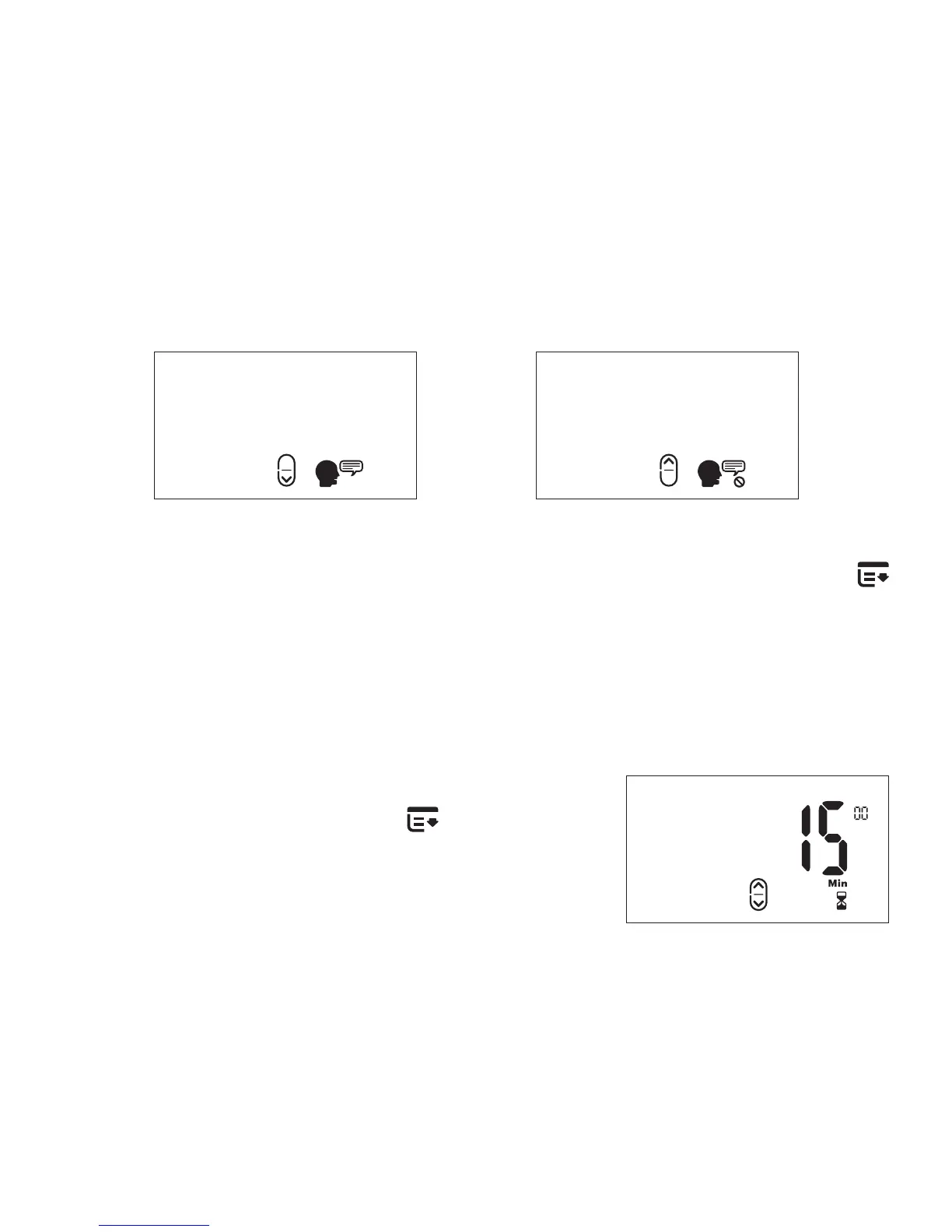
During the session voice instructions and warnings will be spoken.
However, if they become a distraction they can be muted.
Voice Instructions On Voice Instructions Off
To turn the voice instructions on/off, press the MENU button
three (3) times. Then press the UP button to turn it on or the
DOWN button to mute. Your display will change accordingly.
IV. Default Session Duration
To change the default session duration
press the MENU button
four (4)
times. Then press the UP/DOWN
button to increase/decrease the time.
The time changes in increments of 5
minutes. Sessions can range between
10 and 60 minutes.
Session Duration


 To Next Page