60 61
Control and Info Panel Control Panel
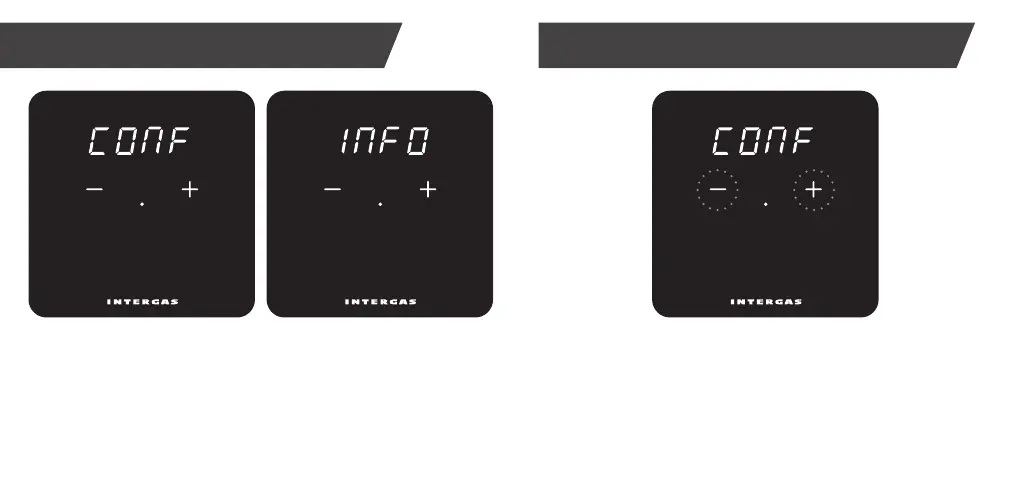
Touch ‘+’ and ‘–’ buttons simultaneously for 2 seconds
to open control panel and adjust thermostat settings,
if required. Step through menus by tapping ‘+’ or ‘–’ buttons.
Confirm selections by tapping centre dot.
Touch ‘+’ and ‘–’ buttons simultaneously for 2 seconds
to open the main panel.
From here, you can choose the control or info panel by tapping ‘+’ or
‘–’ buttons. In addition, you can return to a previous screen with “qUIt”.
Use the ‘dot’ to confirm a choice.


 To Next Page