78 79
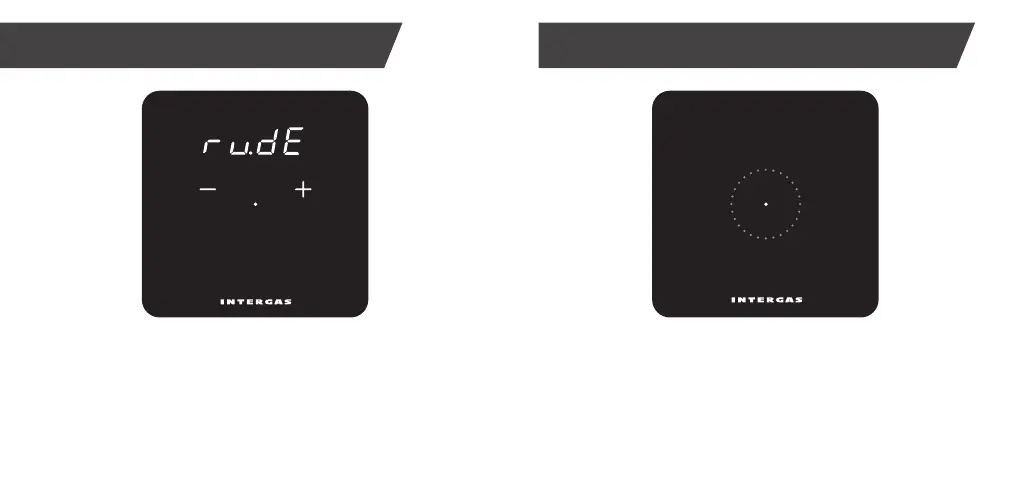
Cleaning Mode
Activate cleaning mode (temporary screen lock) by touching
dot for 2 seconds. Clean thermostat screen.
Screen lock disengages automatically after 30 seconds
and thermostat returns to normal operation.
Here you can see which appliance is currently active.*
bo: CH boiler.
HP: Heat pump.
bo:HP: CH boiler and heat pump.
Active appliance
*Only visible with Xtend hybride installation.


 To Next Page