66 67
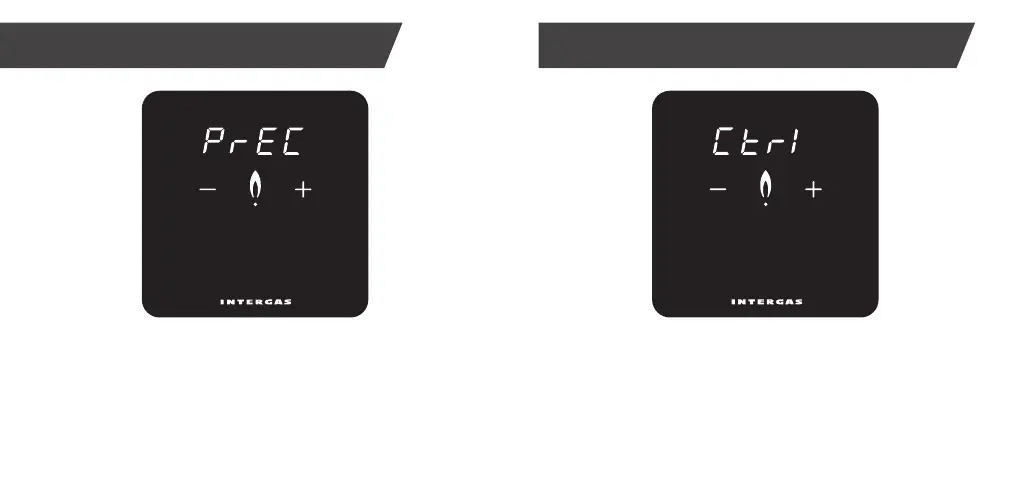
‘Tap ‘+’or ’- ‘ buttons to change the way the measured
room temperature is displayed. 0,1: The measured room
temperature is displayed in 0,1°C. 0,5: The measured room
temperature is displayed in 0,5°C
Displayed temperature
(1 = SLo, 2 = rEG, 3 = FSt, 4 = AUtO*)
Select control response time, e.g. ‘slow’ for
underfloor heating. (1 = underfloor heating,
2 = radiators, 3 = warm air system), 4 = Xtend hybride determines
setting*).
Control Settings
*Only visible and adjustable if an Xtend is connected.


 To Next Page