TruVision 11/31 Series IP Camera Configuration Manual 37
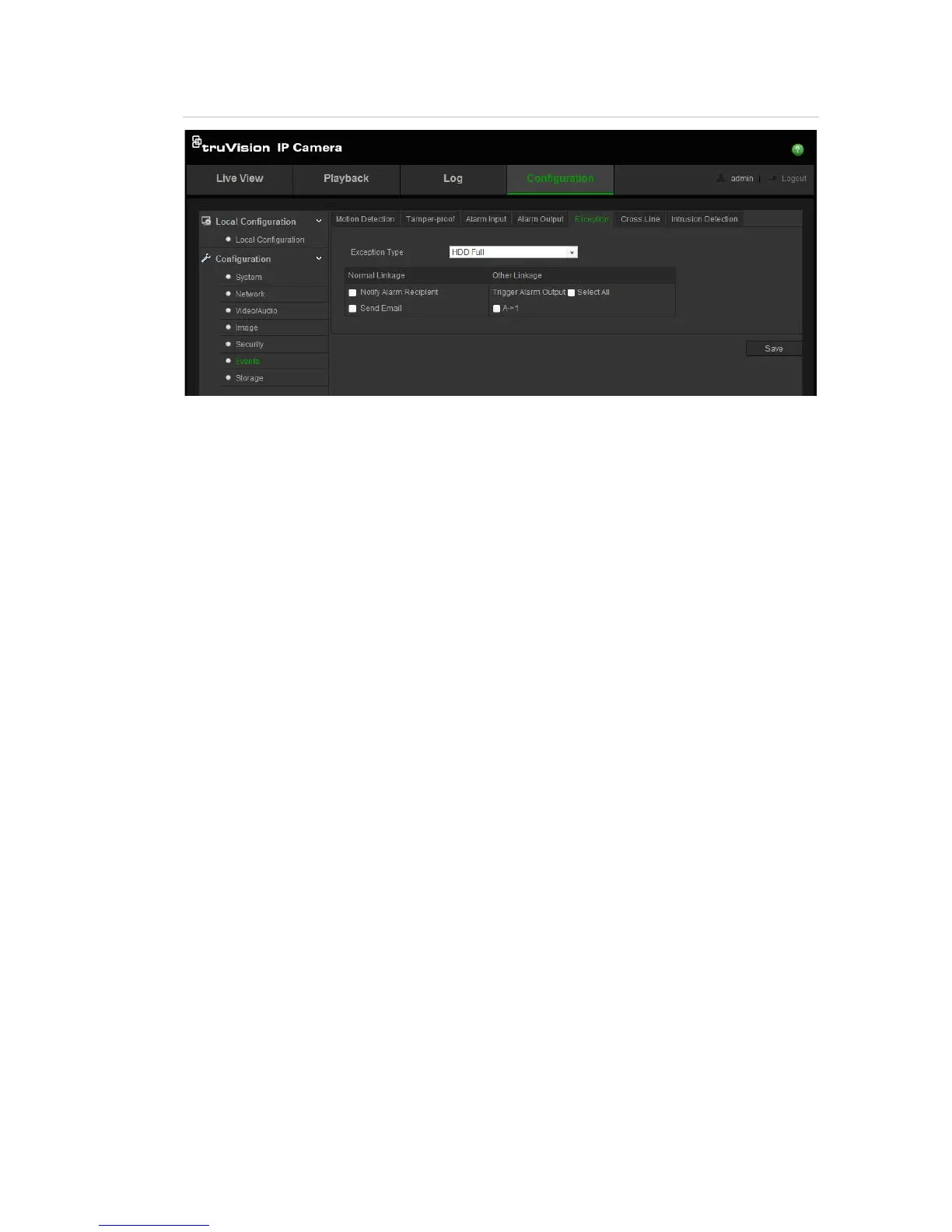
Figure 10: Exception menu
To define exception alarms:
1. Click Configuration > Events > Exception.
2. Under Notification Type, select an exception alarm type from the drop-down
list.
3. Check the checkbox to select the linkage method.
4. Click Save to save changes.




 To Next Page