Chapter 2 — Connecting and Configuring the CK3
30 CK3 Mobile Computer User’s Manual
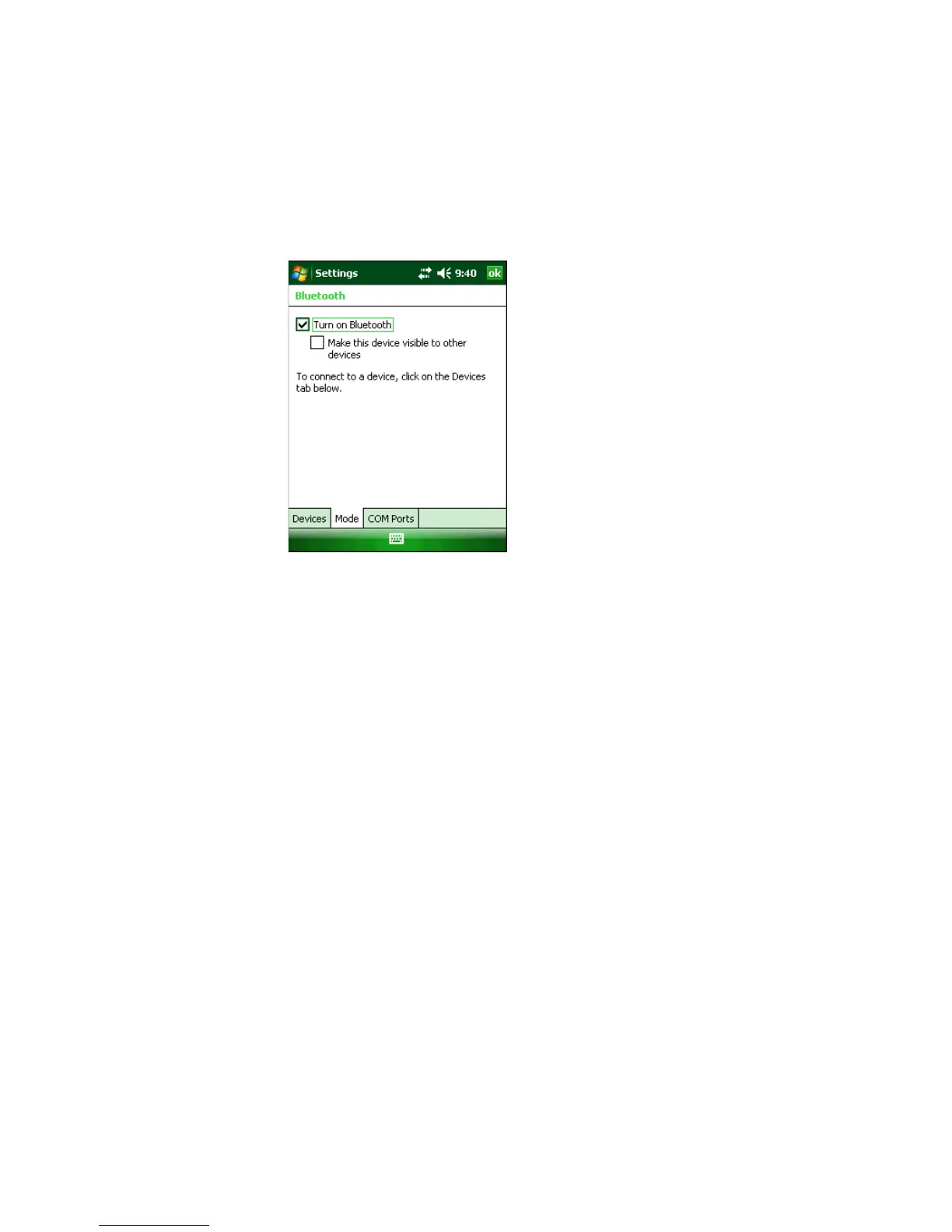
To turn on the Bluetooth radio
1 Tap Start > Settings > the Connections tab > Bluetooth > the
Mode tab.
2 Tap Turn on Bluetooth.
3 (Optional) If you want your CK3 to be visible to other Bluetooth
devices, tap Make this device visible to other devices.
4 Click ok.
The Bluetooth radio maintains its current state through a warm or
cold boot and maintains virtual COM ports. But, if you clean boot
your CK3, you need to recreate pairings to devices.
You can also access Bluetooth settings using Intermec Settings.
To access Bluetooth settings using Intermec Settings
• In Intermec Settings, tap Communications > Bluetooth.
For more information about Bluetooth settings, see the Intermec
Settings Command Reference Manual (P/N 937-016-xxx).



 To Next Page