Chapter 3 — Developing and Installing Applications
58 CK3 Mobile Computer User’s Manual
To free up virtual memory
1 Go to Start > Programs > File Explorer.
2 Tap the arrow next to My Documents and select My Device.
3 Tap the Windows folder and scroll down to find InstallSelect.
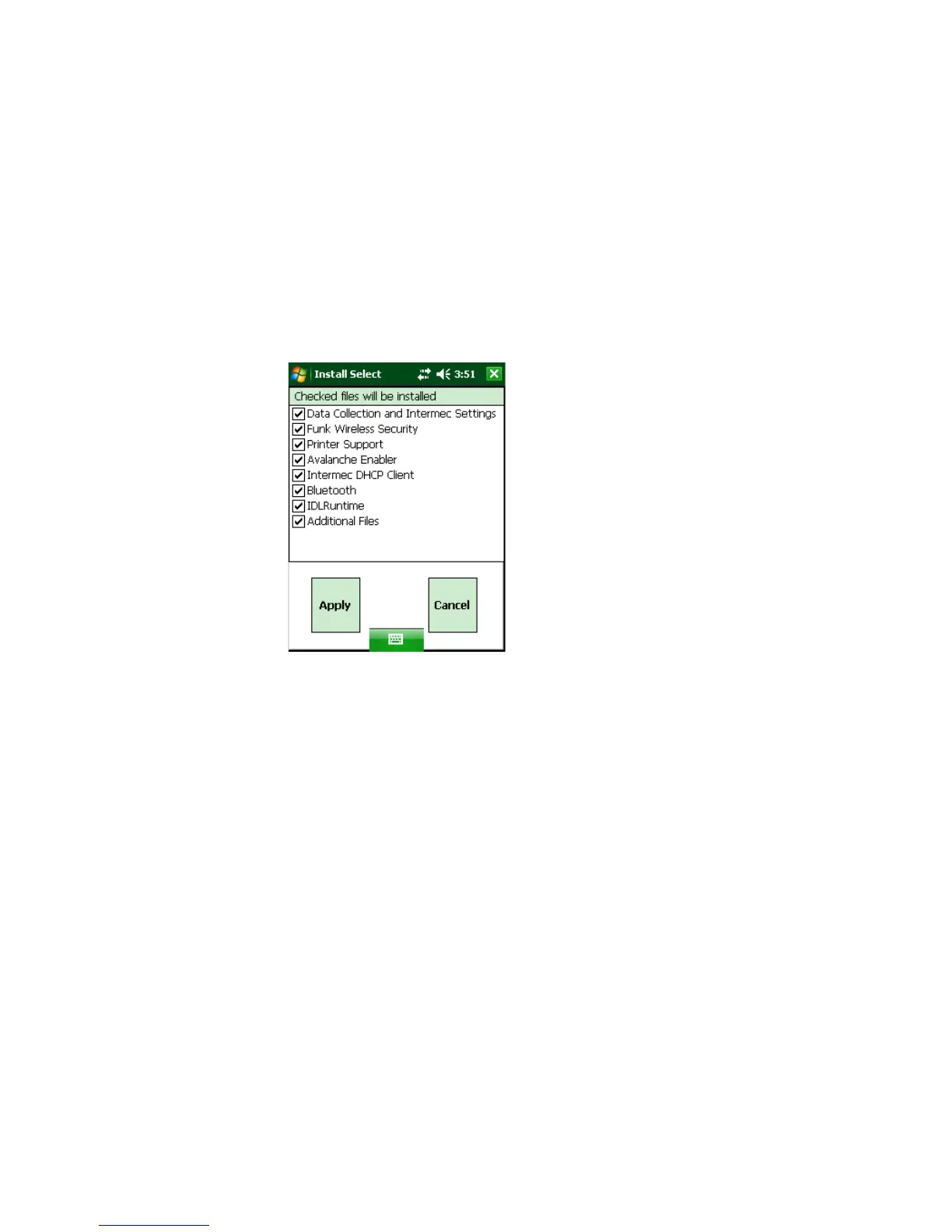
4 Tap InstallSelect. The Install Select application starts and
displays a Caution message box.
5 Tap OK to close the box.
6 Clear the check box of any components you do not want installed
after a clean boot. For a description of each component, see the
next table.
By default, components already installed on the computer are
automatically checked to be installed again after you perform a
clean boot.
7 Tap Apply to initiate the clean boot and install only the files that
are selected.



 To Next Page