Chapter 4 — Troubleshooting and Maintaining the CK3
CK3 Mobile Computer User’s Manual 75
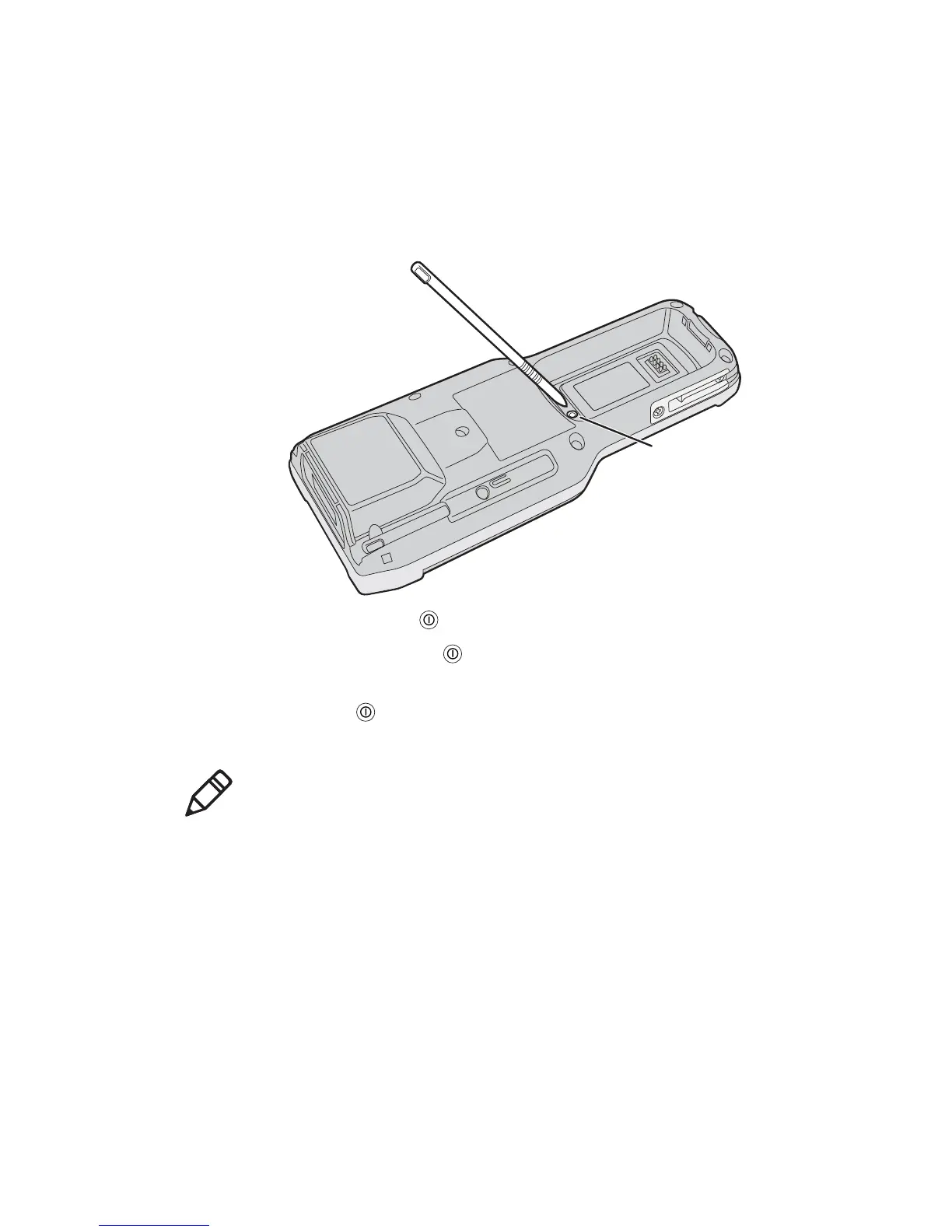
To clean boot the CK3
1 Remove the battery.
2 Use the stylus to press the reset button in the battery
compartment of the CK3.
3 Press and hold as you replace the battery.
4 Continue to hold until the “Clean boot the system?” prompt
appears on screen.
5 Release , read the message, and press the appropriate button to
either proceed with the clean boot or cancel the clean boot.
Note: You can also clean boot your CK3 from the SmartSystems
console: right-click the CK3 and select Intermec Power Tools >
Clean Boot Device.



 To Next Page