18
CURSR
VERT
HORIZ
DOWN DATA
RANGE
GAIN
PWR
FORWARD LOOKING SONAR
CURSR
VERT
HORIZ
DOWN DATA
RANGE
GAIN
PWR
FORWARD LOOKING SONAR
Screen Menu
Softkeys
NAV Button
UP/DOWN Button
Getting Started
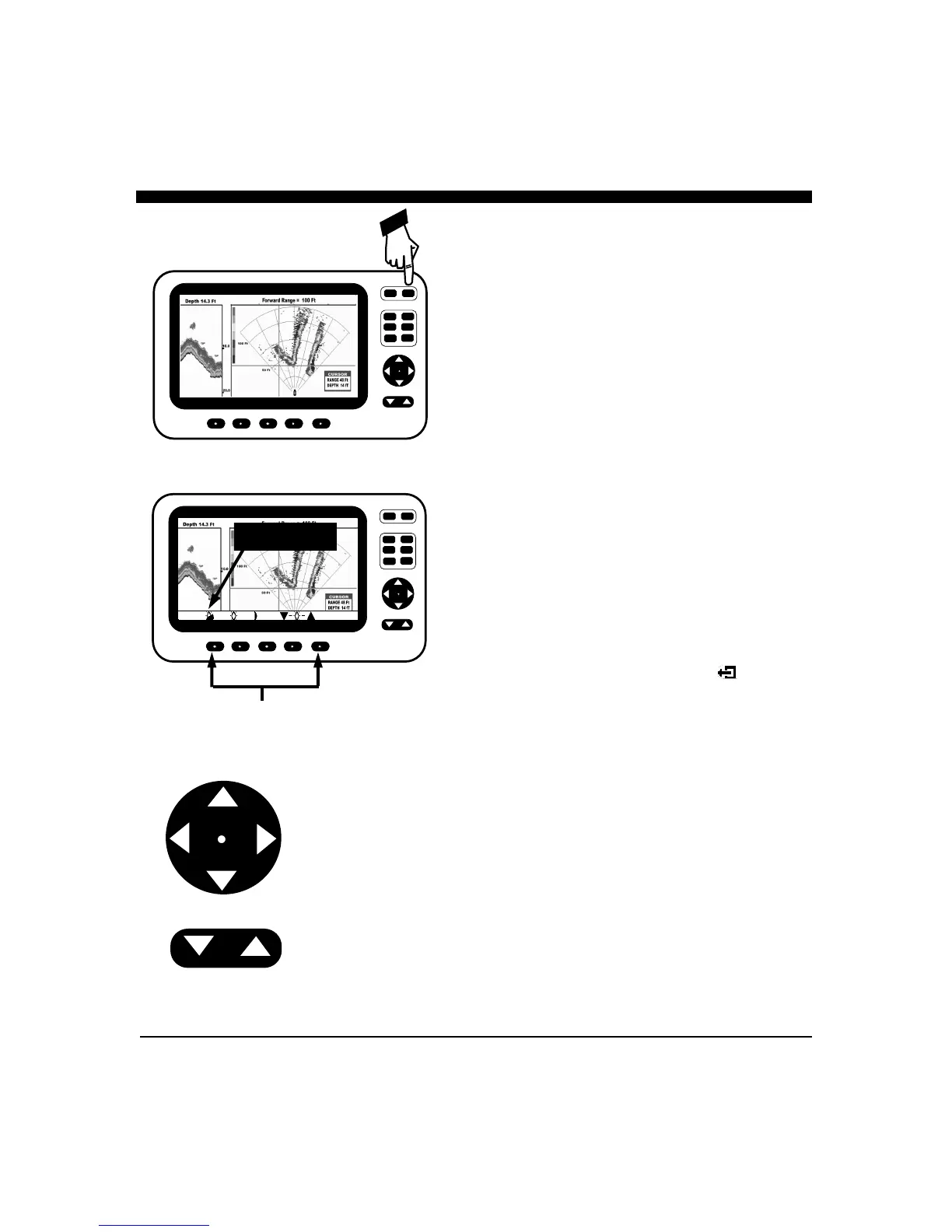
ON/OFF - PWR Button.
Press the red "PWR" button located at the upper right of the unit
to turn the Color Twinscope on. The unit will respond with a
beep when it turns on. Briefly pressing the PWR button again
brings up the menu for adjusting the screen brightness and color.
To turn the COLOR TWINSCOPE off, press and hold down
the PWR button for longer than 3 seconds.
Soft Keys and Screen Menus
The five unmarked buttons below the display are called softkeys
(because their use is determined by the menu choices and the
Color Twinscope’s software). Whenever one of the softkey
buttons are pressed, or when making adjustments (like changing
the color mode, brightness, gain or range) a screen menu will
appear at the bottom of the display. For example, the screen
menu shown at left is used for selecting the display color mode
and adjusting the brightness.
The screen menu provides visual feedback on the adjustment and
often allows further choices by pressing one of the 5 softkeys
below the menu.
If no button is pressed for several seconds the screen menu will
disappear. On some screen menus, the menu will disappear as
soon as you make a choice or press the button below the EXIT
choice. Note: on some menus, the exit symbol is used
instead of the EXIT word.
UP/DOWN (
) and “NAV” Buttons
These buttons are often used to make adjustments to increase or
decrease something - like the GAIN, RANGE and screen
BRIGHTNESS, etc. In several menus you can also use the
softkeys below the
symbol that appears in the menu to
make the adjustment. The
button and the
symbols on
the NAV button have the same function.
The
symbols on the NAV button are used to select an
item in the menu. For example, when the GAIN menu is
displayed, the
symbol on the NAV key will select the DOWN
gain to adjust, while pressing the
symbol will select the SCAN
gain to adjust. See RANGE/GAIN on page 26 for details.



 To Next Page