13
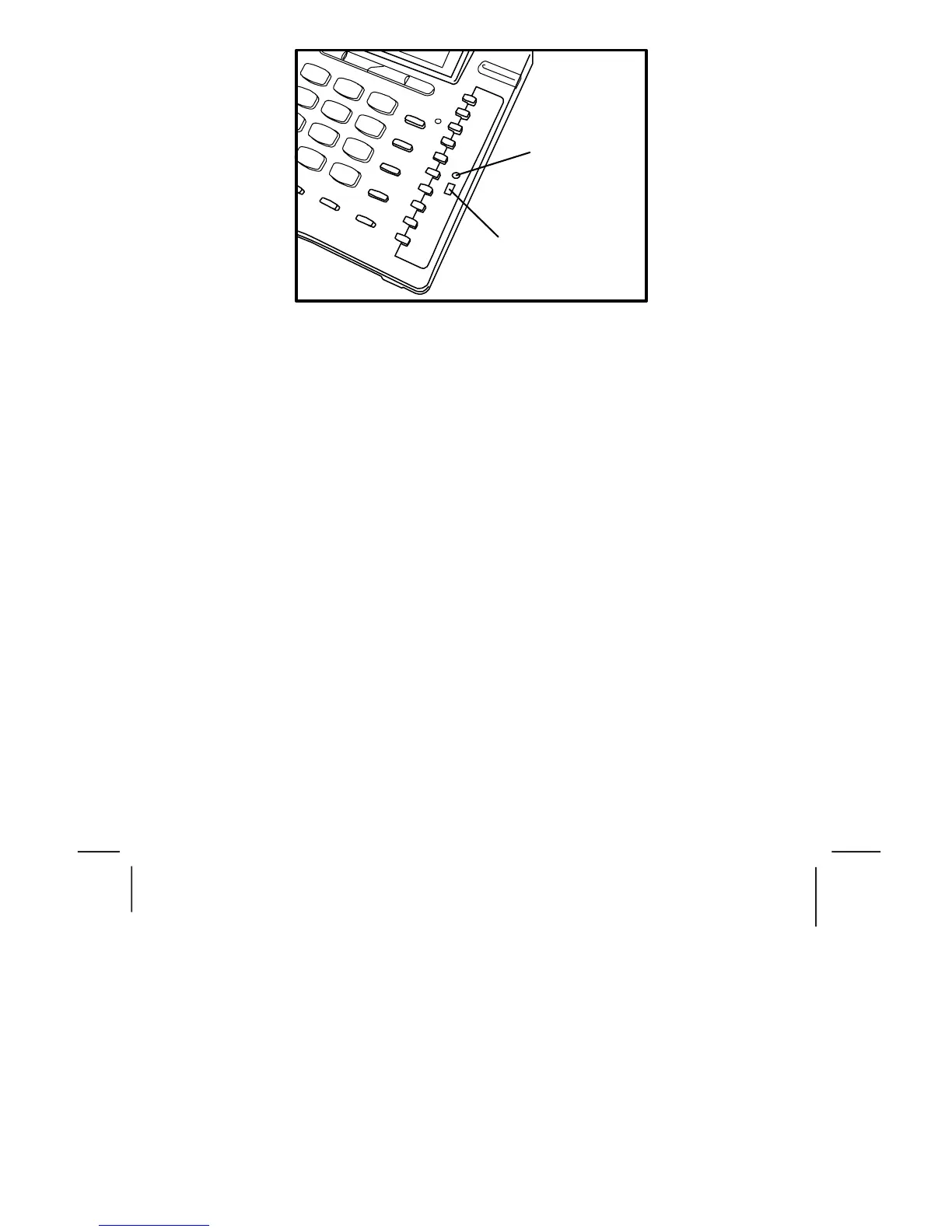
Reset button
Memory protect switch
FIGURE 2B MEMORY PROTECT SWITCH
You will need a small screwdriver, or similar pointed tool, to remove the clear
plastic cover plate and the single touch memory location card. With the tool you
can then adjust the switch to select the memory protection.
Replace the cover, plug the phone back into the socket and it is ready for use.
PABX access
Where a PABX access digit is required to obtain a direct outside line, it may be
necessary to insert a pause after dialling the access digit.
Voice Messaging
When used behind a PABX, this telephone will respond to voice messaging
systems on many PABX types, giving a visual signal of a message waiting. Your
Telecoms / IT manager will be aware of which system is relevant to your
organization and will adjust or advise you on the adjustment of your telephone
accordingly.



 To Next Page