GB
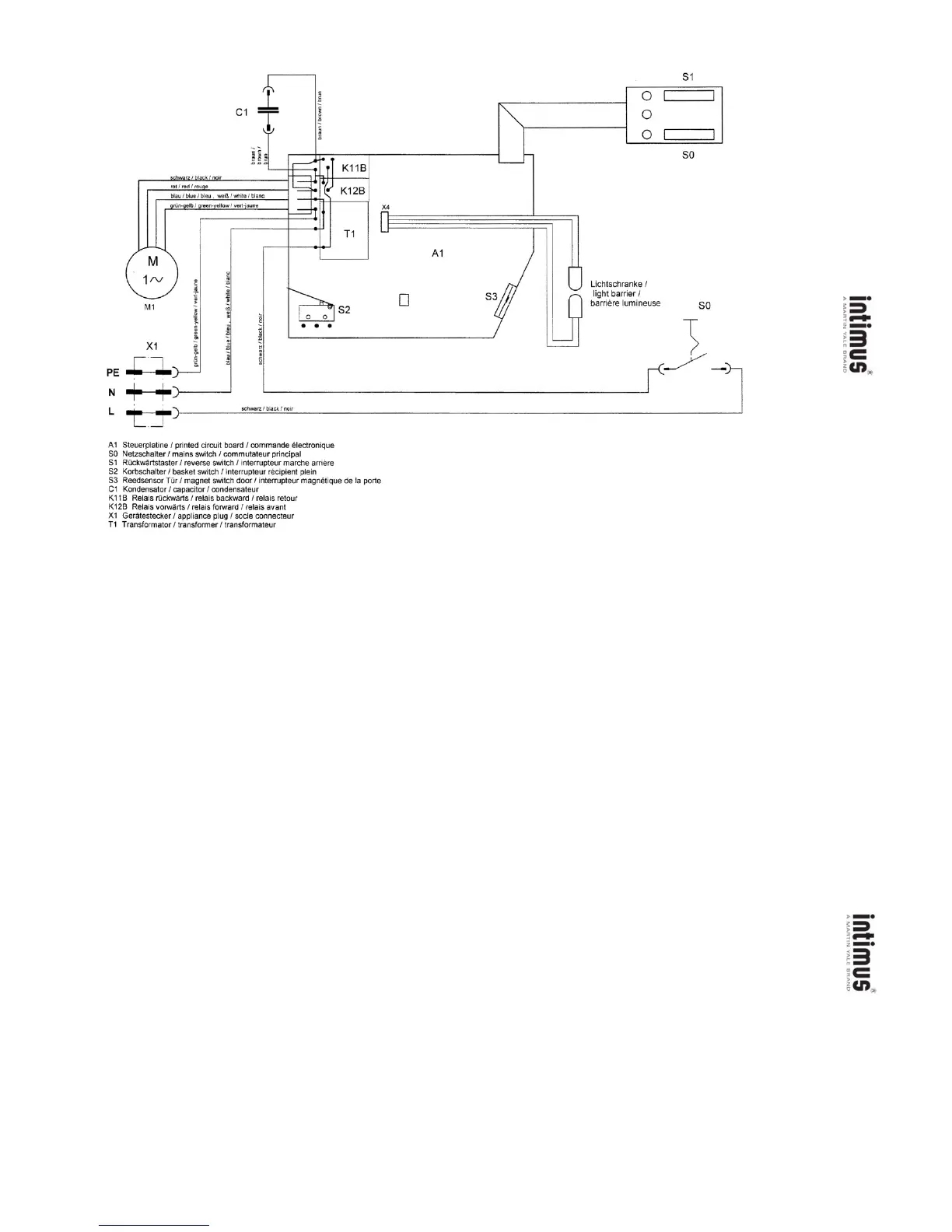
SCHALTBILD / WIRING DIAGRAM / PLAN DE MONTAGE / SCHAKELSCHEMA
DIAGRAMA ELÉCTRICO / ESQUEMA ELECTRICO / SCHEMA ELETTRICO
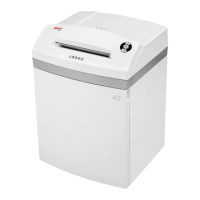
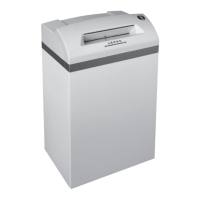
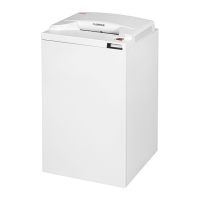
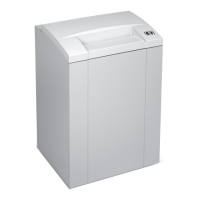
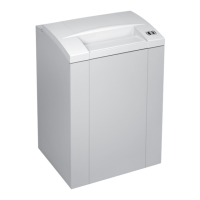
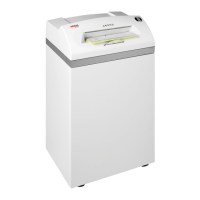
302/302CC // 402/402CC/402HS
16
MAINTENANCE
COMPENSATION OF THE LIGHT BARRIER:
In order to eliminate malfunctions due to changing
light conditions at the inlet aperture (e.g. by
changing the location) or due to the wear of the
fotocell (scratches), the sensitivity of the light
barrier is automatically re-adjustedby the machine
for the detection of "normal" paper in regular
intervals.
This so called "compensation" can also be carried
out manually in accordance with the sequence
described in the following (e. g. after change of the
light barrier or the PC Board).
The "receptacle full" switch-off must not be
activated for the re-adjustment. The procedure is
as follows:
1. Switch off the maschine at the pushbutton
switch (1) and open the door.
2. Press the pushbutton switch "reverse" (3) and
keep it pressed.
3. Press the "ready" pushbutton switch (1).
4. Release the "reverse" pushbutton switch (3)
after approx. 3 sec.
5. (This process is only required for the cross-cut
models. (CC/HS/SX))
Push switching flap „receptacle full“ backwards
for at least 3 sec.
6. Close the door after approx. 3 sec.
7. Cover the light barrier with a piece of paper (do
not feed the paper up to the cutter) and wait until
the motor is switched on.
This completes the compensation. The machine
is now ready for operation.
Note: If the compensation process has been
interfered with due to exessive external incident
light (direct sun light, lamps, spots etc.) or due to
a false procedure, keep the external light away
from light barrier and re-start the compensation
process right from the beginning.
CLEANING THE PHOTOCELLS:
If paper particles should come to rest in the inlet
guide (for example after a paper jam) it is possible
that the machine will not turn off, due to the broken
light barrier.
To remove these paper strips and also to clean
the photocell, pass another sheet of paper through
the feed slot, or switch the machine to reverse and
wipe both „eyes“ of the photocell with a brush.
MAINTENANCE CUTTING BLOCK:
(1.9x15 mm, 3.8x24 mm and 0.8x12 mm)
After approximately 30 minutes of continuous
use, run the cutting system in reverse for 15 to 20
seconds and spray some of the enclosed Special
Oil onto the cutting system.
TIP FOR ENERGY SAVING:
Please make sure that the shredder is switched
off over night (pushbutton switch (1) (fig. 1).
MALFUNCTIONS
PAPER JAM:
If too much paper is fed to the cutting system the
machine will react as follows:
-a) 1.9 mm / 3.8 mm / 5.8 mm
The cutting system blocks and then stops.
b) 3.8x24 mm / 1.9x15 / 0.8x12 mm
The cutting system blocks, reverses a bit to
release the paper and then stops.
- The motor shuts down automatically.
- The pilot lamp (6) (fig. 1) lights up.
Proceed as follows:
- Briefly operate the pushbutton switch for reverse
(3) (fig. 1).
- The pilot lamp (6) (fig. 1) goes off.
- Remove excess paper from the machine and
continue shredding with less paper.
MOTOR PROTECTION:
The motor shuts down automatically, should it
become overloaded. Turn the machine off with
the pushbutton switch (1) (fig. 1).
Allow the motor to cool down for 15 to 20 minutes
(depending upon room temperature) and then
continue shredding.
CHECKLIST IN CASE OF MALFUNCTIONS:
If the device does not function, check the following:
- Is the plug connected to the mains?
Mains connection: 2-pole mains switch,
internal appliance plug,
separate power cord
- Is the pushbutton switch (1) on?
- Is the door closed?
- Is the receptacle full?
The receptacle has to be emptied.
- Is there a paper jam?
Follow the instructions under „paper jam“.
- has the motor been overloaded?
Wait until the motor has cooled, and then restart.
If none of the above applies, please contact
your dealer.
ACCESSORIES
Description Order-No.
Plastic bag, 300 x 300 x 700 x 0,018 mm (302/-CC // 402/-CC/-HS) 99925
Plastic bag, 440 x 330 x 950 x 0,05 mm (502/-CC/-HS) 99977
Plastic bag, 600 x 500 x 1000 x 0,05 mm (452/-CC // 602/-CC/-HS // 007SX) 99952
Lubricant, 125 ml bottle (CC/HS/SX) 99943
Feeding mechanism for computer paper (452/-CC // 602/-CC/-HS // 007SX) 81942
Note: For orders of special accessories and spare parts, please contact your dealer.
5
TECHNICAL DATA
Cutting width:
302/402: 1.9 mm (strips)
302/402/452/502/602: 3.8 mm (strips)
302/402/502/602: 5.8 mm (strips)
302CC/402CC/
452CC/502CC/602CC: 1.9x15 mm (cross-cut)
302CC/402CC/
502CC/602CC: 3.8x24 mm (cross-cut)
402HS/502HS/
602HS/007SX: 0.8x12 mm
(high security)
Cutting capacity:
302/402:
1.9 mm: 12-14 sheets (70g/m
2
)
3.8 mm: 17-19 sheets (70g/m
2
)
5.8 mm: 21-23 sheets (70g/m
2
)
302CC/402CC:
1.9x15 mm: 7-9 sheets (70g/m
2
)
3.8x24 mm: 12-14 sheets (70g/m
2
)
402HS: 4-5 sheets (70g/m
2
)
452: 15-17 sheets (70g/m
2
)
452CC: 10-12 sheets (70g/m
2
)
502:
3.8 mm: 23-25 sheets (70g/m
2
)
5.8 mm: 31-33 sheets (70g/m
2
)
502CC:
1.9x15 mm: 13-15 sheets (70g/m
2
)
3.8x24 mm: 16-18 sheets (70g/m
2
)
502HS: 8-10 sheets (70g/m
2
)
602:
3.8 mm: 23-25 sheets (70g/m
2
)
5.8 mm: 27-33 sheets (70g/m
2
)
602CC:
1.9x15 mm: 13-16 sheets (70g/m
2
)
3.8x24 mm: 16-19 sheets (70g/m
2
)
602HS: 8-10 sheets (70g/m
2
)
007SX: 15-17 sheets (70g/m
2
)
Supply voltage: 230V/50Hz
240V/50Hz
120V/60Hz
100V/50/60Hz
Pre-fusing:
230V/240V/50Hz: 10 amps (slow-blow)
120V/100V/50/60Hz: 20 amps (slow-blow)
Working width: 260 mm
302/302CC: 240 mm
402/402CC/402HS: 240 mm
452/452CC: 405 mm
502/502CC/502HS: 260 mm
602/602CC/602HS: 405 mm
007SX: 405 mm
Noise level: approx. 54 dB(A)
Power:
302/302CC: 0.47 kW
402/402CC/402HS: 0.47 kW
452/452CC: 1.1/0.9 kW
502/502CC/502HS: 1.1 kW
602/602CC/602HS: 1.1 kW
007SX: 1.1 kW
Dimensions (WxDxH):
302/302CC: 385x280x635 mm
402/402CC/402HS: 385x280x740 mm
452/452CC: 660x430x880 mm
502/502CC/502HS: 490x380x870 mm
602/602CC/602HS: 660x430x1020 mm
007SX: 660x500x1020 mm
Weight:
302/302CC: ca. 18.5/20 kg
402/402CC/402HS: ca. 19.5/21/21 kg
452/452CC: ca. 60 kg
502/502CC/502HS: ca. 41/43/43 kg
602/602CC/602HS: ca. 60 kg
007SX: ca. 93 kg
!':r.hw::l1"7
J
black
I
nair
rot
I
red
I
rOUQe
C1
i
T
--
§
~
c:
~.aii
S1
I~
01
I
I
0
01
1
l..--h
SO
blau
I
blue
I bleu,
weil!.
I
'Ntlite
I
blanc
arun-oelb
I
Qreen-yellow
I v8rt-iaune
X4
X1
!
~rl
L
J-l-l-.
M
1/V
M1
"
c
~
"
I
~
I
~
'"
~
:0
"
i
'"
.~
3
~
:z5
"
~
:0
~
":0
"g
'"
u
"
:0
~
~
~S2
I~
• • •
o
A1
S3#
J
UJ
Lichtschranke
I
light
barrier
I
barriere
lumineuse
SO
>-.
~=
~
..
z_
•
~3
g:C
>
a
(I),,)
A1
Steuerplatine I printed circuit board I commande electronique
SO
Netzschalter I mains switch I commutateur principal
S1
Ruckwartstaster I reverse switch I interrupteur marche arriere
S2 Korbschalter I basket switch I interrupteur recipient plein
S3 Reedsensar
lOr
I magnet switch door I interrupleur magnetique de
la
porte
C1
Kondensator I capacitor I condensateur
K
11
B Relais ruckwarts I relais backward I relais retour
K12B Relais vorwarts I relais forward I relais avant
X1
Geratestecker I appliance plug I sacle connecteur
T1
Transformator I transformer I transformateur
>_.
~=
~
..
z-.
~3
g:C
>
a
(I),,)


 To Next Page
 Loading...