12 OPTIONS
Part No 1110546 63 Invacare
®
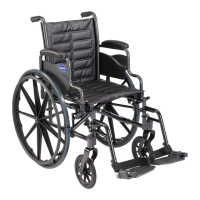
Tracer™ EX2 Wheelchair
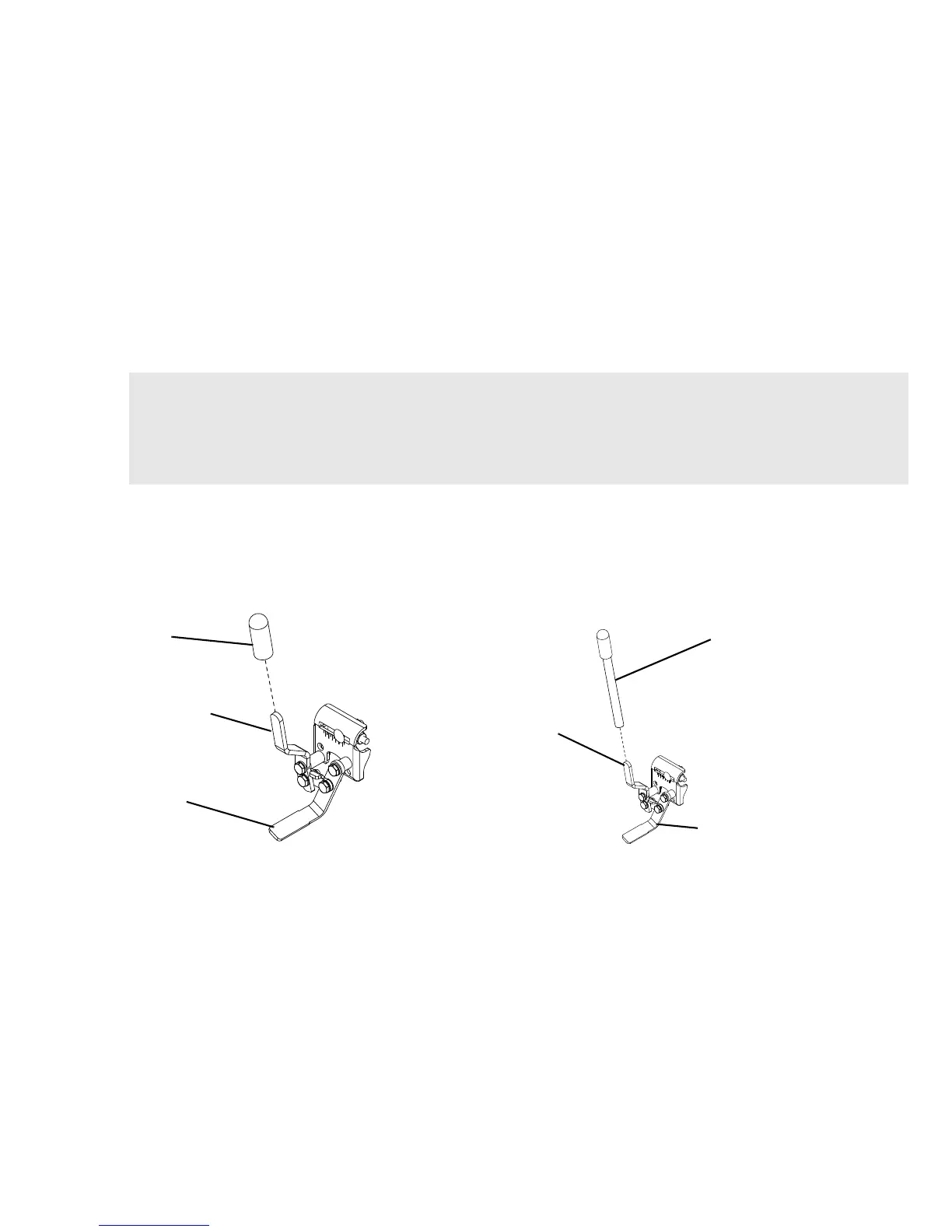
12.4 Installing the Wheel Lock Extension Handle
1. Remove the existing rubber tip from the wheel lock handle (Detail “A”).
2. Install the extension handle over the wheel lock handle (Detail “B”).
FIGURE4 Installing the Wheel Lock Extension Handle
WARNING
If the wheelchair is equipped with push to lock wheel locks, elevating legrests, and wheel lock extension handles, the wheel
lock extension handles MUST be removed before swinging the elevating legrests to the side, otherwise injury or damage
may result. Interference between the top of the elevating legrest and the wheel lock extension handle causes the wheel lock
to disengage.
For this procedure, refer to FIGURE4





 To Next Page