7 SEAT AND BACK
Part No 1110546 45 Invacare
®
Tracer™ EX2 Wheelchair
Fixed Frame
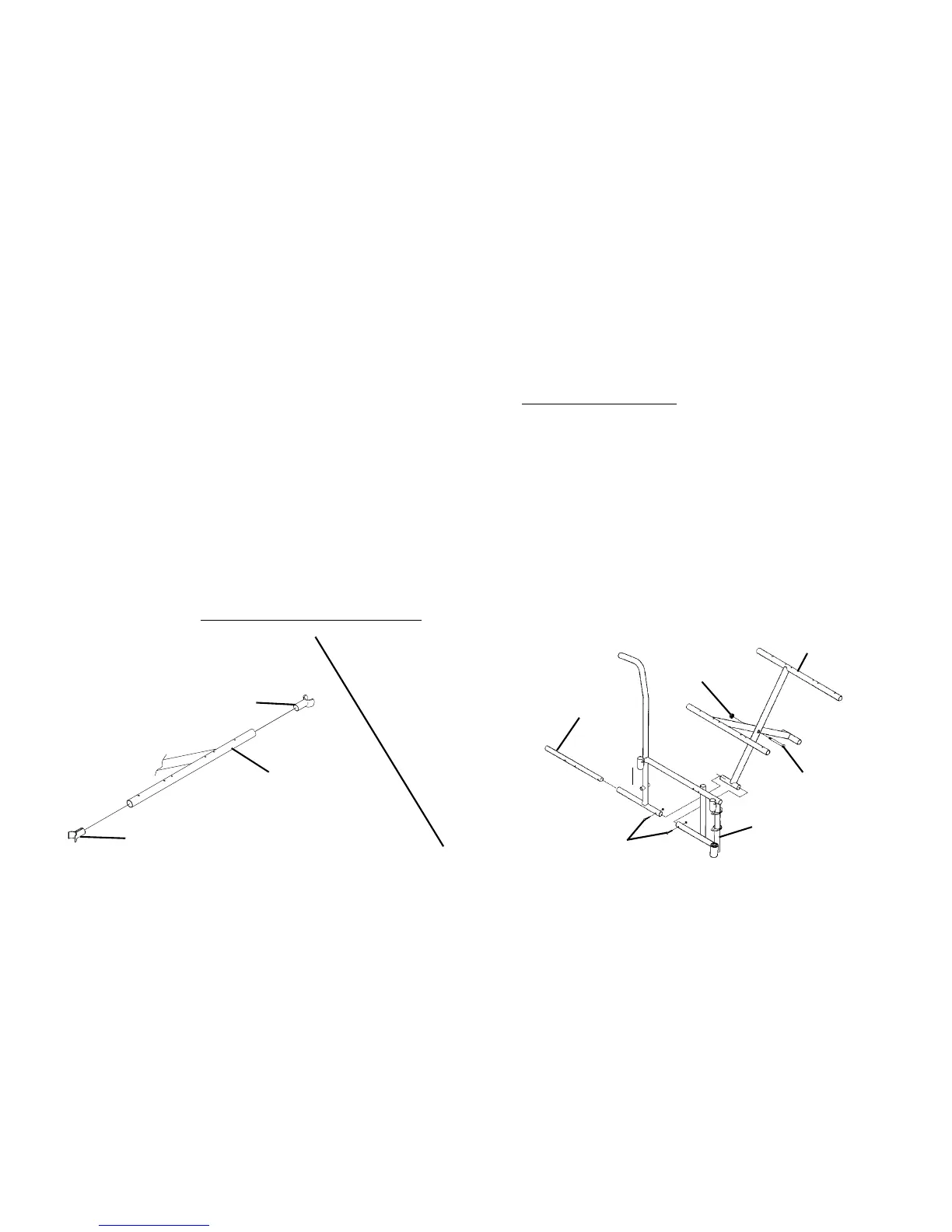
Removing Lower Mounting Hardware
1. Remove the existing back and seat upholstery from the wheelchair. Refer to Replacing Back Upholstery
on page 41.
2. Remove the four screws and locknuts that secure the insert tube to the lower wheelchair frame.
3. Remove the inserts from the rear of the wheelchair.
4. Remove the hex screw and locknut that secure the two existing crossbraces together.
Removing Upper Mounting Hardware
1. While pushing down on the rear seat guide, pull up the front seat guide until the front seat guide releases from the wheelchair frame.
2. Pull the crossbrace away from the rear seat guide.
3. Repeat STEPS 1-2 for opposite crossbrace.
4. Reverse STEPS 1-3 to assemble the upper mounting hardware.
5. Reverse STEPS 1-4 in Removing Lower Mounting Hardware.
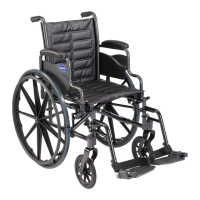
FIGURE6 Adjusting the Seat Width - Fixed Frame
If adjusting the seat width of the wheelchair, back and seat upholstery as well as the crossbraces MUST be replaced.





 To Next Page