EasyManua.ls Logo

INVISIBLE FENCE Boundary Plus R23 - User Manual

INVISIBLE FENCE Boundary Plus R23
10 pages
Print Icon
To Next Page IconTo Next Page
Loading...
Boundary Plus
®
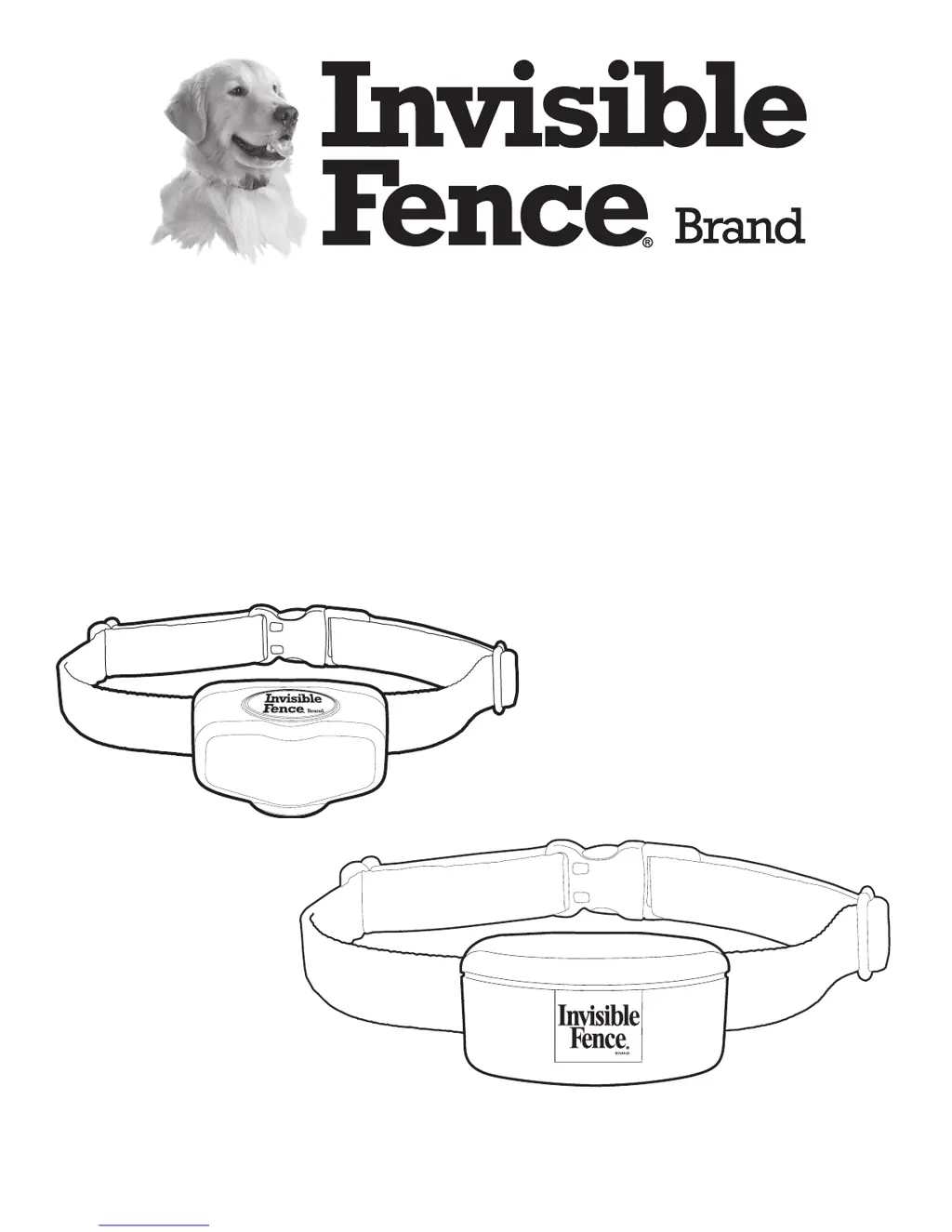
R23 & MicroLite
®
Plus
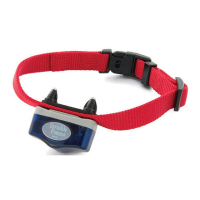
Computer Collar
®
Units
Owner’s Manual
www.InvisibleFence.com

Questions and Answers

  • R
    Ricky SweeneyAug 1, 2025
    Why is my INVISIBLE FENCE Pet Care Product not keeping my pet in the yard?
    • E
      Edgar GarzaAug 1, 2025
      There are several reasons why your pet might be escaping the yard despite the INVISIBLE FENCE Pet Care Product: * The Power Cap® Battery in the Computer Collar® Unit may be dead or weak. If this is the case, replace the Power Cap® Battery. * The Computer Collar® Unit might not be fitted properly. Ensure it fits correctly. * There might be a break in the signal field wire. If you suspect this, contact your Invisible Fence® Brand Dealer. * The transmitter may not be receiving power. Check that the transmitter power supply is plugged in. * Your pet may need additional training. Contact your Invisible Fence® Brand Dealer for additional pet training.
  • K
    Kelly RobertsonAug 16, 2025
    What to do if my INVISIBLE FENCE Pet Care Product collar is not responding?
    • J
      jennifer06Aug 16, 2025
      If the Computer Collar® Unit isn't responding to the signal field wire, here's what you should check: * First, verify the Power Cap® Battery in the Computer Collar® Unit. If it's dead or weak, replace it. * Second, the signal field wire might have a break. Contact your Invisible Fence® Brand Dealer to check the signal field and fix any breaks. * Third, ensure that the transmitter is receiving power by checking if the power supply is plugged in.

Summary

Important Precautions

Safety Warnings and Pet Comfort

Covers critical safety warnings for batteries, lightning, and pet containment, plus tips for pet comfort and collar fit.

System Overview and Operation

Components

Overview of the Boundary Plus R23 and MicroLite Plus Computer Collar Units and their Power Cap Battery.

How the System Works

Explanation of the Invisible Fence® system's operation, including boundary signals and corrections.

System Operating Conditions

Key conditions required for the Invisible Fence® system to function correctly.

Operating Guide

Fitting the Computer Collar Unit

Instructions on how to properly fit the Computer Collar® Unit on your pet for optimal function and comfort.

Computer Collar Unit Battery Status

Explanation of how the Computer Collar® Unit indicates the status of the Power Cap® Battery.

Start-Up and Battery Replacement

Indicator Status

Chart detailing LED indicator colors and flashes for battery status and system operation.

Battery Replacement - Boundary Plus R23

Instructions for replacing the Power Cap® Battery in the Boundary Plus® R23 Computer Collar® Unit.

Battery Replacement - MicroLite Plus

Instructions for replacing the Power Cap® Battery in the MicroLite® Plus Computer Collar® Unit.

Maintenance and Troubleshooting

Periodic Maintenance Checks

Guidelines for regular system checks, including the monthly signal field test.

Troubleshooting Common Issues

Solutions for common problems like pet escaping, hesitation, or collar non-response.

Battery Disposal and Compliance

US and Canada Compliance

FCC and Industry Canada compliance statements for the device, including operating conditions and interference limits.

Australia Compliance

Statement of compliance with Australian EMC requirements specified by the ACMA.

European Union Compliance

INVISIBLE FENCE Boundary Plus R23 Specifications

General IconGeneral
Number of PetsUnlimited with additional collars
Waterproof CollarYes
Correction TypeStatic
Adjustable Correction LevelsYes
Battery BackupYes
Collar Battery LifeUp to 3 months
Product TypeIn-Ground Pet Fence
Wireless RangeNot applicable (wired system)

Related product manuals