EasyManua.ls Logo

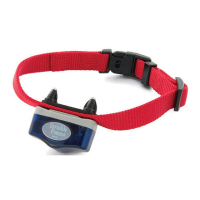
INVISIBLE FENCE MicroLite Plus Computer Collar - User Manual

INVISIBLE FENCE MicroLite Plus Computer Collar
10 pages
Print Icon
To Next Page IconTo Next Page
Loading...
Boundary Plus
®
R23 & MicroLite
®
Plus
Computer Collar
®
Units
Owner’s Manual
www.InvisibleFence.com

Other manuals for INVISIBLE FENCE MicroLite Plus Computer Collar

Questions and Answers

Summary

Important Precautions

Safety Alert Definitions

Defines the meaning of system alert symbols like WARNING, CAUTION, and NOTICE for user safety.

Battery and Storm Hazards

Details risks associated with battery handling, exposure, and electrical storm proximity to the system.

Collar Fit and Pet Comfort

Guidance on proper collar fitting and daily checks to prevent skin irritation and ensure pet comfort.

Preventing Unintended Corrections

System Testing and Operation

Instructions on testing the system, using correct power sources, and avoiding unintended corrections during use.

Maintenance and Service Guidelines

Advice on periodic maintenance checks, system adjustments, and referring service to authorized dealers.

Components

System Components Overview

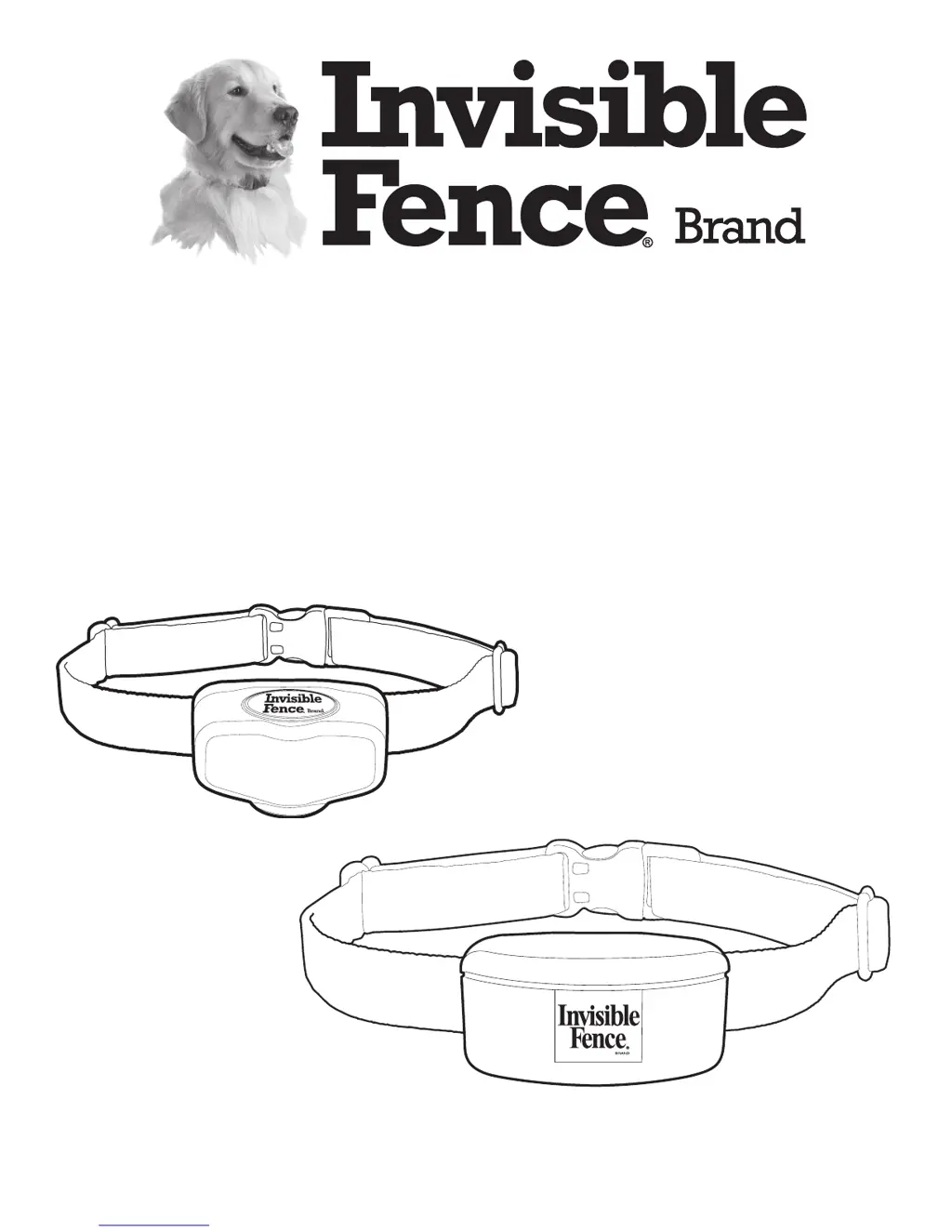
Illustrates and lists the main parts of the Invisible Fence system, including collar units, battery, and owner's manual.

How the System Works

Boundary Signal and Correction

Explains how the transmitter creates a boundary signal that triggers a tone and correction on the collar unit.

System Operational Requirements

Lists conditions necessary for the pet containment system to function correctly, including power and wire integrity.

Operating Guide

Collar Unit Fitting Instructions

Step-by-step guide on how to properly fit the Computer Collar® Unit on a pet for optimal performance and comfort.

Collar Wear and Maintenance

Recommendations for wearing the collar, including nightly removal and checking tightness to prevent irritation.

Power Cap Battery Status Indicator

Explains how the LED status indicator on the collar unit reflects the Power Cap® Battery status.

At Start-Up

Battery Status Indicator Guide

Chart detailing LED indicator colors and flashes for battery strength status (good, weakening, dead).

Changing the Power Cap Battery

Detailed instructions for replacing the Power Cap® Battery in both Boundary Plus® and MicroLite® Plus collar units.

Periodic Maintenance Checks

Maintenance Schedule

Specifies how often to check collar units and signal fields for optimal system performance and pet safety.

Monthly Signal Field Test

Procedure to test the signal field wire's integrity and range using the Computer Collar® Unit.

Troubleshooting

Pet Escapes or Behavior Issues

Addresses common issues like pets getting out or not responding, with possible causes and recommended actions.

Battery Disposal

Battery Collection and Disposal

Guidance on proper battery collection, disposal regulations, and specific handling for perchlorate batteries.

Compliance

FCC and Industry Canada Compliance

States compliance with FCC and Industry Canada rules for digital devices and radio frequency emissions.

Australian EMC Requirements

Confirms adherence to applicable EMC requirements specified by the Australian Communications and Media Authority.

European Union

EU Low Voltage and R&TTE Directives

Declaration of conformity with EU directives concerning low voltage, R&TTE, and product compliance.

INVISIBLE FENCE MicroLite Plus Computer Collar Specifications

General IconGeneral
BrandINVISIBLE FENCE
ModelMicroLite Plus Computer Collar
CategoryPet Care Product
LanguageEnglish

Related product manuals