EasyManua.ls Logo

INVISIBLE FENCE Doorman - User Manual

INVISIBLE FENCE Doorman
13 pages
Print Icon
To Next Page IconTo Next Page
Loading...
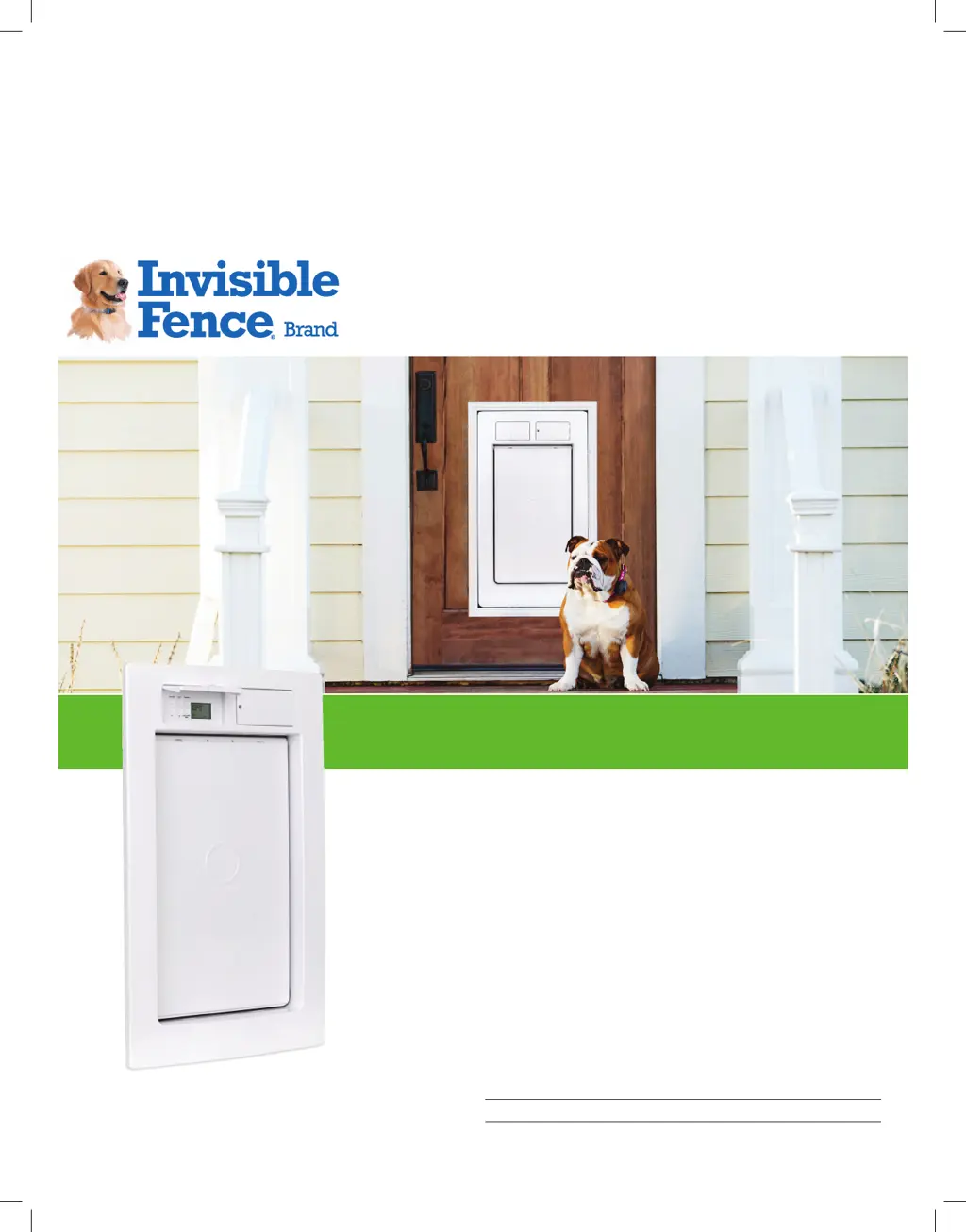
Doorman™ Electronic Pet Door
My Invisible Fence® Brand Dealer:
Name:
Phone:
InvisibleFence.com | 800-578-3647
Owners Manual and Operating Guide

Other manuals for INVISIBLE FENCE Doorman

Questions and Answers

Summary

Important Precautions

How the Doorman Pet Door Works

Features & Controls

Input Controls

Describes the six push buttons for operating and configuring the pet door.

LCD Display

Explains the liquid crystal display segments and their meaning.

SmartLink II

Describes the radio frequency signal technology used for pet recognition.

Schedule

Explains how to set timed intervals for door operation.

Range Settings

Defines the adjustable distance for collar signal detection.

Operating Modes

Details the Auto, Locked, and Unlocked operating modes of the pet door.

Disable Keypad Function

Allows users to lock the control panel to prevent accidental changes.

Low Battery Indication

Explains how the system alerts users to low battery levels.

Set-Up

Programming the Pet Door

Guides users through setting the clock, range, and modes.

Disable and Enable Push Buttons

Instructions for locking and unlocking the control panel buttons.

Troubleshooting - System Issues

Terms of Use and Limitation of Liability

Terms of Use

Outlines the conditions and accepted practices for using the product.

Important Recycling Advice

Compliance

INVISIBLE FENCE Doorman Specifications

General IconGeneral
Product TypePet Door
MaterialPlastic
Power SourceBattery
Collar ActivatedYes
Weather ResistanceYes
InstallationProfessional installation recommended
CompatibilityInvisible Fence Brand Collars
WeightVaries by size
Pet SizeSmall and Large options available
Battery Life6 months
TypeAutomatic

Related product manuals