EasyManua.ls Logo

INVISIBLE FENCE Indoor Micro Shields - User Manual

INVISIBLE FENCE Indoor Micro Shields
12 pages
Print Icon
To Next Page IconTo Next Page
Loading...
Shields
®
Avoidance Solutions
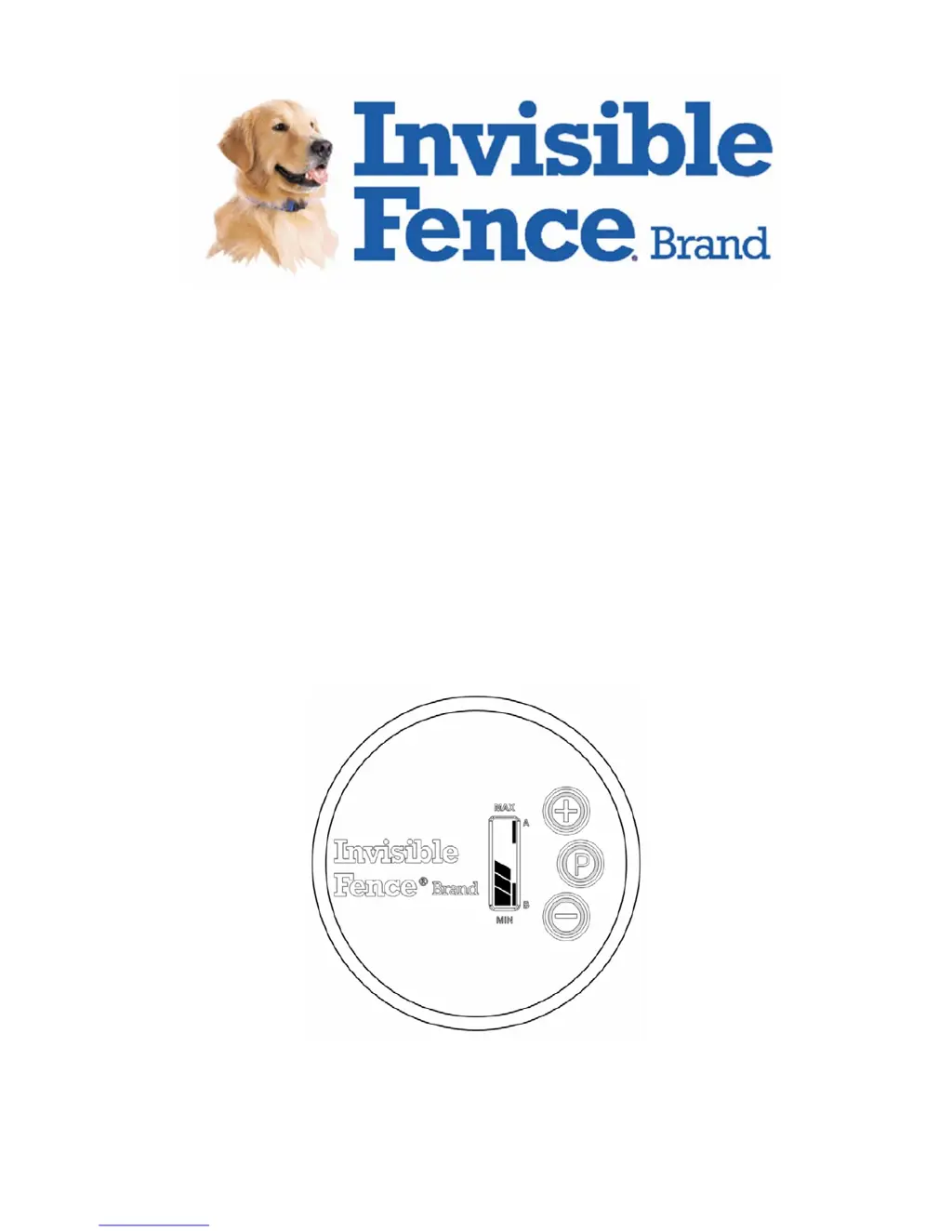
Indoor Micro Shields
®
Owner’s Manual
Please read this entire guide before operating.
www.invisiblefence.com

Other manuals for INVISIBLE FENCE Indoor Micro Shields

Questions and Answers

  • J
    Jason TaylorAug 2, 2025
    What to do if INVISIBLE FENCE Pet Care Product Indoor Micro Shields® does not appear to work?
    • D
      David HullAug 3, 2025
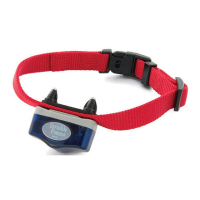
      If the Indoor Micro Shields® is not working, try these steps: * Check the battery of the Indoor Micro Shields® (look for an audible chirp every 30 seconds and a flashing LCD). If the battery is low, use the AC adapter to charge it for 2 hours. * Check or replace the Power Cap® Battery in the Computer Collar® unit. * Make sure the Indoor Micro Shields® transmitter has power, using the AC adapter to verify its operation. * If using the AC adapter, check all connections. * Ensure the Computer Collar® unit fits properly, with the posts making direct skin contact. * Verify that the Computer Collar® unit is programmed to the same Indoor Micro Shields® transmitter.
  • M
    mitchellandrewAug 9, 2025
    What to do if the INVISIBLE FENCE Pet Care Product range is too low or too high?
    • G
      Gary BoyerAug 9, 2025
      If the range of your Indoor Micro Shields® transmitter is not adequate, you can take the following steps: * Check the battery. A low battery (indicated by an audible chirp every 30 seconds and a flashing LCD) can affect the range. If the battery is low, plug in the AC adapter and charge for 2 hours. * Adjust the Indoor Micro Shields® transmitter to increase or decrease the signal field range. * Consider moving the Indoor Micro Shields® transmitter. Metal objects can distort the transmitter’s range.
  • M
    megan52Aug 15, 2025
    What to do if my pet seems to receive no correction from INVISIBLE FENCE Pet Care Product?
    • L
      Leslie MejiaAug 15, 2025
      If your pet is not receiving corrections, consider the following: * Check or replace the Power Cap® Battery in the Computer Collar® unit. * Check the signal field range on the Indoor Micro Shields® transmitter. * Ensure post covers are removed from the Computer Collar® unit after training.
  • Y
    Yvonne BarnesAug 20, 2025
    Why is the LCD on my INVISIBLE FENCE Indoor Micro Shields black?
    • J
      jyoderAug 20, 2025
      Operating the Micro Shields® transmitter in direct sunlight may cause the LCD to overheat and turn completely black. The LCD will return to normal when the temperature drops below 150°F/65°C. Operating the transmitter when the LCD is black will not damage the device.
  • W
    Wayne LongAug 27, 2025
    What to do if Computer Collar® Unit fails to sound warning beep for INVISIBLE FENCE Indoor Micro Shields?
    • B
      beckpamelaAug 27, 2025
      If the Computer Collar® Unit isn't beeping, try these steps: * Check or replace the Power Cap® Battery in the Computer Collar® unit. * Ensure the Computer Collar® unit is set to the same Indoor Micro Shields® transmitter CHANNEL setting.

Summary

Important Precautions

Explanation of Attention Words and Symbols

Product Components

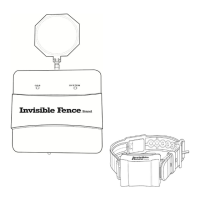
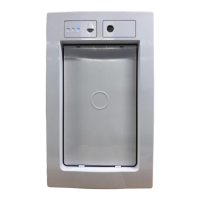
Indoor Micro Shields Transmitter

Details the main transmitter unit that generates the signal field.

AC Adapter

Describes the adapter used for charging and powering the transmitter.

Operating Guide

Charging the Transmitter

Instructions for charging the transmitter's battery pack before first use.

Adjusting Signal Field Range

Guide on setting the desired radius of the protective signal field.

Verifying Signal Field Range

Procedure to confirm the signal field is correctly set and detectable.

Changing Transmitter Channel Setting

Steps to select between Channel A, B, or A+B on the transmitter.

Multi-Area Shielding

Explanation of how to use channels for different pets or areas.

Programming the Computer Collar

Procedure to pair and program the Computer Collar unit to the transmitter.

Training Guide

Training for Existing Invisible Fence Users

Guidance for pets already familiar with the Invisible Fence system.

Training for New Invisible Fence Users

Steps for introducing pets to the system for the first time.

Troubleshooting

Battery Disposal

Perchlorate Battery Information

Important Recycling Advice

Compliance Information

US and Canada Compliance

Details FCC and Industry Canada compliance for the device.

Australia Compliance

States compliance with ACMA EMC requirements for Australia.

European Union Compliance

Covers EU Electromagnetic Compatibility and R&TTE directives.

INVISIBLE FENCE Indoor Micro Shields Specifications

General IconGeneral
Pet SizeAll Sizes
Power SourceBattery
Battery TypeCR2032
FeaturesAdjustable range, Portable, Wireless
CompatibilityInvisible Fence Brand Collars
UsageIndoor Use Only
PurposePrevent pets from entering designated areas

Related product manuals