EasyManua.ls Logo

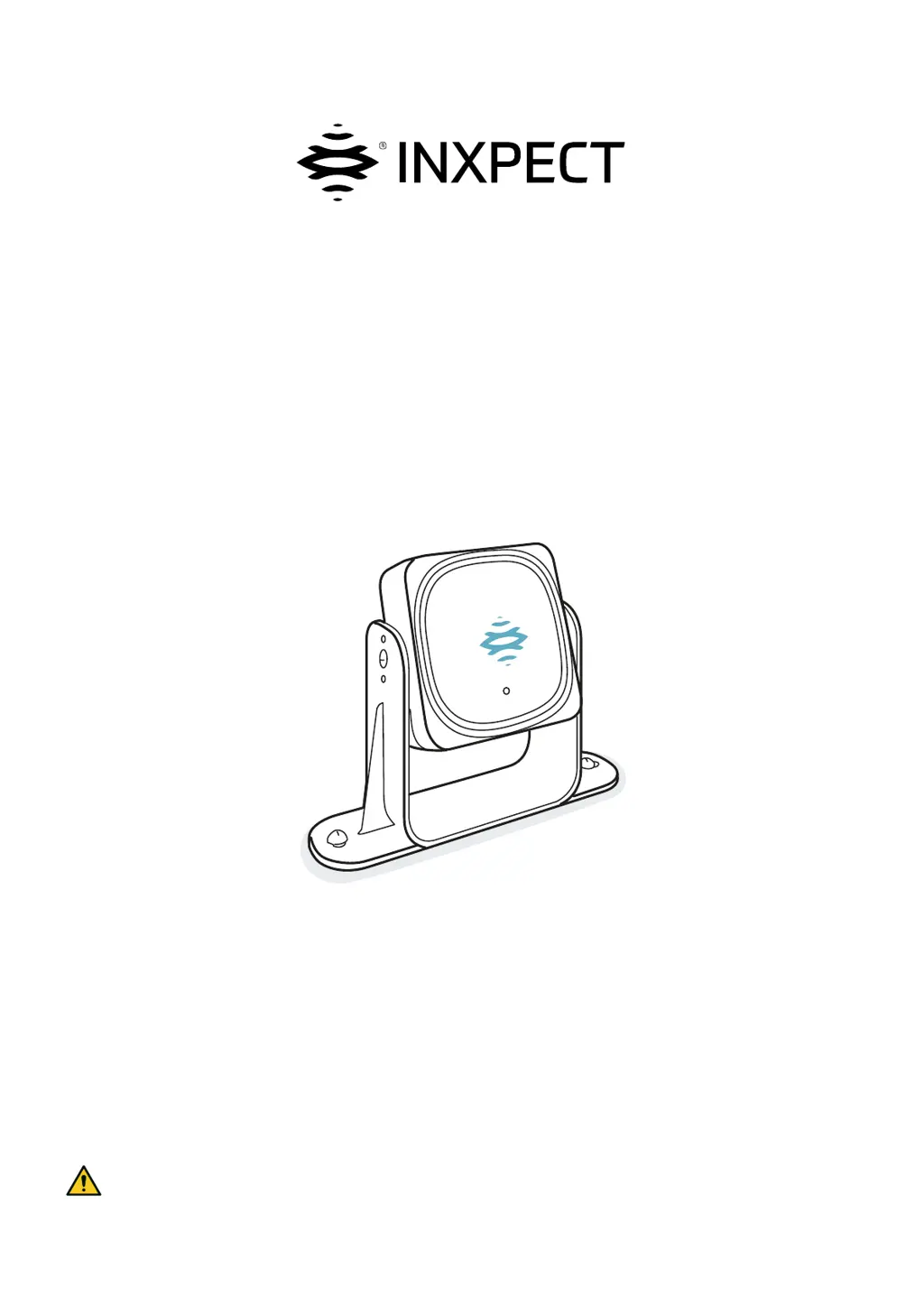
Inxpect LBK-S01 - User Manual

Default Icon
108 pages
Print Icon
To Next Page IconTo Next Page
Loading...
Original instructions
LBK System Series
Instruction manual
v1.2 - EN
SRE - Safety Radar Equipment
WARNING! Anyone who uses this system must read the instruction manual to ensure safety. Read
and adhere to the "Safety information" chapter in its entirety before using the system for the first
time.

Table of Contents

Other manuals for Inxpect LBK-S01

Questions and Answers

  • A
    Adam PeckJul 26, 2025
    What to do if there are objects obstructing the field of view of Inxpect LBK-S01 Safety Equipment?
    • V
      Valerie VasquezJul 26, 2025
      If objects are obstructing the view of your Inxpect Safety Equipment, the suggested solution is to remove the object if possible. If removing the object is not an option, implement additional safety measures in the area where the object is present.
  • A
    Alexander WattsAug 2, 2025
    What to do if Inxpect Security Sensors are not activated as expected?
    • N
      Natalie MillerAug 2, 2025
      If the Inxpect Security Sensors are not activated as expected, consider these potential causes and solutions: 1. **Obstructions:** Remove any objects blocking the sensor's field of vision. If removal isn't possible, implement additional safety measures in the impacted area. 2. **Sensor Positioning:** Ensure the sensors are positioned so the monitored area adequately covers the dangerous area. 3. **Inclination and Height:** Adjust the inclination and height of the sensors to ensure adequate monitoring of the dangerous area. Record or update the sensor's inclination and height in the configuration report. 4. **Restart Delay:** Modify the restart delay using the Inxpect Safety application (Settings > Sensors).
  • G
    Gabriela PruittAug 10, 2025
    Why Inxpect Security Sensors are not activated as expected?
    • E
      Emma SavageAug 10, 2025
      If Inxpect Security Sensors are not activated as expected, it could be due to several reasons: * Objects obstructing the sensor's field of vision. If this is the case, remove the object or add safety measures. * Incorrect sensor positioning. Reposition the sensors to properly monitor the dangerous area. * Improper sensor inclination or height. Adjust the sensor's inclination and height, and update the configuration report. * Inadequate restart delay. Adjust the restart delay via the Inxpect Safety application (Settings > Sensors).
  • B
    Brenda BrownAug 17, 2025
    How to troubleshoot Inxpect Security Sensors that are not activated as expected?
    • C
      Cassie Howard MDAug 18, 2025
      To troubleshoot Inxpect Security Sensors that are not activating as expected, check the following: * **Obstructions:** Ensure there are no objects blocking the sensor's view. Remove any obstructions or implement additional safety measures. * **Sensor Position:** Verify that the sensors are positioned correctly to adequately monitor the dangerous area. * **Inclination and Height:** Check and adjust the inclination and height of the sensors to ensure they are appropriately set. Update the configuration report with any changes. * **Restart Delay:** Review and adjust the restart delay settings in the Inxpect Safety application (Settings > Sensors).

Summary

Safety

Safety Information

Details on safety messages, symbols, personnel skills, assessment, intended use, and general warnings.

Functioning Principles

Safety Modes, Functions, and Categories

Details system safety categories, working modes (Access Detection, Restart Prevention), and related functions.

Sensor Position

Dangerous Area Calculation and Positioning

Provides formulas and methods for calculating dangerous area depth and sensor positioning for different heights.

Installation and Use Procedures

Installing and Configuring LBK System Series

Covers control unit installation, sensor connection, node ID assignment, and configuration steps.

Validating Safety Functions

Guides users through the process of validating access detection and restart prevention functions using the application.

Maintenance and Troubleshooting

Troubleshooting and Error Diagnostics

Guides on diagnosing issues using LEDs, error events (control unit, sensor, CAN bus), and other problems.

Technical References

Connections and Pin-Outs

Details pin-outs for connectors/terminals and illustrates electrical connection diagrams for various functions.

Inxpect LBK-S01 Specifications

General IconGeneral
BrandInxpect
ModelLBK-S01
CategorySafety Equipment
LanguageEnglish

Related product manuals