24
Function Description
F (Full) User has full access on the
specicport
V (View) User can only view the
port with no access for the
specicport
(Blank) User cannot view nor access
forthespecicport
Set Accessible Ports
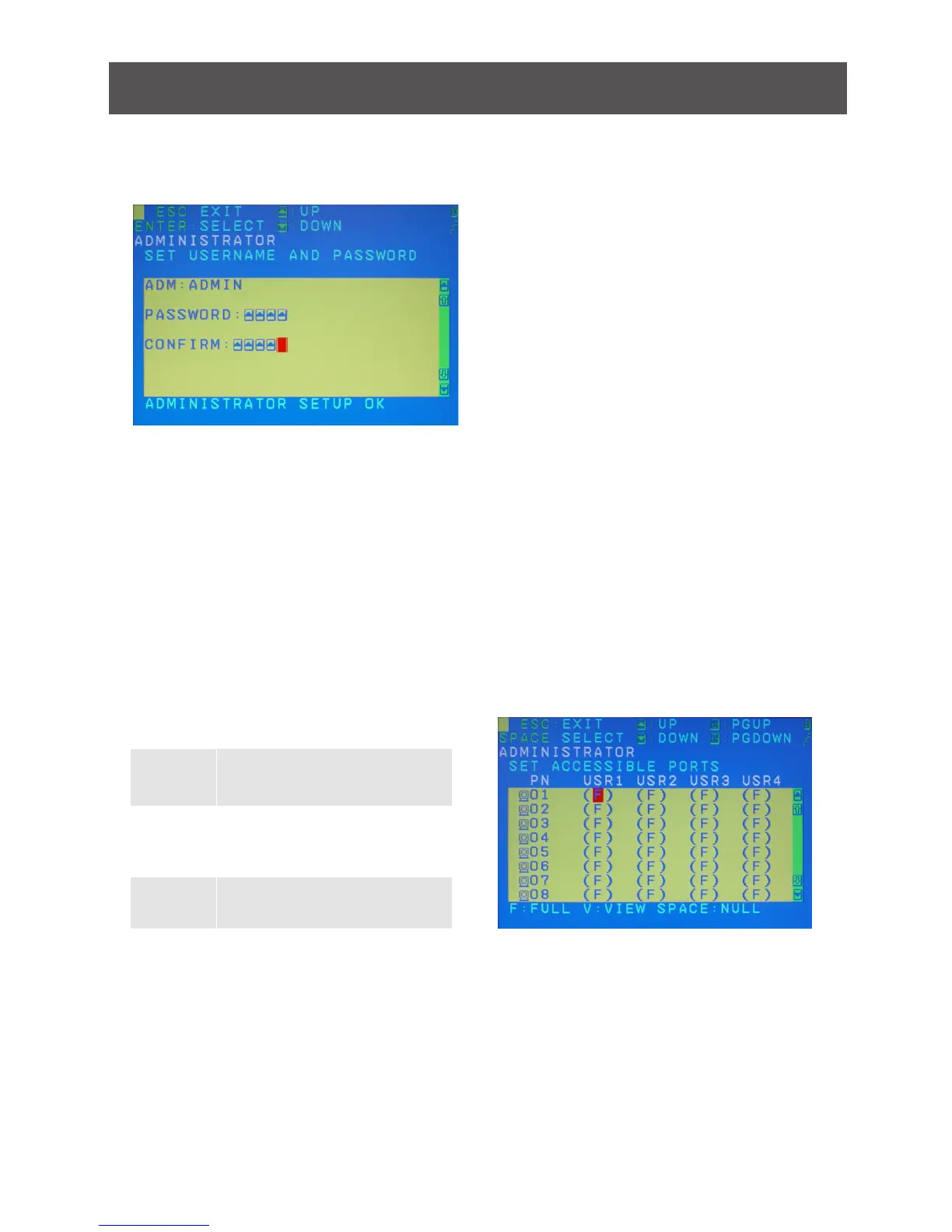
This function allows the administrator to setup the access on each port for each user. Use
[Spacebar] to cycle through all the entries and press [Enter] to complete the setup. Then,
press [Esc] to exit from the function.
Once the user name and password are set correctly, you will see the message in the bottom
of the screen indicating the setup is OK. Then simply press [Esc] to exit from the function.



 To Next Page