- 27 -
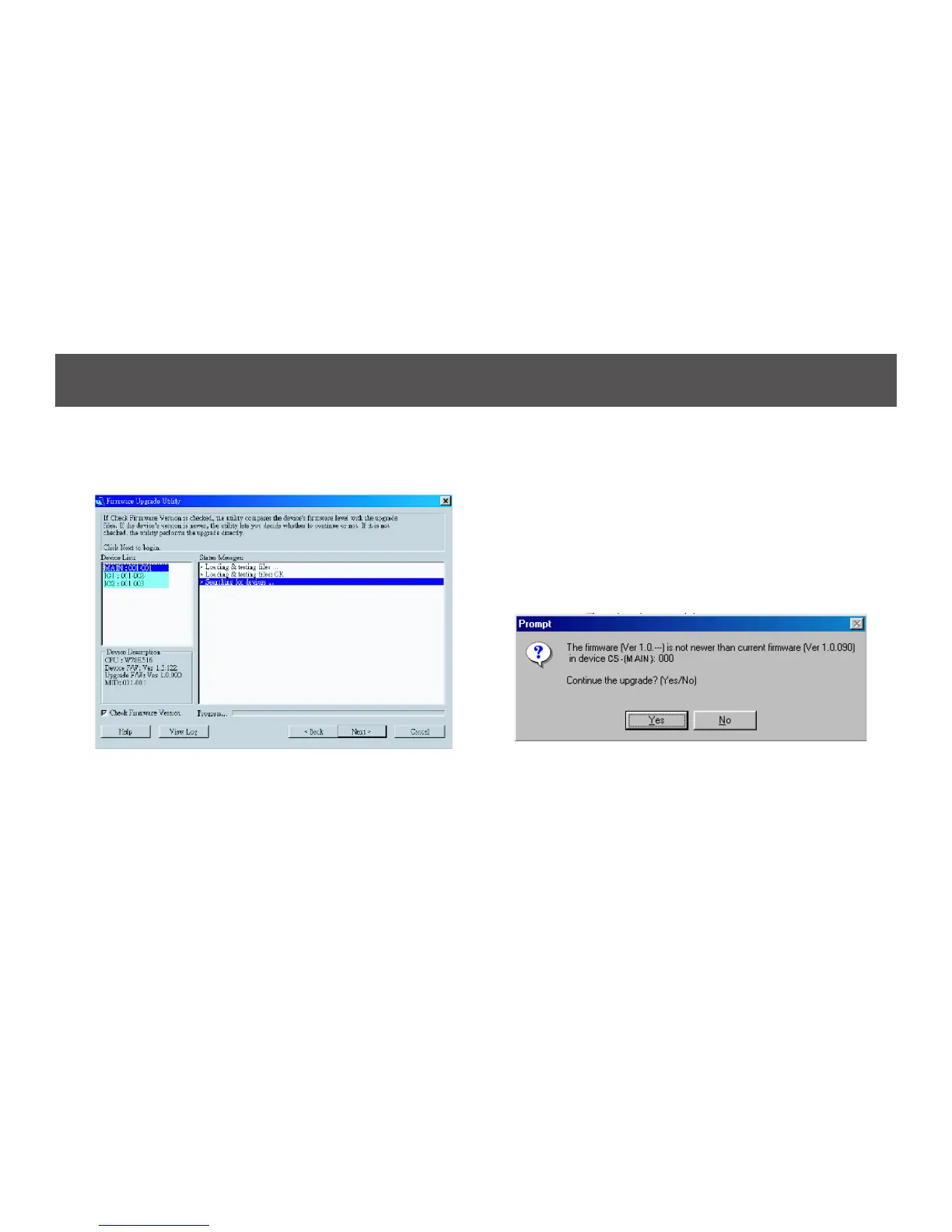
4. As you select a device in the list, its description
appears in the Device Description panel.
5. After you have made your device selection(s), Click Next
to perform the upgrade.
If you enabled Check Firmware Version, the Utility
comparesthedevice’srmwarelevelwiththatofthe
upgradeles.Ifitndsthatthedevice’sversionishigher
than the upgrade version, it brings up a dialog box
informing you of the situation and gives you the option to
continue or cancel.
If you didn’t enable Check Firmware Version, the Utility
installstheupgradeleswithoutcheckingwhethertheyare
higher level, or not.



 To Next Page